

You could be taking way better photos on your phone
Discover how third-party apps, RAW shooting, and a bit of editing can make your smartphone photos rival dedicated cameras.
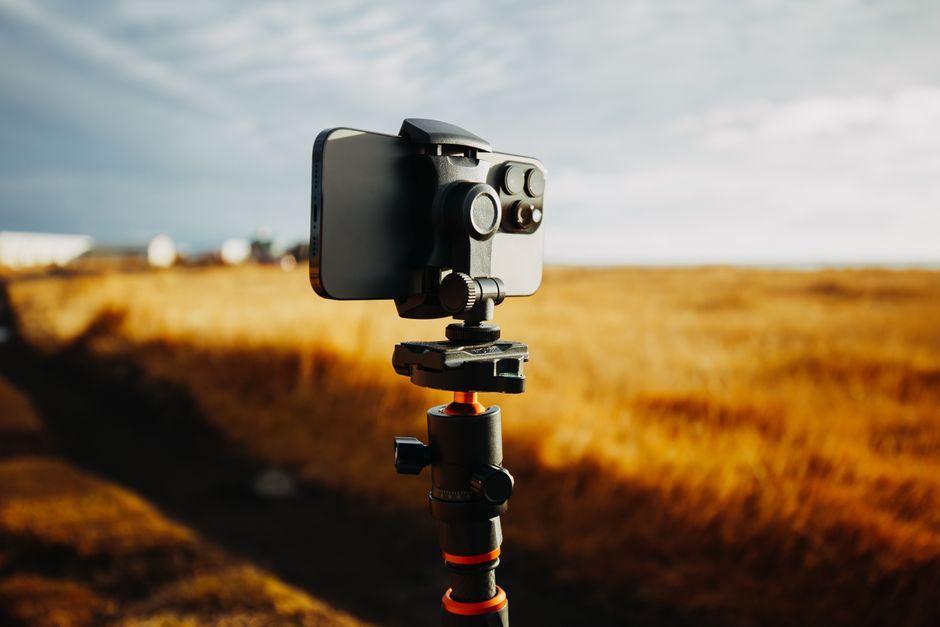
Stock photo for illustration only, not from the actual event
- Modern smartphone camera sensors can legitimately rival point-and-shoot cameras.
- Default camera apps often flatten images to prioritize information transfer over aesthetics.
- Shooting in RAW format gives you total creative control over your final images.
If you have ever wondered why your smartphone snapshots lack the depth and aesthetic appeal you see online, the answer might lie in how you are capturing them. David Imel, a senior reviewer at The Verge, points out that while smartphone camera sensors have grown larger and more capable over the last few years, the straight-out-of-camera quality from default camera apps hasn't really improved, and in some ways has gotten worse aesthetically.
The root of this issue is utility. Smartphone cameras are primarily optimized for information transfer—snapping clear photos of menus, signs, and everyday objects. To achieve this, default apps pull down highlights and lift shadows, resulting in a flat image. Furthermore, manufacturers apply aggressive over-sharpening and noise reduction to compensate for smaller physical sensors, producing the muddy look many users are familiar with.
Understanding this aggressive automation helps explain why default smartphone photos often look underwhelming to photography enthusiasts. Because manufacturers design software for the masses—prioritizing readability over artistic depth—advanced users must look beyond stock camera apps to unlock their hardware's true potential.
Despite these software quirks, modern phone hardware is exceptionally powerful. With the right approach, third-party applications, and a little patience with editing, you can bypass the default processing and capture striking images that compete directly with dedicated digital cameras.
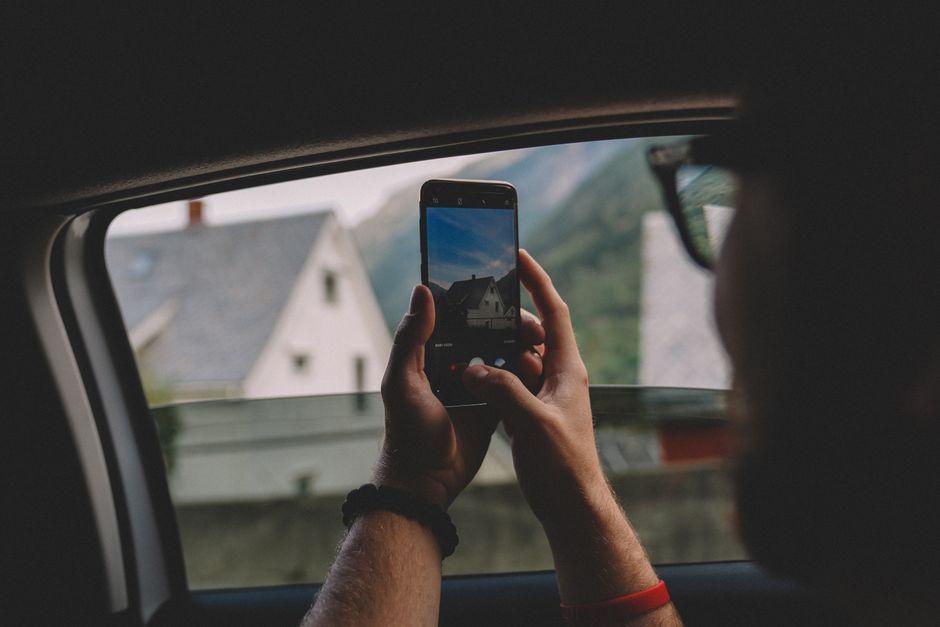
Stock photo for illustration only, not from the actual event
For instant aesthetic improvements without manual editing, apps like Dazzcam and Hujicam do a fantastic job of emulating classic film styles and polaroid borders. Meanwhile, apps such as Moment Pro Camera II and Halide offer "Natural" and "Process Zero" modes that apply significantly lighter processing than standard camera software.
However, if your goal is absolute maximum quality, you need to shoot in RAW or DNG formats. RAW files bundle nearly all the raw data captured by the sensor with minimal processing. While they may not look impressive right away, they spare you from the preset creative decisions forced by default apps, allowing you to edit the image yourself. Recommended apps for RAW capture include Moment Pro Camera II and Halide on iOS, along with VWFNDR and Zerocam on Android.
Source: The Verge
Found something wrong in this article? Report an issue with this article
Comments
Leave a Comment