

Xiaomi Wireless Debugging Fix: Resolving Unstable Connectivity
An in-depth look at why wireless ADB connections drop on Xiaomi devices and how developers can fix them.
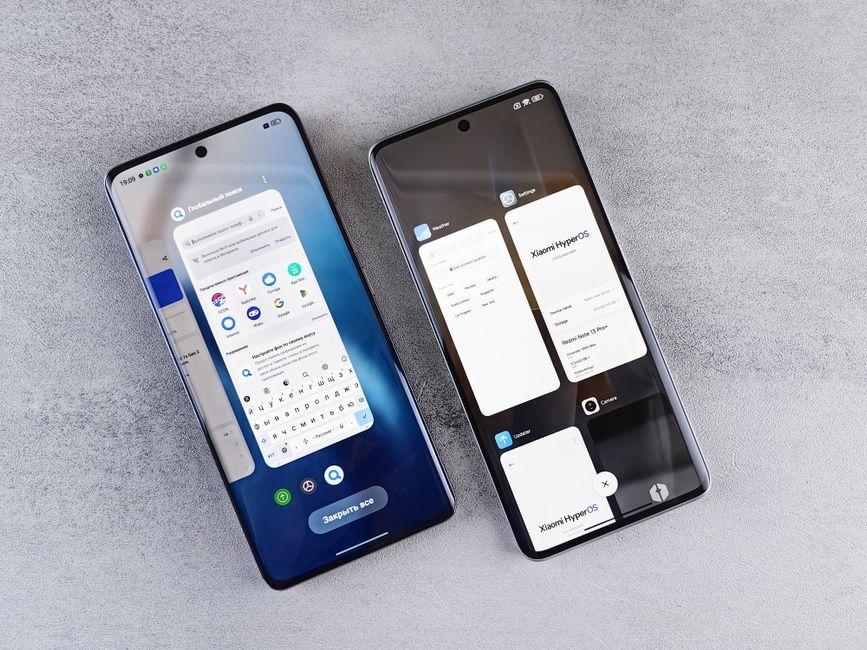
Stock photo for illustration only, not from the actual event
- Wireless debugging on Xiaomi devices frequently suffers from sudden connection drops.
- The root cause stems from MIUI's aggressive background power-saving optimizations.
- Wi-Fi network instability and frequency band switching between 2.4GHz and 5GHz worsen the issue.
- Short-term fixes involve disabling power-saving modes and actively monitoring ADB logs.
Wireless debugging on Android devices utilizes ADB over Wi-Fi, establishing a TCP/IP connection between the phone and the development machine. This method removes the need for physical USB cables, giving developers greater flexibility and convenience. However, its overall reliability depends heavily on a consistent network connection and smooth interaction between device firmware and ADB protocols. Unfortunately, for many Xiaomi users, this convenience often turns into frustration due to persistent connectivity glitches that raise questions about the underlying mechanisms.
The core of the problem lies in how MIUI interacts with the ADB framework. Known for its aggressive power-saving optimizations, MIUI tends to throttle background services—including ADB—to conserve battery life. This throttling directly causes wireless debugging sessions to drop unexpectedly because the operating system prioritizes energy efficiency over uninterrupted development sessions. Additionally, custom firmware modifications from Xiaomi can introduce non-standard ADB implementations, creating protocol version incompatibilities and unstable debugging states following updates.

Stock photo for illustration only, not from the actual event
Understanding the internal mechanisms of MIUI helps developers anticipate and mitigate workflow interruptions. While aggressive power-saving is beneficial for everyday consumers trying to extend battery life, it directly conflicts with developer tools that require persistent background connectivity. Manual adjustments to system settings are often necessary to maintain a reliable development environment on these devices.
Network environments further complicate these connectivity hurdles. Wireless debugging relies heavily on a stable Wi-Fi signal, meaning signal interference, router configurations, or automatic switching between 2.4GHz and 5GHz frequency bands can easily disrupt the ADB link. For instance, weak signals or congested networks trigger packet loss, leading to random disconnections. While network variability affects all devices, the combination of MIUI's strict optimizations and network fluctuations significantly amplifies instability for Xiaomi users.
Analyzing ADB logcat during a typical failure reveals that disconnections align precisely with the device entering deep power-saving modes, which temporarily shut down background processes. This establishes a clear causal chain where power-saving mode activation leads directly to ADB resource throttling and subsequent session termination. In contrast, devices running stock Android or lighter manufacturer skins like Google Pixel maintain much steadier debugging sessions due to less restrictive firmware policies.
Source: Dev.to
Found something wrong in this article? Report an issue with this article
Comments
Leave a Comment