

Fitbit Data Can Finally Sync to Apple Health With Google Health Update
Google Health has finally rolled out an update allowing Fitbit users to sync their fitness data directly to Apple Health without third-party workarounds.

Stock photo for illustration only, not from the actual event
- The Google Health app received an update enabling data sync to Apple Health.
- Fitbit fans have long requested direct integration with Apple's health platform.
- Users can easily set up the connection through the app's settings menu.
- Certain advanced metrics are reportedly missing from the initial data transfer.
Fitbit fitness trackers have long been a favorite choice for users due to their slim profile, subtle design, and affordable price tag. However, the companion app, Google Health, has historically carried its fair share of usability frustrations and limitations.
Fortunately, the situation is finally turning around as the Google Health app has received a much-anticipated update that allows it to transmit data directly to Apple Health, a feature users have requested for years.
While Google Health (formerly known as the Fitbit app) could always pull in fitness, sleep, and wellness metrics from Fitbit trackers, the devices previously lacked any built-in mechanism to sync directly with Apple Health. Anyone wanting two-way data flow had to rely on cumbersome third-party tools or manual workarounds.
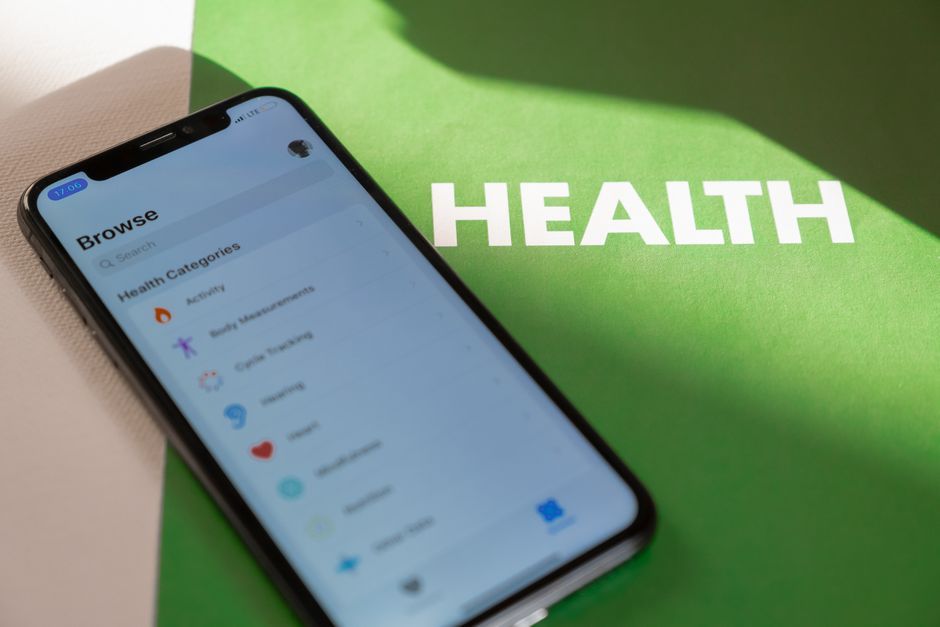
Stock photo for illustration only, not from the actual event
Allowing cross-platform data syncing represents a strategic shift for Google toward a more open health ecosystem. Historically, many iPhone users hesitated to purchase Fitbit hardware because their wellness stats remained siloed away from Apple Health. Bridging this gap significantly reduces friction for consumers navigating the wearable market.
This latest Google Health update finally enables core metrics like step counts, distance, heart rate, and sleep data to flow seamlessly into Apple's ecosystem. As a result, the metrics displayed on your iPhone will accurately reflect the daily activity tracked by your wearable.
To start syncing your Fitbit data to Apple Health, follow these steps:
- Open the Apple App Store, navigate to your updates list, and select Update next to the Google Health app.
- Once the latest version has finished downloading, open the Google Health app.
- Tap Connections located in the top left corner of the screen.
- Select Apps and services, and then add Apple Health.
- If the syncing option does not appear immediately, try closing and refreshing the application.
Regrettably, as of this writing, the update is not entirely flawless. Several users on Reddit have pointed out that certain advanced metrics, such as heart rate variability, are omitted from the transfer process, or at least not supported yet.
Time will tell whether future updates resolve these missing metrics. If lacking HRV statistics is a dealbreaker for your daily routine, consider checking out the iPhone app Bevel, which serves as a capable all-around alternative to the Google Health application.
Source: Lifehacker
Found something wrong in this article? Report an issue with this article
Comments
Leave a Comment