

Debugging Is Also Clicking: Why AI Agents Need to Interact with UI
Real debugging involves clicking buttons, reading dialogs, and checking UI states, prompting developers to push AI towards accessibility trees.
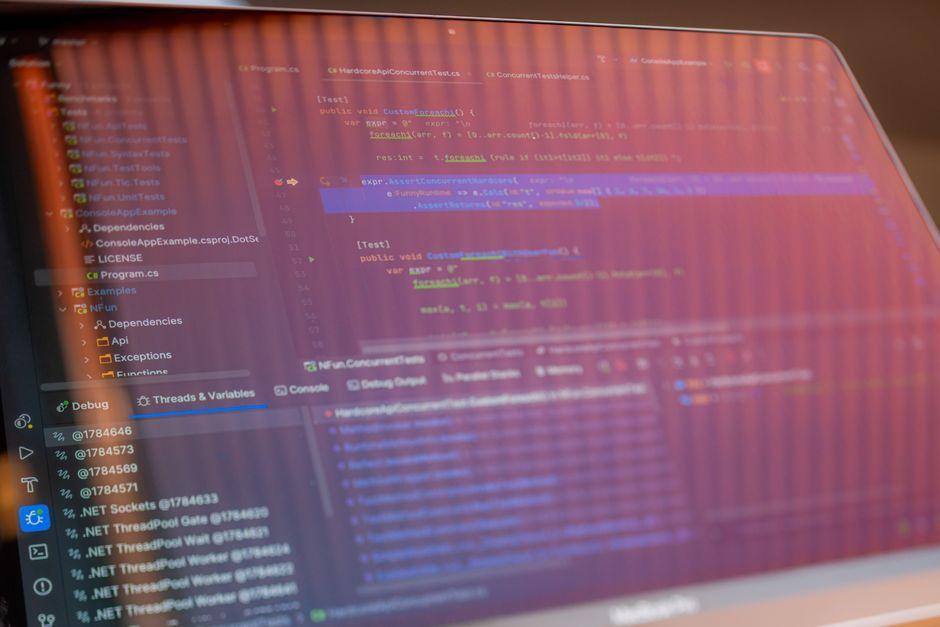
Stock photo for illustration only, not from the actual event
- Full debugging requires interacting with the UI, such as clicking buttons and monitoring states.
- For the web, DOM manipulation and Playwright make UI automation straightforward.
- Building accessibility trees for custom components empowers AI agents to interact reliably.
- Improving accessibility compliance turns out to be the exact prerequisite needed for AI-ready applications.
In previous explorations, agents were allowed to debug via DAP—handling breakpoints, stepping over code, and continuing execution. While that constitutes genuine debugging, it only covers half of the equation. True debugging often requires physical interaction: pressing a button and observing the result, reading a dialog box, or noticing that a toggle switch is grayed out. No backtrace will ever inform a developer that the Save button was never enabled. The critical question is whether an AI agent can handle this second half of the task as well.
Web browsers are inherently automatable by design. Most agent frameworks ship with built-in browsers or drive external ones; pointing Playwright at any web page gives every element a stable, queryable handle. The Document Object Model functions essentially as an accessibility tree wearing a different guise, exposing roles, labels, and structural hierarchies ready for parsing. Consequently, for web applications, this half of the debugging puzzle is largely solved.
Conversely, in environments lacking a DOM, when agents run out of options, they resort to a purely visual approach: capturing a screenshot, having the model analyze it, and sometimes running OCR or preprocessing passes to label on-screen items. Although this method functions and occasionally serves as the sole option, it remains brittle—miss a few pixels and the click completely misses its target—while consuming excessive tokens just to describe images.
This limitation emerged accidentally when developing a tiny utility designed to capture screenshots of a running 4D form and stitch them into an animated GIF for a README file, known as 4d-capture-gif. It was later observed that Claude Code utilized this utility for debugging because the script also reported minor structural details of the form, such as button placements, informing the agent where to click. For rudimentary scenarios, this approach genuinely functions, yet screenshot-plus-coordinate mapping is far from an ideal foundation.
Rather than relying purely on visual inspection, developers can read the UI tree directly. On macOS, the Accessibility API can be scripted using Python through pyobjc, supported by automation libraries. This enables an agent to click element #37—specifically targeting the Save button—instead of blindly guessing coordinates like (412, 260).
Exposing UI elements through native accessibility APIs goes beyond aiding users with disabilities; in the current software landscape, it serves as the foundational bridge that allows AI coding assistants and automation agents to accurately comprehend user interfaces and execute reliable interactions without relying on error-prone visual screen parsing.
Several open-source initiatives are actively pushing boundaries in this exact domain. When engineers build native macOS or iOS applications featuring custom-drawn components without underlying element trees, agents are left with no structural data and must fall back on raw pixels. However, implementing accessibility trees for those custom components achieves two goals simultaneously.
The automation benefit arrives as a complimentary byproduct of proper accessibility implementation. This represents a rare alignment where decades-old, standard software engineering practices happen to produce code that is immediately agent-ready. Apple provides clear guidance for this through frameworks like Cocoa, UIKit, and SwiftUI, including the WWDC26 session titled Refine accessibility for custom controls, which details labels, values, adjustable actions, and custom actions.
Regarding the 4D ecosystem, form windows appear to be rendered as single large views without exposing an underlying accessibility tree, explaining why agents must resort to screenshots, which remains an area for further investigation.
LLM-driven desktop automation continues to evolve rapidly alongside academic interest, suggesting more robust abstractions will emerge. In the meantime, developers building custom UI should implement proper accessibility trees to support assistive technologies while simultaneously enabling AI agents to debug applications effectively.
Source: Dev.to
Found something wrong in this article? Report an issue with this article
Comments
Leave a Comment