

10 Gboard Hacks Every Android User Should Know
Discover 10 hidden features and keyboard shortcuts on Gboard for Android, ranging from clipboard management and text expansion to Emoji Kitchen.

Stock photo for illustration only, not from the actual event
- Access built-in clipboard management and pin important text.
- Set up personal dictionaries for fast text expansion.
- Unlock hidden gestures and dedicated number rows for speed.
Gboard serves as the default keyboard option for a massive number of Android smartphones worldwide. While most users stick to the standard setup, predictive text, and basic swipe typing, a wide array of powerful features remains hidden beneath the surface simplicity, allowing for faster and easier typing without switching apps.
For frequent text copying, Gboard features a capable clipboard manager that is disabled by default. Once enabled through the menu, it stores copied items and automatically deletes them every hour for security. However, users can long-press and pin any entry to keep frequently used text, such as mailing addresses or templates, permanently saved.
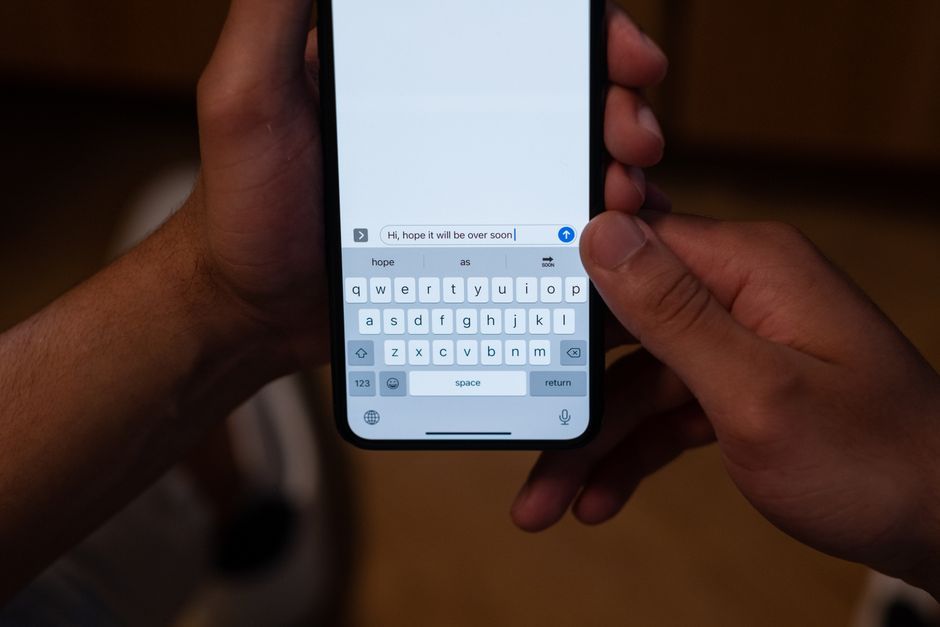
Stock photo for illustration only, not from the actual event
Power users managing work on their smartphones can utilize the Personal Dictionary feature to input long strings of text quickly. By adding custom phrases and associated shortcuts, entering a short code will immediately display the expanded phrase in the suggestion bar.
Mobile user experience relies heavily on efficient input methods to bridge the gap between desktop productivity and smartphone usability. Features like text expansion and precise cursor control transform virtual keyboards into advanced productivity tools, significantly reducing friction during heavy typing tasks on touchscreens.
Additional hidden gestures include swiping left from the backspace key to delete entire words, holding the spacebar to precisely move the cursor, and holding the period key to quickly access a full symbols keyboard without switching views.
Source: Lifehacker
Found something wrong in this article? Report an issue with this article
Comments
Leave a Comment