

Fixing the Two YubiKeys and Repeated PIN Prompt Issue
An in-depth look at how using two YubiKeys causes redundant PIN prompts during git push, and how to fix it using OpenSSH Match exec.
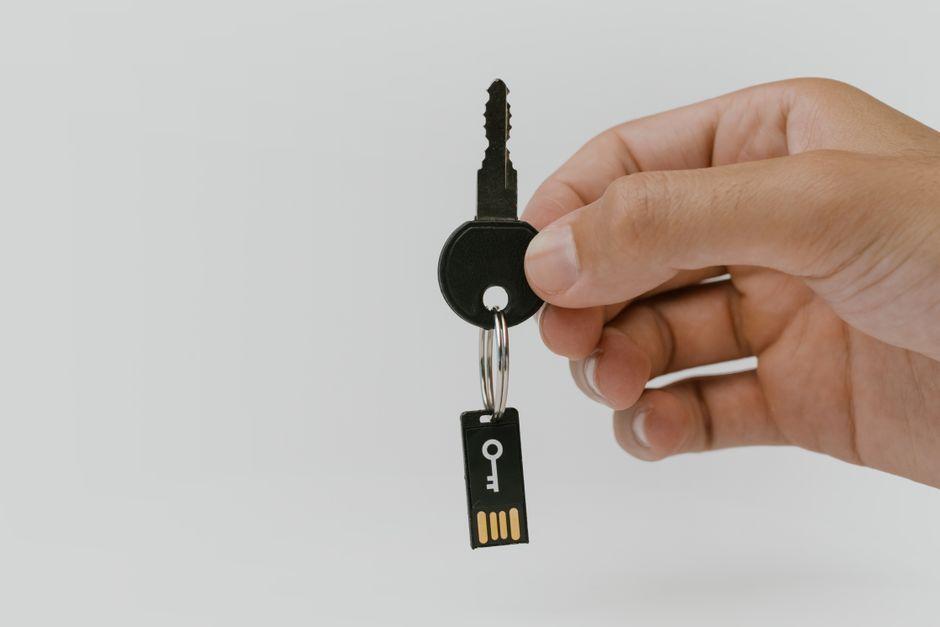
Stock photo for illustration only, not from the actual event
- The author carries two YubiKeys enrolled across all critical services for security redundancy.
- Git push occasionally required typing the PIN twice due to SSH randomly trying keys.
- Configuring IdentitiesOnly yes and Match exec restricts which keys are offered.
- Querying YubiKey serial numbers via ykman can take up to 350 milliseconds per invocation.
Having a hardware token backup is essential to avoid a single point of failure, but one developer encountered a persistent daily annoyance when running git push. Sometimes the command worked with a single PIN entry, while other times it failed and immediately asked for the PIN a second time, despite using the exact same command, repository, and laptop.
The root cause stemmed from two YubiKeys the author owns—one on a keyring and one kept in a drawer. Both are sk-ssh-ed25519 credentials automatically loaded into the gnome-keyring agent without an existing ~/.ssh/config file. Consequently, SSH presents the agent's keys in the order provided, and GitHub accepts the first recognized key every time.
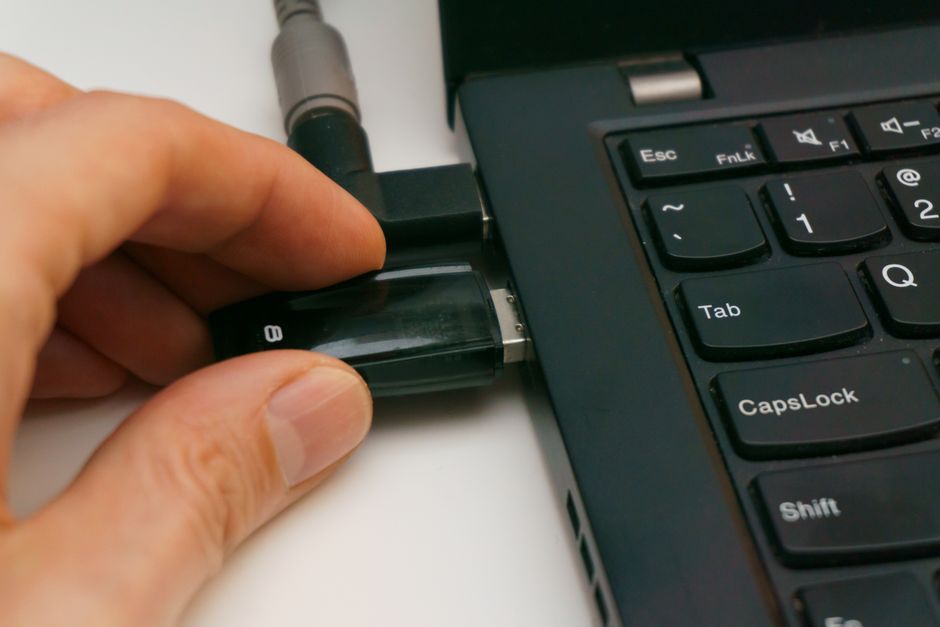
Stock photo for illustration only, not from the actual event
When the keyring key is plugged in, the guess is correct and requires only one prompt. However, if the drawer key is inserted, SSH attempts to sign with an unrecognized credential, triggering a PIN dialog. After the user types the PIN and it fails, SSH falls back to the second key. This friction is amplified because both keys enforce resident key settings requiring user verification.
Using multiple security keys is a great security practice, but SSH's default credential negotiation can introduce friction into daily workflows. Understanding how ssh-agent prioritizes credentials helps developers tailor their SSH configurations for smoother authentication experiences.
The solution involves leveraging OpenSSH's Match exec directive to check the serial number of the actively plugged-in YubiKey:
- Match host github.com,gitlab.com exec "%d/.ssh/yk-plugged 12345678" IdentityFile ~/.ssh/id_ed25519_sk_yk1 IdentitiesOnly yes
- Match host github.com,gitlab.com exec "%d/.ssh/yk-plugged 12345679" IdentityFile ~/.ssh/id_ed25519_sk_yk2 IdentitiesOnly yes
The critical component here is IdentitiesOnly yes, which restricts SSH from offering every key in the agent, limiting it strictly to the matching IdentityFile in scope. However, querying the hardware serial using ykman takes about 350 milliseconds per execution, requiring developers to evaluate the trade-off between configuration automation and execution overhead.
Source: Dev.to
Found something wrong in this article? Report an issue with this article
Comments
Leave a Comment