

How I recorded a 54-second product demo using OBS & FFmpeg
Solo developer Serhii Kalyna breaks down his workflow for producing a 54-second product demo for Convertify using OBS and FFmpeg.
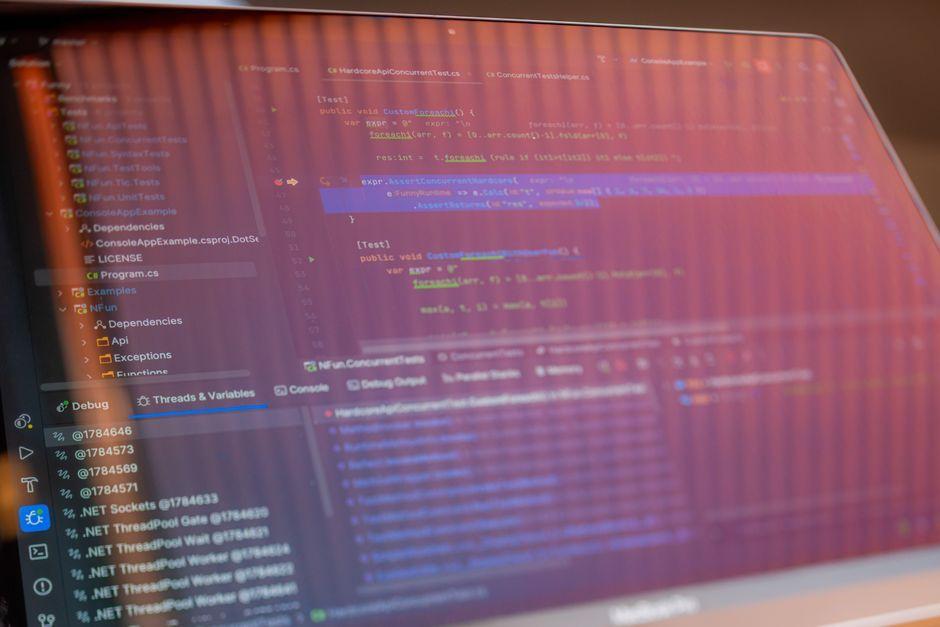
Stock photo for illustration only, not from the actual event
- Recorded screen capture using OBS Studio at 1920x1080, 60fps, and CRF 20 for sharp text quality.
- Used FFmpeg CLI commands to trim and crop the video faster than traditional GUI timeline editors.
- Selected Ash voice profile from openai.fm for the clearest pacing on technical explanations.
- Refined the script from 180 words down to 118 by leading with the user's pain point instead of branding.
Solo developer Serhii Kalyna shared his production pipeline and lessons learned after shipping his first 54-second product demo video for Convertify, his free image converter tool, built entirely with zero team and zero budget.
For the screen capture phase, he utilized OBS Studio set to 1920x1080 resolution at 60 frames per second with a CRF of 20. The 60fps rate was chosen deliberately because product demos rely heavily on smooth scrolling and cursor motion, whereas 30fps makes drag-and-drop file converters look laggy. Meanwhile, CRF 20 was selected over the default 23 to prevent faint mosaic compression artifacts around text on white backgrounds.
Instead of scrubbing through a timeline in Kdenlive or DaVinci Resolve for 20 minutes, he opted for FFmpeg commands like ffmpeg -i raw.mkv -ss 3.2 -to 57.4 ... because he already knew the exact cut points. The crop filter also stripped away the taskbar and top window chrome in a single step without requiring a double re-encode.

Stock photo for illustration only, not from the actual event
When testing AI voiceover options including Alloy, Fable, Nova, and Ash, the Ash voice profile landed with the clearest pacing for technical narration. Alloy sounded too much like a bedtime story, Fable had a British lilt that clashed with his target American tech audience, and Nova was overly energetic. Using openai.fm allowed him to regenerate the voice 6 times across script rewrites in just 20 seconds per attempt at no cost.
"Your iPhone saves photos as HEIC format. Windows does not. Neither do most websites, Slack, or Discord."
Serhii Kalyna
A major turning point came from script iterations. Version 1 stood at 180 words, opening with a dry product description: "Convertify is a free tool that converts HEIC files to JPG." After listening to a test take, he realized it sounded like describing a product rather than solving a problem. Version 4 dropped to 118 words, shifting the opening focus entirely to the user's friction point within the first five seconds.
Leveraging command-line tools like FFmpeg for video processing offers a massive efficiency boost for solo creators who know their exact cuts, bypassing the overhead of traditional GUI editors. Combined with rapid AI voice generation, developers can iterate on pacing and scripts fluidly without incurring costly professional voiceover fees.
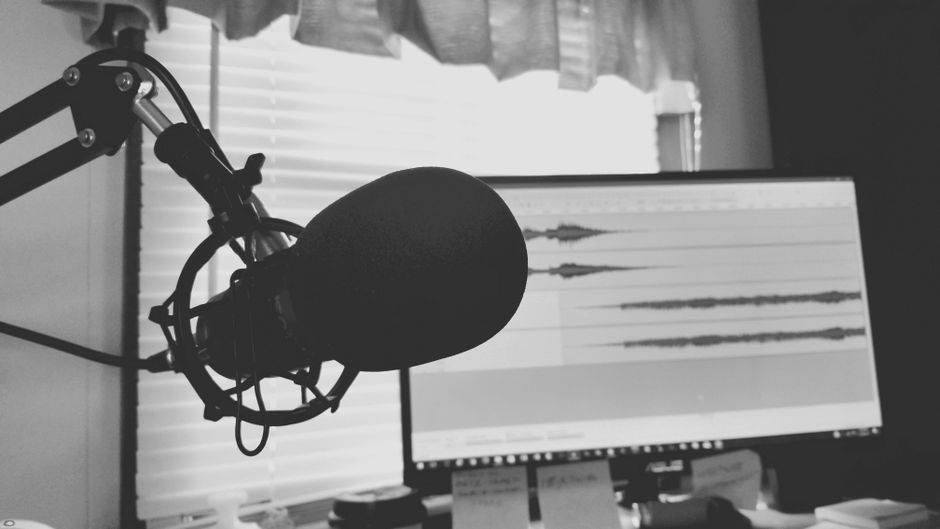
Stock photo for illustration only, not from the actual event
Source: Dev.to
Found something wrong in this article? Report an issue with this article
Comments
Leave a Comment