

Lenovo Confirms Legion Go Issues After BIOS Update Bricks Devices
Lenovo finally addresses the Legion Go BIOS V42 update issue that turns handheld gaming PCs into unusable bricks, offering a temporary fix.
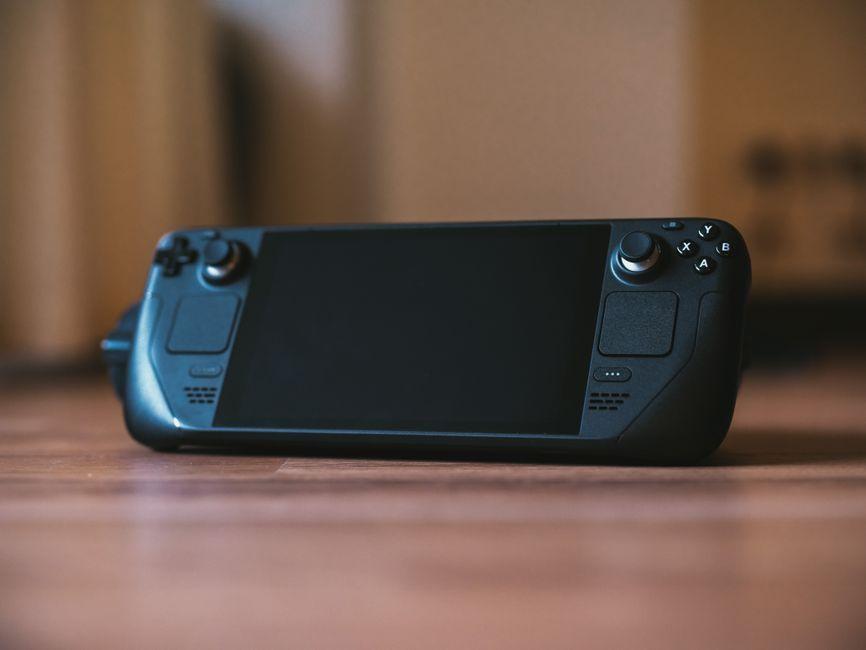
Stock photo for illustration only, not from the actual event
- Lenovo confirms BIOS V42 update causes a blank screen on Legion Go units
- The faulty update was pulled from the support website after user reports
- Users are advised to hold the power button for 10 seconds as a workaround
Three weeks after a Redditor revealed an almost $300 repair bill for their handheld gaming PC due to software damage, tech giant Lenovo has finally broken its silence via communications director Jeff Witt.
The root of the problem stems from BIOS version V42 (N3CN42WW), which was never distributed through Windows Update or Legion Space. Instead, users had to manually download it directly from the company's support website over a two-month period before it was pulled. The issue specifically targeted the original Legion Go 8APU1, excluding the Legion Go S and Legion Go 2.
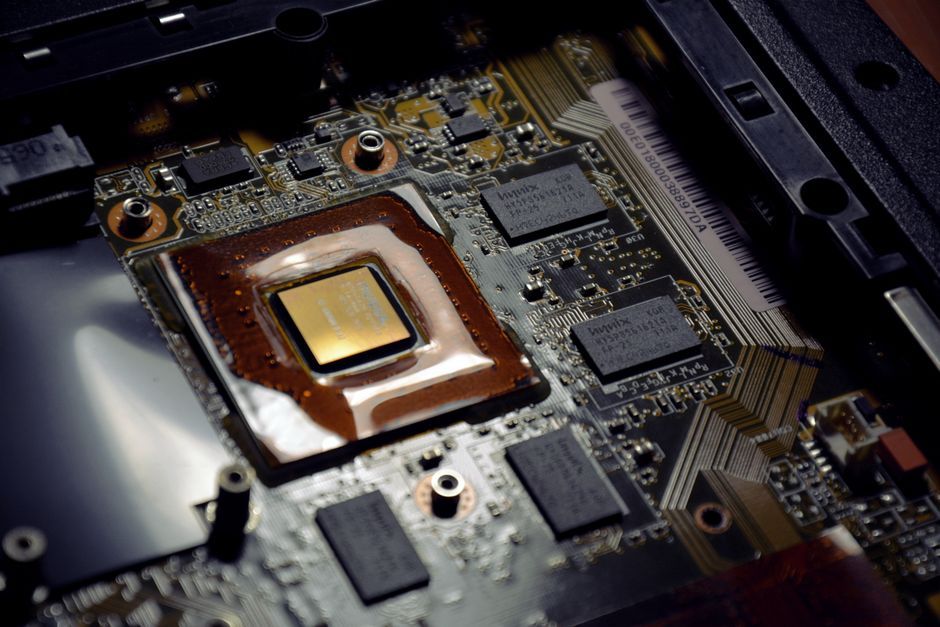
Stock photo for illustration only, not from the actual event
A botched BIOS (Basic Input/Output System) update that bricks a device is a critical hardware failure because BIOS controls the fundamental booting sequence of the computer. If the flashing process fails or gets corrupted, the motherboard's non-volatile memory can lose essential instructions, rendering the system completely unresponsive. Unlike operating system crashes, a bricked device usually cannot be recovered by standard user methods and often requires specialized hardware tools or motherboard replacement.
In its official statement provided to media, Lenovo stated that it is aware some Legion Go devices may encounter a blank screen during the V42 installation and has removed the file while continuing validation work. For affected users, the company suggests a workaround: press and hold the power button for approximately 10 seconds, wait about one minute, and power the device back on. If that fails, customers must contact Lenovo Support.
"Lenovo is aware that some Legion Go devices may experience a blank screen during installation of BIOS version V42."
Jeff Witt
Uncertainty remains regarding out-of-warranty repair costs. A forum user identified as "Daniel_Legion" claimed on official Lenovo forums that devices should be repaired free of charge, though they added the caveat to check local laws for out-of-warranty hardware. The Verge has reached out for clarification on whether Lenovo will formally extend its warranty coverage for these software-induced bricks, contrasting with startup Framework which immediately promised free fixes for similar incidents.
Source: The Verge
Found something wrong in this article? Report an issue with this article
Comments
Leave a Comment