

CVE-2026-75501: Calix Router WAN-side UPnP Vulnerability
An unpatched vulnerability CVE-2026-75501 on Calix GS5239XG EXOS 6.6.47 routers exposes UPnP control on WAN TCP port 5000 without authentication.

Stock photo for illustration only, not from the actual event
- CVE-2026-75501 allows internet attackers to bypass NAT and firewalls.
- Calix routers expose UPnP control on WAN-side TCP port 5000 without authentication.
- Internal cameras, NAS units, and management interfaces risk external exposure.
- Users must disable UPnP and block TCP port 5000 immediately.
Security researchers have issued warnings regarding an unpatched critical vulnerability tracked as CVE-2026-75501, which affects specific Calix routers. This security flaw allows malicious actors on the internet to bypass network address translation and firewalls. The core issue stems from the router exposing UPnP control—normally restricted to the local area network—without requiring any authentication on WAN-side TCP port 5000.
Analysis indicates that attackers can exploit this exposure to inject arbitrary port forwarding rules. Consequently, internal network devices such as security cameras, network-attached storage units, and management consoles become directly accessible to the external network. This level of exposure severely compromises home network privacy and leaves connected endpoints vulnerable to unauthorized access.
Exposing management interfaces or device discovery protocols like UPnP directly to the wide area network without authentication is a critical architectural flaw. While UPnP simplifies local network device configuration, failing to restrict it behind a firewall turns a convenience feature into a dangerous entry point for remote attackers targeting consumer routers.
To detect potential exploitation, administrators should track WAN-side TCP port 5000 SOAP requests, monitor UPnP forwarding table modifications, check for connections to new external ports, and investigate forwarded endpoints chronologically. Security teams must also carefully distinguish between the mere creation of a port forwarding rule and an actual internal device compromise.
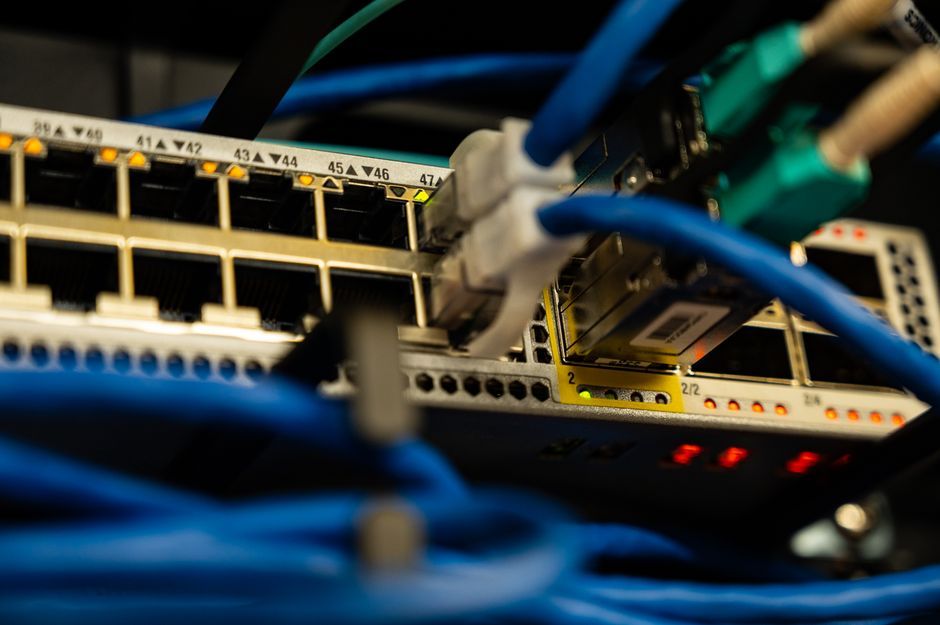
Stock photo for illustration only, not from the actual event
For immediate mitigation, users operating affected Calix GS5239XG / EXOS 6.6.47 routers should take the following actions:
- Disable UPnP in the router management settings
- Block TCP port 5000
- Review all existing port forwarding rules
- Delete suspicious rules instead of simply rebooting the device
- Investigate the target devices linked to forwarding rules
If you rent the affected router directly from your internet service provider, disable UPnP through the management panel or contact your ISP for assistance if setting changes are restricted. Additionally, verify passwords and update firmware statuses for cameras, NAS units, and similar connected equipment.
Source: Dev.to
Found something wrong in this article? Report an issue with this article
Comments
Leave a Comment