

10 Essential Apple Wallet Hacks You Should Know
Discover 10 hidden Apple Wallet tips, from using Express Mode on a dead battery to sharing digital car keys and managing virtual cards securely.
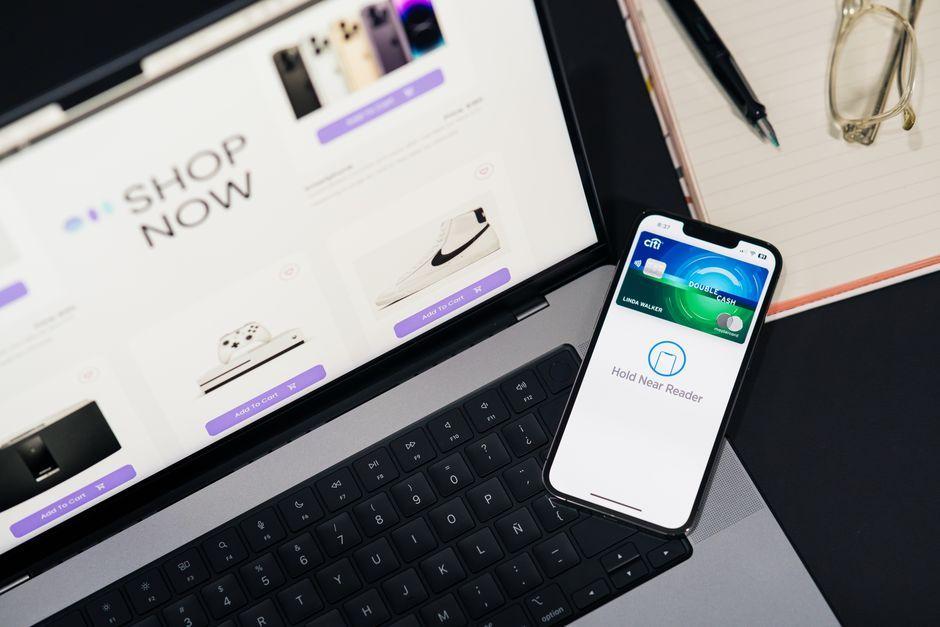
Stock photo for illustration only, not from the actual event
- Apple Wallet hides powerful features to better manage your cards and keys.
- Express Mode lets you use transit passes even when your iPhone battery is dead.
- You can share digital car keys and set custom driving restrictions.
- Third-party apps help digitize physical membership and library cards.
For those deeply embedded in the Apple ecosystem, Apple Wallet serves as a powerful hub for digital payments, storing tickets, and handling cash transfers. However, the app also features several hidden capabilities designed to grant quick access to cards and customize their usage across both iPhone and Apple Watch. This article outlines the essential hacks you need to maximize your Wallet experience.
One standout feature is Express Mode, which allows you to use transit cards, keys, student IDs, and compatible passes without waking your device or authenticating via Face ID, Touch ID, or passcode. Crucially, these passes remain accessible via a battery reserve, meaning you can still catch public transit or unlock a door even if your iPhone has completely died. To set this up, select your card or key in Apple Wallet, tap the three dots > Card Details > Express Transit Settings or Express Mode. Note that because authentication is bypassed, anyone with physical access to your device could use these passes, so it is best reserved primarily for transit cards.
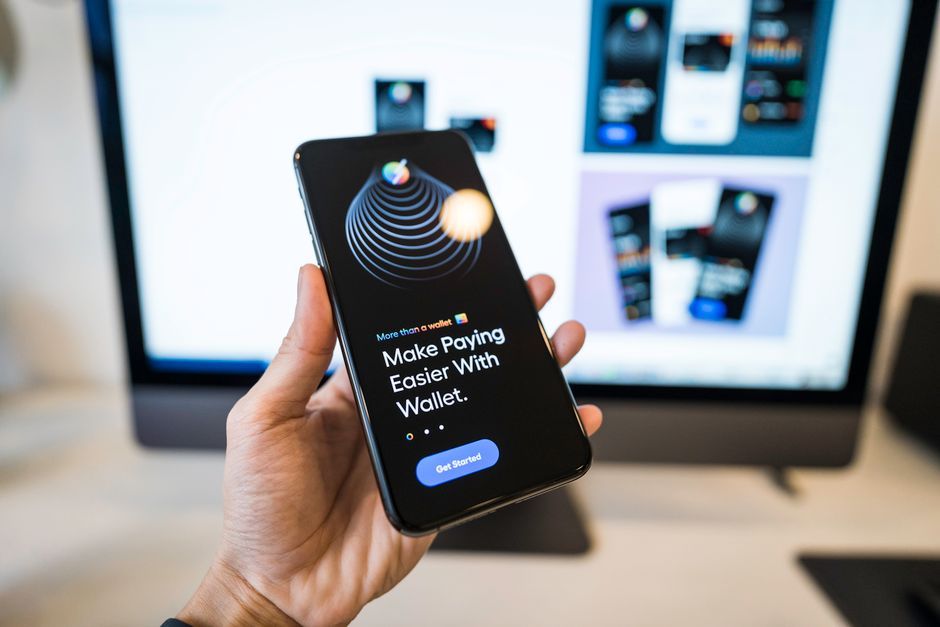
Stock photo for illustration only, not from the actual event
When shopping online or making phone payments where direct Apple Pay is unavailable, you can generate a virtual card number for Apple Cash to spend funds safely while keeping your actual card details private. Simply select your Apple Cash card in Wallet, tap the card icon at the top, and authenticate. The three-digit security code updates dynamically every time you use AutoFill or access the card. Furthermore, by utilizing custom automations through Shortcuts, you can program Apple Wallet to automatically surface specific reward cards or loyalty passes based on your exact physical location when arriving at a merchant.
The evolution of digital wallets extends far beyond basic contactless payments, moving steadily toward a fully consolidated digital identity and key management system. Understanding these advanced system integrations helps users navigate both the convenience and the underlying security nuances of modern mobile ecosystems.
Apple Wallet also securely stores digital keys for homes, apartments, hotel rooms, cars, and scooters. Your device automatically detects when you are in range, and Express Mode can be enabled to bypass authentication requirements. Car and scooter keys can be easily shared with other drivers via Messages, Mail, WhatsApp, or AirDrop, accompanied by customizable permissions such as restricting top speeds and radio volume. Additionally, users in supported regions can add their driver's licenses, state IDs, or passports to verify their identity at TSA airport security checkpoints.
While many standard passes integrate natively, physical cards that lack native support can still be digitized using third-party applications like MakePass or Pass2U Wallet. Looking ahead, iOS 27 is set to introduce a native Create a Pass feature powered by Apple Intelligence. Finally, if you manage recurring subscription charges, you can view all preauthorized merchants directly in Wallet by tapping the upper-right three dots, where you can also revoke active payment tokens to halt automated billing.
Source: Lifehacker
Found something wrong in this article? Report an issue with this article
Comments
Leave a Comment