

umux 1.0.2: Open-Source Terminal Workspace Manager
Discover umux version 1.0.2, an open-source terminal workspace manager for Linux, Windows, and macOS featuring AI coding agent notifications.

Stock photo for illustration only, not from the actual event
- umux is a free, open-source desktop app organizing project terminals into workspaces.
- Native builds are available for Linux, Windows 10+, and macOS 11+ from a single codebase.
- It detects escape sequences from AI tools like Claude Code to trigger desktop notifications.
- Built using Tauri v2 with a Rust backend and a React frontend powered by xterm.js.
Modern software developers often find themselves overwhelmed by numerous terminal windows cluttering their taskbars. Managing local development servers, backend APIs, remote SSH sessions, and AI coding agents simultaneously can easily lead to chaos. To solve this workspace disorganization, umux was created to group all project-related terminals into a single window, officially releasing version 1.0.2 on August 27, 2026.
The application is tailored for developers who appreciate the multi-terminal organization of classic tools like tmux but prefer a graphical interface without mastering complex configuration languages. Users can create dedicated workspaces named after their projects, such as shop-frontend or server-migration, and organize terminal tabs into resizable split panels.
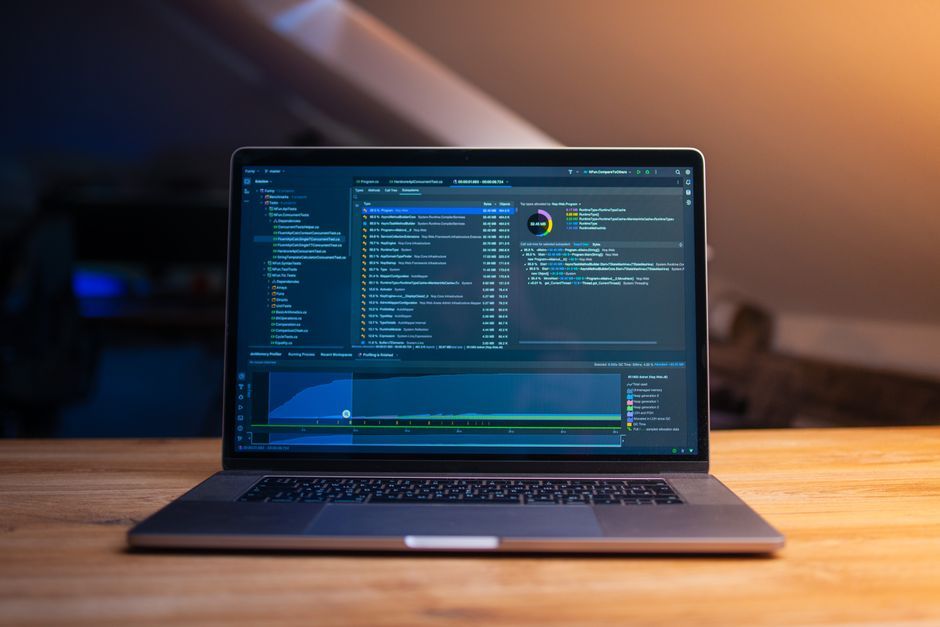
Stock photo for illustration only, not from the actual event
A standout capability of umux is its native integration with AI coding assistants. When CLI tools like Claude Code or Aider finish a lengthy task, they emit specific OSC escape sequences through the data stream. umux parses these signals instantly to deliver desktop notifications, freeing developers from constantly monitoring long-running background tasks.
"umux replaces the window pile-up with one window per project, and it tells you when the AI agent is done instead of making you babysit it."
umux Creator
Under the hood, umux utilizes Tauri v2 split into two core components. The Rust backend handles operating system interactions, pseudoterminals, SSH connections, and configuration files, while the React and TypeScript frontend renders the user interface and authentic terminal surfaces using xterm.js, ensuring full support for shell colors and programs like vim and htop.
Choosing Tauri and Rust for a cross-platform developer tool offers significant architectural advantages, including lower resource consumption compared to heavier desktop frameworks. Maintaining native builds across Linux, Windows, and macOS from a unified codebase under an MIT open-source license allows the project to scale sustainably and welcome community contributions.
Developers interested in trying out version 1.0.2 can review the repository documentation for initial setup guides, making it a viable alternative for teams seeking GUI-based terminal workflow organization.
Source: Dev.to
Found something wrong in this article? Report an issue with this article
Comments
Leave a Comment