

Windows 11 KB5120998 Update Bugs: Fixes Needed
Users who installed Windows 11 update KB5120998 released on Thursday are facing disappearing cursors, black wallpapers, and blurry fonts.
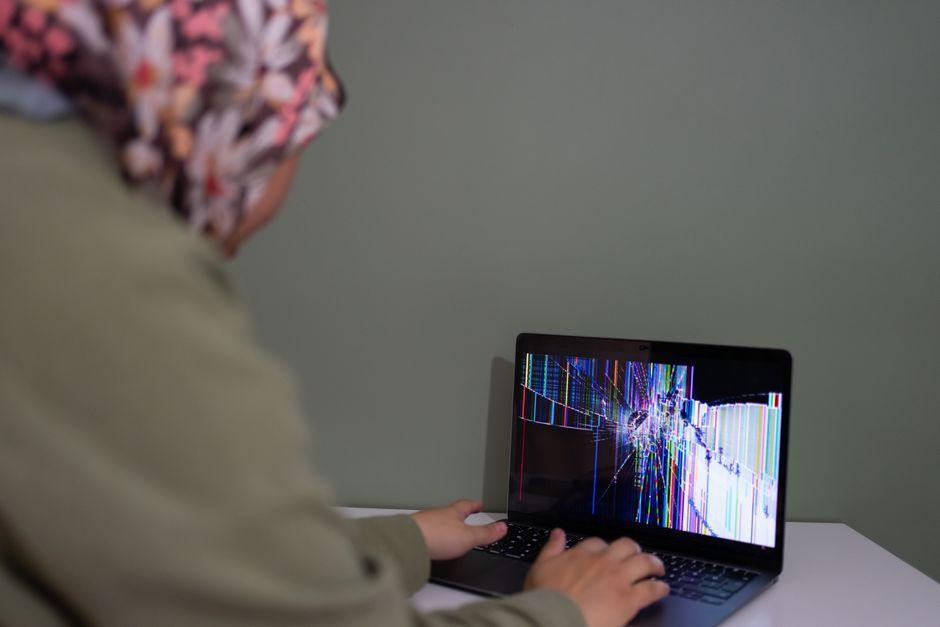
Stock photo for illustration only, not from the actual event
- Windows 11 update KB5120998 brings taskbar customization and Windows Search improvements.
- Many users report missing cursors or abnormally large and small mouse pointers after updating.
- Additional issues include disappearing wallpapers turning the desktop black on every reboot, and blurry fonts.
- The only workaround available right now is to uninstall the latest update.
If you are the type of person who installs Windows updates as soon as they hit your PC, you are likely running version KB5120998 of Windows 11 right now. Microsoft released it on Thursday, and while it is an optional update that is not locked behind its Windows Insider program, anyone who has manually checked for new updates since then will have seen it and could have installed it.
Unfortunately, doing so might have been a mistake. As reported by Windows Insider, the latest Windows 11 update is a major release containing substantial updates to Windows customization that Microsoft has been testing for months. For example, the update lets you move and resize the taskbar however you like, and includes other changes that improve Windows Search. These features were previously exclusive to Insiders, but are now officially part of Windows 11.
However, it is not all good news. In addition to these new features, Microsoft inadvertently shipped some bugs with this update. Perhaps the most impactful of them, and the one most users will notice right away, is an issue where the cursor does not appear onscreen, or when it does, it appears too big or too small. Some users report their cursors are enormous, while others find them annoyingly small. Unless you use your keyboard to control everything on your PC, losing access to your cursor is hardly an option, and inconsistent UI experiences are unacceptable in 2026, considering Windows has had a cursor since 1985.

Stock photo for illustration only, not from the actual event
Luckily, Microsoft has a fix in the works. The company formally addressed the bug on a support page, stating that Microsoft has received reports indicating that mouse cursor personalization settings are being changed or reverted to certain standard settings following the installation of Windows updates released August 27 2026 (KB5120998) and later.
The deployment of an update with such prominent bugs highlights the ongoing complexity of supporting a fragmented hardware ecosystem. While feeding features directly from the Windows Insider pipeline accelerates feature delivery, quality control challenges remain a persistent hurdle for Microsoft. Enterprise environments often rely on delayed updates precisely to avoid these disruptive regressions.
It is not just the cursor causing issues, though. Following this update, Windows may forget your wallpaper settings, causing your desktop to appear black. You can bring your wallpaper back, but this glitch may occur every time you restart your PC. There are also reports that some fonts appear blurry, which is particularly annoying on high-resolution displays.
If you are experiencing any or all of these bugs, the only solution at this time appears to be rolling back the update. As Windows Latest highlights, users did see their cursors return to normal following the rollback, and those specific wallpaper glitches were only reported with this latest version.
Source: Lifehacker
Found something wrong in this article? Report an issue with this article
Comments
Leave a Comment