

How to Change Themes with OS in a Qt App
Lessons from developing Packet Sender on why listening to OS theme changes is a GUI-state problem, not a background compute task.

Stock photo for illustration only, not from the actual event
- Packet Sender previously required an app restart to match the OS theme.
- Using a background thread (QThread) to track themes on macOS caused hard crashes.
- The stable solution relies on using a QTimer on the main thread to avoid race conditions.
The journey began while testing light mode for Packet Sender, created and maintained by Dan Nagle. Because Dan personally uses dark mode exclusively, some dark mode elements lingered when the app switched to light mode. My initial task was to manually test as much of the UI as possible to ensure a 100% successful conversion from dark to light mode.
I previously assumed Packet Sender automatically followed the operating system's settings—using macOS in my case. However, changing the mode required restarting Packet Sender entirely. Upon relaunch, the app would read the OS setting and apply the correct theme. What it could not do was update itself dynamically when the OS changed themes based on the time of day or ambient light.
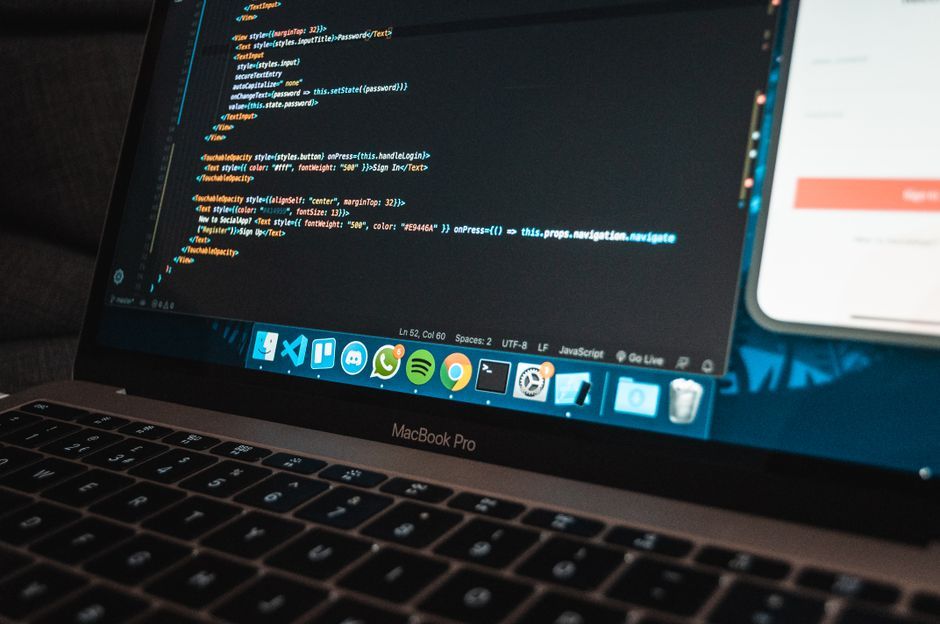
Stock photo for illustration only, not from the actual event
Believing we were close to achieving seamless theme switching since the core rendering code already existed, I consulted Grok for C++ syntax and Qt guidance after Dan mentioned during a phone call that he solved a similar client problem using a thread. However, the code provided by Grok utilizing QThread resulted in immediate application crashes.
Technically, listening for light and dark mode changes is not a background-compute problem; it is a GUI-state problem. The OS theme is shared with AppKit and every widget. A helper thread reading appearance and calling setPalette() races against the toolkit. On macOS, this race condition leads to undefined behavior and hard crashes.
The ultimate solution I implemented was utilizing a QTimer instead. A QTimer parented to qApp fires on the main event loop, ensuring each tick runs in the exact same thread that owns the widgets. Checking appearance states and invoking applyTheme() is properly serialized with paint, resize, and theme events, preventing any race conditions on QPalette.
While polling every few seconds may seem inelegant, and newer Qt versions like Qt 6.5+ offer QStyleHints::colorSchemeChanged(), polling remains correct because it avoids crossing thread boundaries. Dan's suggested thread solved detecting the OS change, but it failed to apply that change legally within framework constraints.
Source: Dev.to
Found something wrong in this article? Report an issue with this article
Comments
Leave a Comment