

Turning a Steam Deck Into a Server Using BarkVisor
A practical walkthrough on transforming a Steam Deck into a homelab node running VMs and local AI models with BarkVisor on SteamOS.
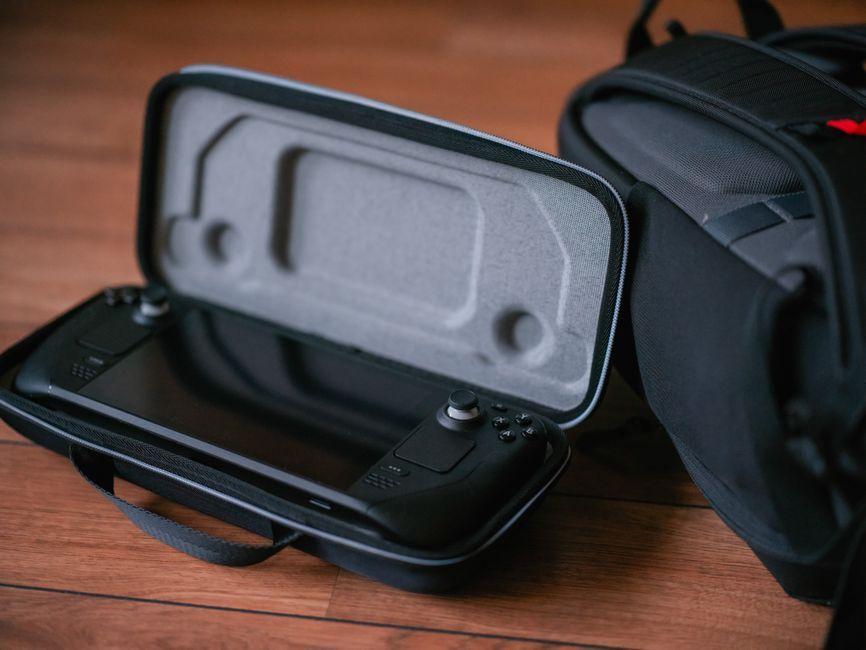
Stock photo for illustration only, not from the actual event
- Repurpose an idle Steam Deck into a homelab server node
- Install BarkVisor and configure QEMU with Ollama
- Manage workloads remotely from a main machine on the LAN
- The handheld remains fully functional for gaming
Repurposing hardware you already own into a homelab has become a popular approach among tech enthusiasts. Since devices like portable handhelds are not in constant use around the clock, utilizing their idle CPU and hardware resources is a smart way to maximize utility without purchasing dedicated server gear.
This walkthrough explores how to install BarkVisor on SteamOS, effectively turning a Steam Deck into a networked worker device capable of running Virtual Machines (VMs), integrating with other Mac and Linux machines, and executing lightweight local AI models via Ollama, all while keeping the device fully usable for gaming.
Using a handheld gaming device as a supplementary compute node is an efficient way to leverage idle resources. Modern handheld APUs feature enough integrated graphics and processing power to handle lightweight virtualization and local AI inference tasks without requiring expensive enterprise hardware.

Stock photo for illustration only, not from the actual event
The preparation process on SteamOS begins by switching to Desktop Mode and setting a sudo password using the terminal. Because the SteamOS root partition is very small at approximately 5GB, all BarkVisor components, virtual machine disks, and AI models must be stored under the /home directory to prevent filling up the root partition.
- Disable read-only mode using
sudo steamos-readonly disable - Initialize and populate the pacman package keys
- Install the required QEMU stack, OVMF, cdrtools, and swtpm
- Run host sanity checks to ensure a writable
/dev/kvmexists
For BarkVisor deployment, running in agent-only mode ensures the Steam Deck acts strictly as a dedicated worker node rather than hosting a graphical frontend. Using release version 1.0.0-alpha.3 at the time of writing, users download the Linux tarball directly to their home directory and configure the environment service wrapper accordingly.
To enable AI workloads, Ollama can be installed under the user directory with the environment variable OLLAMA_IGPU_ENABLE=1 activated. This enables the Steam Deck's integrated GPU, which features around 16GB of accessible VRAM, to accelerate models such as llama3.2 while being accessible remotely across the local area network.
"And yes, it still plays games. I’m not that terrible of a husband."
Dev.to Author
Source: Dev.to
Found something wrong in this article? Report an issue with this article
Comments
Leave a Comment