

5 Fitness Hacks Every Apple Watch User Should Know
Discover 5 lesser-known Apple Watch tips including custom daily fitness goals, alternative wearing positions, and advanced mapping apps.
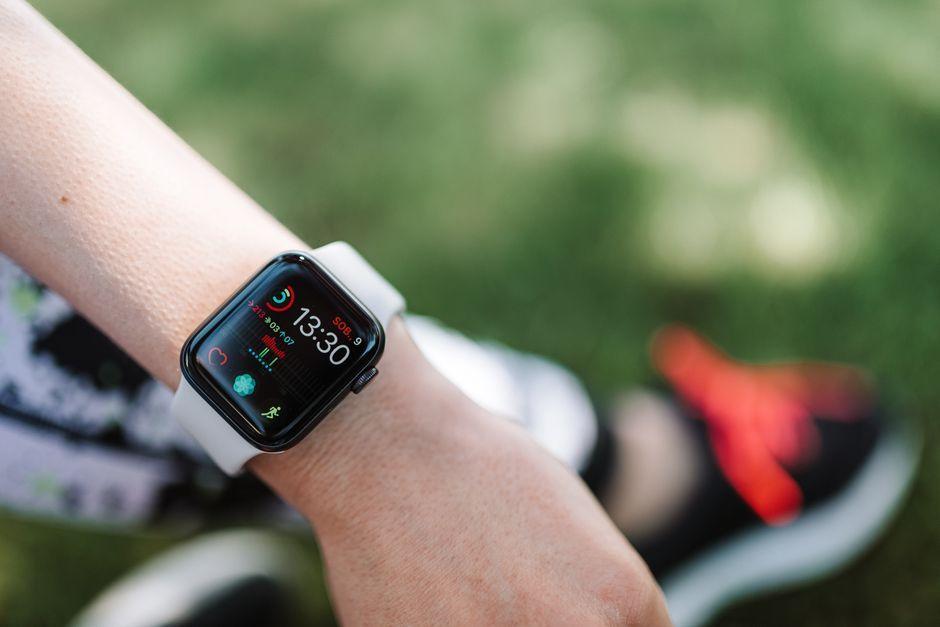
Stock photo for illustration only, not from the actual event
- Customize your activity rings and schedule different daily fitness goals
- Wear your Apple Watch on your upper arm or ankle for better workout tracking accuracy
- Program custom interval workouts and use Race Route to compete against your personal best
- Upgrade to the WorkOutDoors app for Garmin-level mapping and data analytics for $8.99
Even though Apple recently announced upcoming health features for the Apple Watch Series 12, existing devices already pack far more fitness capabilities than you might realize. By leveraging lesser-known settings, dedicated apps, and hidden features, you can squeeze significantly more value out of your smartwatch, workouts, and health data.
The Apple Watch Fitness app famously features three rings for Move, Exercise, and Stand that you can close throughout the day. Beyond adjusting your Move and Exercise goals to match your personal fitness level, you can also schedule completely unique targets for every single day of the week.

Stock photo for illustration only, not from the actual event
Adapting activity goals and shifting the device placement beyond the standard wrist position are crucial tactics to ensure Apple Watch sensors accurately capture workouts like weightlifting or standing desk activities, overcoming common tracking blind spots caused stationary wrists.
While the Apple Watch is designed for your wrist, heavy lifting workouts involving kettlebells or bench presses wrapped in wrist support may call for wearing the device on your upper arm instead. Alternatively, users with standing desks might notice steps fail to register unless the watch is strapped to their ankle, both of which require purchasing an extra-long watch band.
The built-in Workout app has evolved past a simple start-and-stop tracker. Tapping the timer icon in the corner of any workout category lets you view and edit custom workouts, allowing you to program interval sessions or specific durations easily from your iPhone.
Runners and cyclists tackling familiar routes can utilize the Race Route feature, automatically generated after completing the same path twice. Selecting this option during a run lets you race against your personal best or your previous time while monitoring your pace in real time.
While native tools excel, many serious runners and hikers prefer third-party solutions like WorkOutDoors, which delivers Garmin-grade mapping and advanced data analytics. Though it requires a brief learning curve, it serves as an incredibly powerful utility for a modest one-time charge of $8.99.
Source: Lifehacker
Found something wrong in this article? Report an issue with this article
Comments
Leave a Comment