

10 Hacks Every Audible User Should Know
Discover essential Audible tips to save money, sync with Kindle, share books with family, and back up your audiobook files.
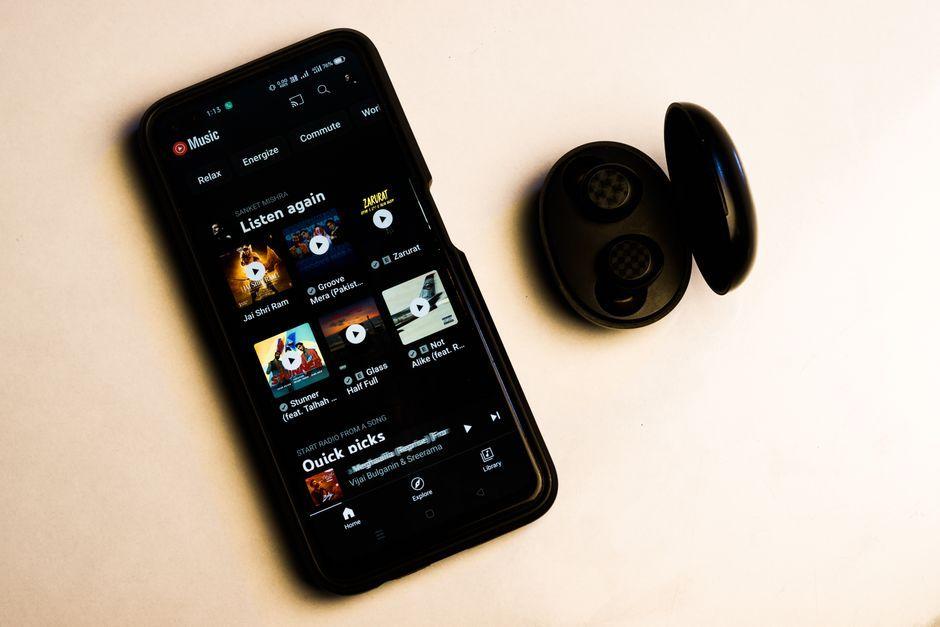
Stock photo for illustration only, not from the actual event
- Sync Kindle books with Audible to get free or discounted narration.
- Threaten to cancel your subscription to trigger special retention offers.
- Share purchased audiobooks with family members via Amazon Family.
- Use the Clip feature to save and annotate specific audiobook segments.
Audible is one of the largest and most popular audiobook services available, offering a massive library at competitive prices without the waitlists required by platforms like Libby. Most purchased titles remain in your library permanently. To help you get the most out of the service while saving some money, here are the essential tricks you should know.
If you prefer switching between reading and listening, you can leverage Kindle and Audible crossovers to acquire audio versions at a lower cost or even for free. Use the Matchmaker tool to check for eligible narration add-ons on your Kindle books, or look for the Add audiobook checkbox during checkout for bundled pricing that is often cheaper than buying separately. Kindle Unlimited subscribers can also access numerous Prime Reading books with Audible Narration at no extra cost.

Stock photo for illustration only, not from the actual event
Another clever trick is threatening to cancel your subscription. Initiating the cancellation flow through the Audible web interface may prompt Amazon to offer retention incentives, such as a membership discount or free account credit. There is no guarantee, but users frequently report receiving offers, and you can simply stop before confirming if no incentive appears. Navigate to your name > Membership Details > Cancel membership on the web (note that subscriptions billed through Apple or Google must be managed via their respective app stores and may not qualify).
Regarding billing plans, the standard monthly plan costs $8.99 and grants one monthly credit with continuous listening access while subscribed. A $14.95 monthly premium subscription lets you keep purchased books even if you cancel, though unused credits expire immediately. Meanwhile, an annual subscription provides all 12 credits upfront, preventing renewal wait times, preserving unused credits upon cancellation, and saving about $2.50 per credit compared to the monthly premium tier.
Choosing the right subscription tier depends heavily on your listening volume and whether you prefer to accumulate credits or utilize bundled purchasing options across the platform ecosystem.
Sharing a single Audible account among multiple users causes listening progress conflicts. Instead, you can share purchased titles with Amazon Family accounts, which accommodate up to two adults and four children while keeping individual listening histories and progress completely separate. Note that shared items include only purchased books, not unused credits.
Audible also features a Clip tool that automatically saves 30-second snippets when you tap +Clip on the player screen, allowing you to attach notes and adjust exact start and end boundaries. Additionally, adding titles to your Wish List lets you monitor price drops conveniently and receive email or push alerts when saved books go on sale.
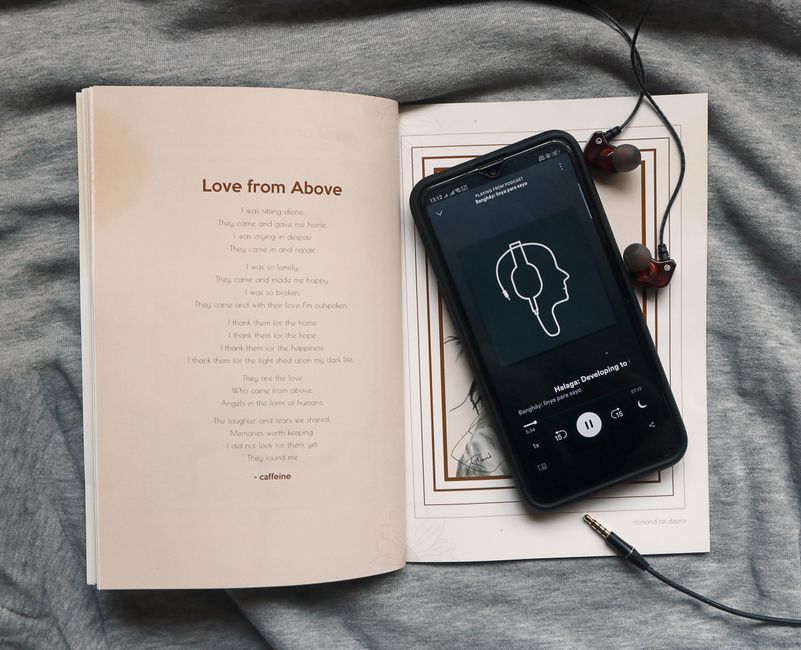
Stock photo for illustration only, not from the actual event
Finally, Audible offers a generous return policy for Premium subscribers, allowing you to reclaim credits within 365 days of purchase if you dislike a book or narrator, provided the policy isn't abused. If you wish to store and back up your audiobooks locally, third-party tools like Libation and OpenAudible can convert and download your files for offline listening.
Source: Lifehacker
Found something wrong in this article? Report an issue with this article
Comments
Leave a Comment