

Containers vs Virtual Machines: Key Differences and Use Cases
Explore the core differences between Containers and Virtual Machines in performance, resource usage, and security to make better architecture choices.

Stock photo for illustration only, not from the actual event
- Containers and Virtual Machines both isolate applications in separate environments.
- VMs virtualize hardware and run distinct guest operating systems for strong isolation.
- Containers share the host kernel for lightweight packaging and rapid startup.
- Modern cloud architectures frequently combine both technologies together.
Running multiple applications on a single server without interference is a critical engineering challenge. Two primary technologies tackle this problem: Virtual Machines and Containers. While both achieve isolated application execution, their underlying mechanisms differ significantly, directly impacting performance and resource utilization.
A Virtual Machine acts as a software-based computer running its own operating system on physical hardware. A hypervisor, such as VMware ESXi, Hyper-V, or KVM, enables multiple VMs to share physical resources. The main advantage is robust isolation and the flexibility to run diverse operating systems, though the trade-off is higher resource consumption due to running a complete guest operating system for each VM.
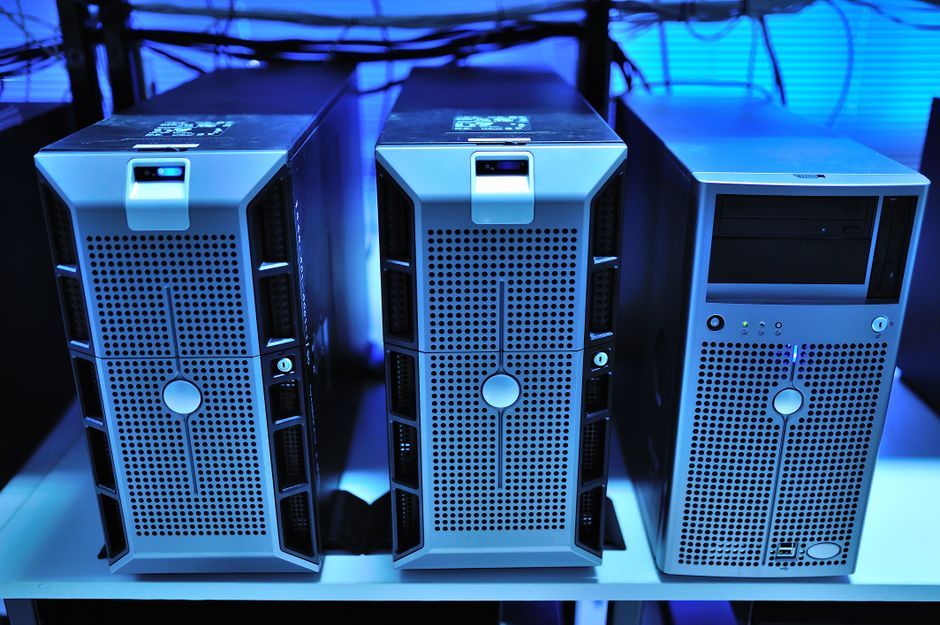
Stock photo for illustration only, not from the actual event
In contrast, a container packages an application along with its necessary dependencies. Rather than running a full guest operating system for every application, containers share the host operating system's kernel while maintaining isolated processes, filesystems, and network environments. Tools like Docker simplify building and deploying containers, allowing developers to isolate components such as an ASP.NET Core app, PostgreSQL, and Redis into separate containers.
Understanding how host kernel sharing differs from complete OS virtualization is vital for system design. While containers deliver lightning-fast startup times and efficient resource scaling, sharing the underlying kernel means their security boundary is generally weaker than traditional VMs, requiring careful configuration and access controls.
Direct comparisons highlight distinct operational trade-offs between the two approaches:
- Memory and Storage: VMs require more resources because each includes a separate guest OS, whereas containers avoid this duplication.
- Startup Speed: VMs take longer to boot up an operating system, while containers can initialize in seconds or less.
- Security Boundaries: VMs offer strict isolation via hypervisors, while containers use process-level isolation sharing the host kernel.
In real-world scenarios, modern cloud architectures often integrate both paradigms. Organizations frequently utilize virtual machines as infrastructure worker nodes while running containerized application workloads on top, combining robust infrastructure isolation with agile application deployment.
Source: Dev.to
Found something wrong in this article? Report an issue with this article
Comments
Leave a Comment