

Every CLI You Run Has Your Secrets: Securing Them With ghl-jail
Discover the security risks of CLI tools accessing SSH keys and cloud tokens, and learn how to use ghl-jail, a 100-line Python script on Windows.

Stock photo for illustration only, not from the actual event
- Trusted CLI tools can be compromised and steal sensitive data within minutes.
- CLI utilities execute with user permissions, gaining full access to ~/.ssh and .env files.
- ghl-jail restricts tools to operate exclusively within a specified project folder.
- The tool requires only Python and Windows without admin rights or background services.
In April 2026, a malicious version of the Bitwarden CLI was published to npm and remained live for about ninety minutes. During that window, it gathered SSH keys, .env files, and AWS, Azure, and GCP credentials from the machines of anyone who installed it. Later in October, the official OVHcloud CLI repository was briefly compromised in the exact same manner, caught and blocked in 94 minutes only after a customer noticed the anomaly.
Neither of those incidents involved a virus you could easily spot. They were trusted tools compromised by a single bad update, while your standard antivirus asks whether a file is known to be bad and routinely waves through anything newly introduced.
Furthermore, every CLI tool you execute—whether a package manager, a release binary, or a script sent by a teammate—runs with your user permissions, possessing full read access to your home directory, including your ~/.ssh folder, cloud credentials, browser profile, and .env files.
Nothing stands between the decision to try a throwaway tool and that tool reading every single secret you own. Traditional solutions like spinning up a VM or container just to test a minor utility demand a heavy cost in time and gigabytes, while solid Windows isolation options often require Pro editions, Hyper-V, or administrative rights you might lack.
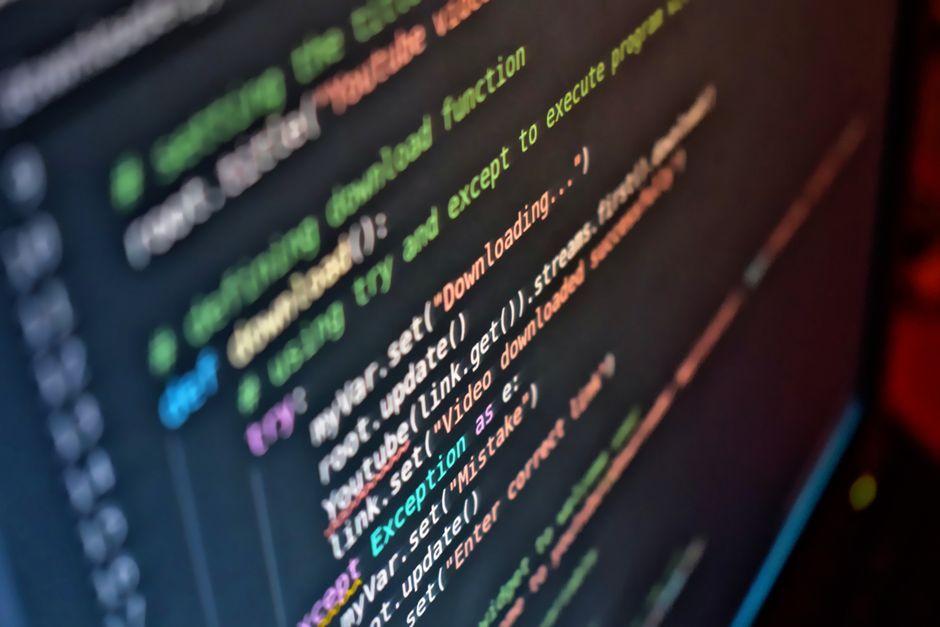
Stock photo for illustration only, not from the actual event
This led to the creation of ghl-jail, a compact tool that executes a single command ensuring a program can only touch the specific project folder you point it at and nothing else belonging to you. It operates without administrator rights, installations, drivers, or background services, requiring only Python and Windows 10 or 11, including Home editions.
The execution format uses python gh_jail.py run --project C:\work\my-repo -- suspicious-tool.exe. Inside that folder, the tool functions normally with full freedom to read and write. The moment it reaches for anything else, such as ~/.ssh, a cloud credential file, or an environment token, it hits an immediate wall. By default, it also lacks network connectivity, leaving nowhere to transmit data it cannot read.
Enforcing operating system-level privilege restriction via a lightweight tool like ghl-jail embodies the Zero Trust philosophy in software development. Supply chain attacks targeting CLI tools are notoriously difficult to catch with traditional antivirus software, making blast radius containment down to a single repository an essential defense mechanism for developers.
Primary use cases for this tool include:
- Testing untrusted or newly downloaded CLIs without risking your SSH keys.
- Keeping an autonomous coding agent confined to the single repository it is working on, away from other projects and dotfiles, while remaining offline unless specified otherwise.
- Running npm install or pip install so any malicious post-install script hits a dead end rather than your credentials.
It significantly raises the cost of a mistake. While it is not a guarantee against an attacker actively targeting this specific sandbox, it acts as a fence you put around a utility before you decide to trust it completely.
Source: Dev.to
Found something wrong in this article? Report an issue with this article
Comments
Leave a Comment