

Garmin Cirqa Firmware 4.20 Brings Phone Notifications
Garmin rolls out firmware version 4.20 for the screenless Cirqa smart band, adding vibration alerts for calls and texts along with several bug fixes.

Stock photo for illustration only, not from the actual event
- Garmin Cirqa receives firmware version 4.20 update with vibration alerts
- Supports incoming calls, text messages, and app notifications from smartphones
- Includes major bug fixes for trail running detection and distance calibration
Garmin's screenless Cirqa smart band received a firmware update this week that addresses one of its most notable feature gaps by introducing phone notification support. With the rollout of Version 4.20, users can now configure their smart bands to vibrate on the wrist for text messages, incoming phone calls, and other smartphone alerts. The addition was spotted on Garmin forums under the heading "Support vibration for smart notifications/incoming calls," generating positive reactions from users on the Garmin subreddit.
Interestingly, Garmin's official FAQ page still claims that the Cirqa does not vibrate for texts, calls, or other smartphone alerts, indicating that the documentation has not yet caught up with the software release. Since official step-by-step instructions were not initially published alongside the release, testing confirmed how the text-message vibrations operate and how users can properly configure the new firmware update along with several other improvements.
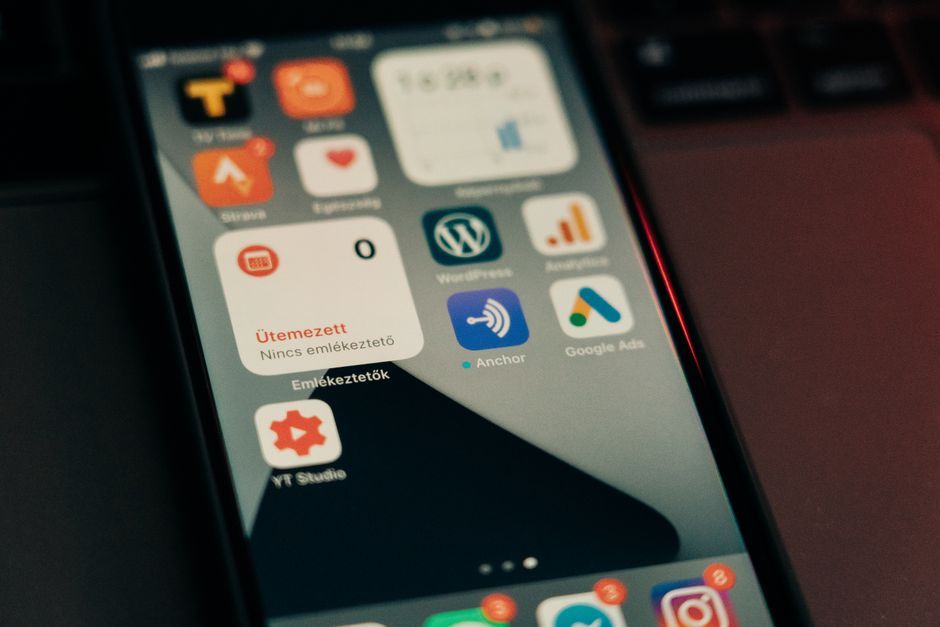
Stock photo for illustration only, not from the actual event
To successfully receive these alerts, your band must operate on firmware version 4.20 or newer. Follow these configuration steps to get started:
- Update the firmware: Open the Garmin Connect application and sync your Cirqa device so the app can check for and install version 4.20 or newer.
- Grant necessary phone permissions: Navigate to your phone settings and ensure Garmin Connect has permission to access SMS, Contacts, and Phone features.
- Configure notifications: Inside Garmin Connect, tap the Menu or More tab, select Garmin Devices, choose your Cirqa Smart Band, go to Notifications & Alerts, and enable text and call alerts.
Adding vibration alerts to a screenless smart band like the Garmin Cirqa represents a crucial upgrade for minimal fitness trackers. While screenless devices prioritize simplicity and extended battery life, lacking fundamental notification alerts often forces users to constantly check their phones. This firmware update successfully bridges that gap without compromising the minimalist design philosophy of the device.
Beyond smartphone alerts, version 4.20 delivers a comprehensive list of system enhancements and bug fixes:
- Trail Run: Run and walk detection is now integrated into Trail Run activities.
- Timestamp fix: Resolved an issue where recorded activity times failed to match phone times.
- Distance calibration: Allows distance calibration for Treadmill Run, Indoor Rowing, and Indoor Cycling prior to saving.
- Duration alerts: Duration time alerts for spoken updates now properly accumulate.
- Stress alerts: Temporarily blocks stress alerts while Auto Activity Detection records workouts.
- Bedtime reminders: Fixed an issue where approaching bedtime notifications occasionally failed to trigger.
Source: Lifehacker
Found something wrong in this article? Report an issue with this article
Comments
Leave a Comment