

10 Hidden Fitbit Edge Hacks to Get the Most Out of It
Discover hidden Fitbit Edge tips including watch face customization, button remapping, GPS settings, and a 5-minute fast charging trick.

Stock photo for illustration only, not from the actual event
- Switch watch faces easily via long-pressing the screen or using the mobile app.
- Remap the side button to the left side to prevent accidental presses.
- Disable intrusive AI health coach summaries while keeping manual AI access.
- Charge the device for just five minutes to get a full day of battery life.
The Fitbit Edge strikes a great balance for users who want a minimalist fitness tracker equipped with a screen for timekeeping and workout metrics. However, the device includes several hidden features and configuration options that are not immediately obvious from the default settings.
Users can easily switch watch faces by long-pressing the center of the display to bring up the carousel or by accessing the watch face library through the companion app. Furthermore, if hand movements frequently trigger the physical button, you can navigate to device settings within the Google Health app, select Device preferences, and change the Tracker orientation to move the button to the left.
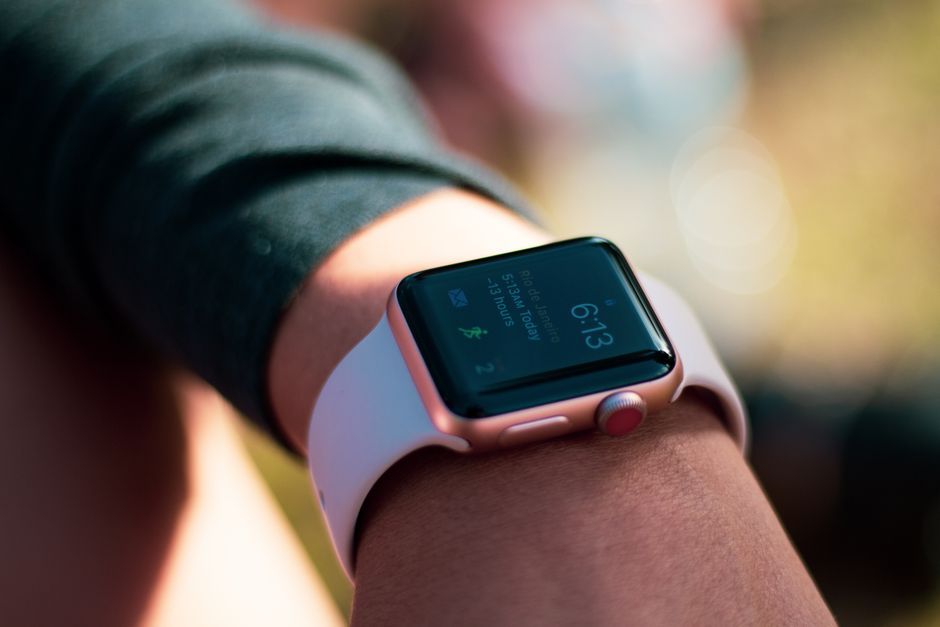
Stock photo for illustration only, not from the actual event
For those bothered by constant notifications from the AI-powered Health Coach, Google provides an option to silence them. By tapping your profile picture, heading into Google Health Settings, selecting Coaching, and choosing No Coach Insights, you can stop the unprompted summaries while still retaining access to AI food and workout logging via the Ask Coach button.
Managing power consumption is crucial for wearable technology. Allowing users to manually choose between the built-in GPS or the smartphone's GPS gives them direct control over balancing tracking accuracy with battery preservation based on their daily carrying habits.
When it comes to fitness tracking, users can broadcast their heart rate data directly to the Strava app. By swiping down on the Fitbit Edge screen and enabling heart-rate broadcasting, you can pair the tracker with Strava to view lap times, mapping data, and detailed workout metrics on your phone.
Additionally, visibility can be improved by enabling Magnification in the Device preferences, allowing users to triple-tap the screen to zoom in on complication numbers. The device also supports ultra-fast charging; a quick five-minute charge provides enough power to last a full day, offering a practical solution for users with busy schedules.
Source: Lifehacker
Found something wrong in this article? Report an issue with this article
Comments
Leave a Comment