

Generating System Hardware Report in Linux Using Native Tools
A guide on using Linux commands like lshw, inxi, dmidecode, and hwinfo to inspect CPU, memory, storage, and network devices.

Stock photo for illustration only, not from the actual event
- Understanding hardware configuration is essential for verifying compatibility and troubleshooting issues.
- Quick commands like lshw -short, inxi -Fxz, and lsblk offer immediate system visibility.
- Additional tools can be easily installed using the package manager of your Linux distribution.
- This guide also covers scripting methods to generate and archive complete hardware reports.
Understanding your system's hardware configuration is essential for developers and system administrators, whether you're verifying hardware compatibility, diagnosing performance issues, or planning upgrades. Linux provides several built-in tools to inspect and report detailed hardware information. This guide demonstrates how to use common Linux utilities to generate system hardware reports, interpret the collected data, and export it in different formats for documentation or troubleshooting.
To quickly view your system's hardware details without generating full reports, you can run basic commands such as sudo lshw -short for a concise hardware tree, sudo inxi -Fxz for a readable system summary with redacted serial numbers, sudo dmidecode -t system for firmware BIOS information, lsblk -o NAME,SIZE,TYPE,FSTYPE,MOUNTPOINT for a quick glance at disks and partitions, and sudo hwinfo --short for a compact per-device summary from kernel probes.
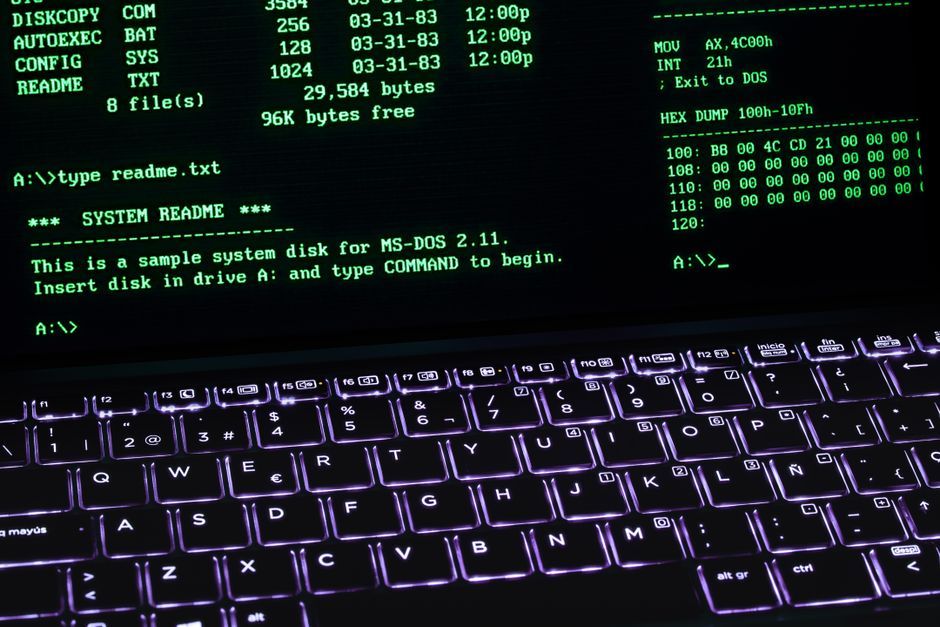
Stock photo for illustration only, not from the actual event
The first step in generating comprehensive hardware reports is ensuring all required tools are installed. While most distributions include several utilities by default, you can install the complete set through your package manager. For Debian and Ubuntu based systems, update the package list and install the required tools using sudo apt update followed by sudo apt install -y lshw inxi dmidecode hwinfo.
On enterprise distributions such as AlmaLinux, Rocky Linux, and RHEL, additional repository configurations are required. You must enable the PowerTools repository using dnf config-manager, or use the CodeReady Builder repository for RHEL. Afterward, install the perl-JSON-XS dependency and the core hardware reporting tools using the dnf package manager.
Using command-line interface (CLI) tools for hardware inspection in Linux offers unmatched speed and precision. Since most server environments lack a graphical user interface, querying the kernel and system firmware directly allows administrators to diagnose complex hardware faults efficiently without relying on third-party software.
For a deep dive into specific components, running the lscpu command displays the CPU architecture, model name, core and thread counts, and supported instruction sets by gathering data from system firmware and /proc/cpuinfo. For memory diagnostics, free -h provides real-time RAM and swap usage statistics, while sudo dmidecode -t memory retrieves physical memory array details and maximum capacity straight from SMBIOS tables.
Source: Dev.to
Found something wrong in this article? Report an issue with this article
Comments
Leave a Comment