

I took two iPhones on vacation: Review of iPhone Duo
TechCrunch reporter Sarah Perez shares her five-day vacation experience testing the new iPhone Duo, highlighting its durability and software quirks.

Stock photo for illustration only, not from the actual event
- TechCrunch reporter Sarah Perez took the new iPhone Duo on a five-day vacation.
- The device proved remarkably durable, surviving drops on concrete and being sat on repeatedly.
- App compatibility issues and Google Search freezing in AI mode were notable software frustrations.
- The lack of Face ID and reliance on Touch ID emerged as the device's biggest drawback.
Making the switch to a completely new smartphone form factor always comes with psychological switching costs, especially when moving from a high-end flagship to an experimental device. Sarah Perez, a technology reporter at TechCrunch, received a review unit of the new iPhone Duo from Apple just in time for her five-day vacation. Deciding to use her iPhone 17 Pro Max as a safety net, she packed both phones to see how the novel device would hold up in real-world travel scenarios.
Unboxing the Duo initially sparked genuine intrigue despite her years of testing various gadgets as a tech journalist. However, the short, squat, and novel design felt off-putting at first compared to the familiar thin rectangular shape of traditional iPhones. Admitting she considered switching back to her main phone multiple times during the trip due to broken apps, unfamiliar gestures, and camera concerns, she ultimately found herself growing comfortable with the Duo by the end of the journey.
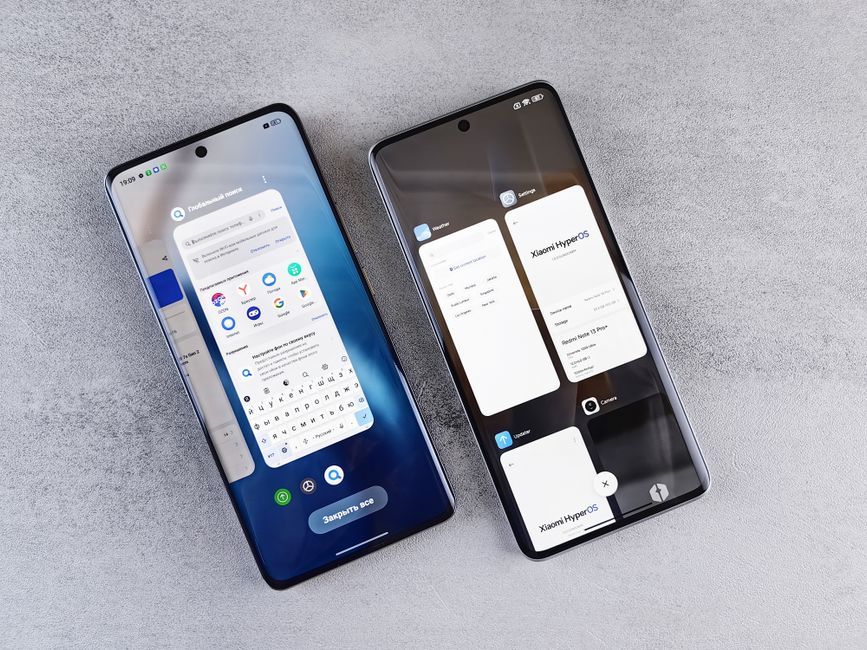
Stock photo for illustration only, not from the actual event
To her surprise, the device proved exceptionally rugged. Carrying phones in her back pocket often led to accidentally sitting on the device countless times while walking around, yet the chassis did not break. Furthermore, she accidentally dropped the phone at least three times from table height and bedside onto hard surfaces including concrete, tile, and wood floors without cracking the screen or breaking the device.
Despite the physical durability, software frustrations did arise. The small outer screen required more scrolling through text threads, unoptimized apps hid key controls behind menu dots, and the Google Search app repeatedly froze when forced into its AI mode without user request, requiring force-closes to recover. Apps lacking Duo optimization displayed telltale black side bars, though they remained functional for navigation tasks like using Google Maps.
“I think I’m going to switch back to my other iPhone.”
Sarah Perez, TechCrunch
While third-party apps are expected to roll out updates over time, the hardware omission of Face ID remained her biggest critique. Relying on Touch ID instead of simply glancing at the phone proved less convenient, though wearing an Apple Watch helped mitigate authentication hurdles during daily use.
The transition toward unconventional form factors frequently introduces temporary friction within device ecosystems. As hardware engineering pushes boundaries into dual-screen or folding designs, software developers invariably lag behind during initial launch windows, creating an adaptation period where both user habits and application architectures must catch up to physical innovations.
Source: TechCrunch
Found something wrong in this article? Report an issue with this article
Comments
Leave a Comment