

watchOS 27.3 beta: Hands-on with Audio Intelligence on Apple Watch
Early impressions of watchOS 27.3 developer beta featuring Live Rewind and Siri Recap on Apple Watch Series 12 and Ultra 4, tested by Victoria Song.

Stock photo for illustration only, not from the actual event
- The watchOS 27.3 beta introduces Live Rewind and Siri Recap features
- Available on Apple Watch Series 12 and Ultra 4 with manual setup required via iPhone
- Live Rewind shows transcripts of the last 15 seconds while Siri Recap summarizes conversations
- Features offer granular privacy settings but require thorough real-world testing
It is impossible to paint a full picture of what Audio Intelligence on the Apple Watch Series 12 and Ultra 4 will ultimately become. The watchOS 27.3 developer beta dropped earlier this afternoon, and these features are designed to be lived with through day-to-day routines. The Verge team plans to test them extensively over the coming weeks, but initial impressions are already rolling in.
What is newly available today includes Live Rewind and Siri Recap. The former allows users to view a transcript of the last 15 seconds, while the latter provides high-level conversation summaries. (Two other Audio Intelligence features rolled out over the past few weeks, as covered in the Series 12 review.) As always, this remains a developer beta, meaning these features could still undergo significant changes before a final public release.
From a technical standpoint, integrating on-device AI for audio transcription and summarization marks a crucial step for Apple in processing voice data locally rather than relying on cloud servers. This approach significantly enhances user privacy. Requiring manual opt-in via the iPhone companion app along with microphone calibration ensures that users maintain complete control over when and how recording features are activated.
The first noticeable aspect is that these features are not enabled by default. While expected, it is worth noting that they do not automatically transform every Apple Watch into a surveillance device. Audio Intelligence requires the latest Apple Watch hardware, a compatible iOS 27.3 developer beta build, and an explicit user opt-in through the iPhone’s Watch app. Double-pressing the crown will not initiate Live Rewind unless the feature has been manually configured, which also requires an initial microphone calibration.
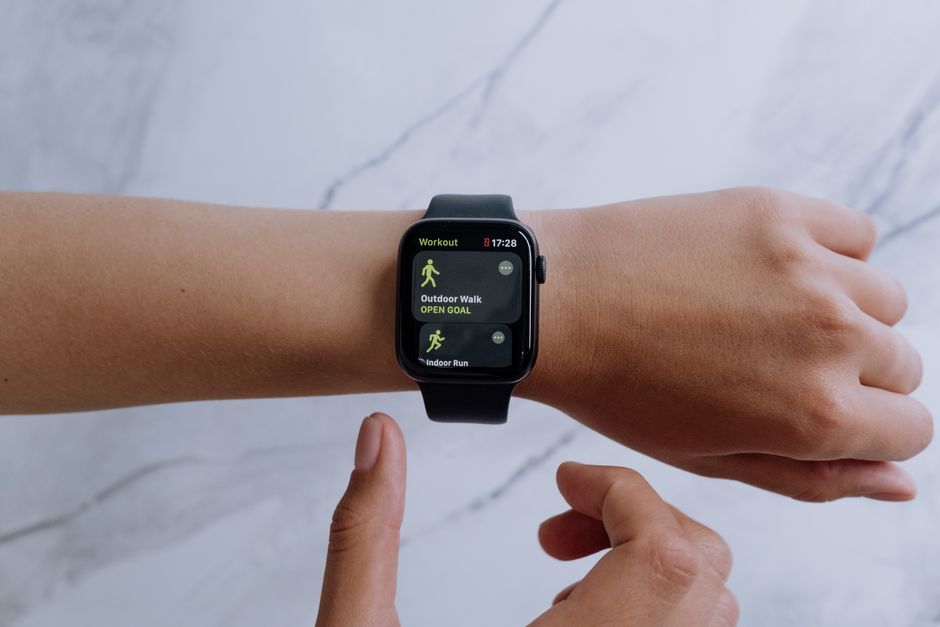
Stock photo for illustration only, not from the actual event
Regarding privacy, Apple provides publicly accessible support documentation regarding its approach. The onboarding process includes granular customization options for Siri Recap. For instance, users can restrict Siri Recap to function only at the office on weekdays between 1:00 PM and 4:00 PM during scheduled meetings. However, because this is difficult for bystanders to detect, ethical usage suggests giving a verbal heads-up to frequent interaction partners.
So far, Live Rewind has functioned as described, though testing has been limited to a quiet home office environment with a spouse. Timing the double-press requires a brief learning curve. The audible chime signaling active recording was noticed by observers, even if the visual animation went unnoticed. Siri successfully captured attempts to interact with pets, though subsequent tests showed occasional transcription hiccups.
Source: The Verge
Found something wrong in this article? Report an issue with this article
Comments
Leave a Comment