

Building StareBrain Part 17: Drag-to-Reposition Overlay
Exploring Building StareBrain Part 17, featuring drag-to-reposition functionality for overlay windows, position persistence, and screen boundary clamping.

Stock photo for illustration only, not from the actual event
- Introduced Drag-to-Reposition for floating overlay windows
- Uses View.OnTouchListener and WindowManager.LayoutParams for tracking
- Stores coordinates in SessionMemory to persist the last position
- Part 18 will bring auto-collapse features for better multitasking
Part 16 of the Building StareBrain series introduced the overlay window—a floating UI layer designed to display task progress and confirmation prompts. However, immediate testing revealed a major usability issue: the overlay frequently covered critical UI elements that users needed to interact with.
The solution is a drag-to-reposition feature. Users can now hold and drag the overlay anywhere across the screen, and when they reopen StareBrain, the window remains right where they left it.
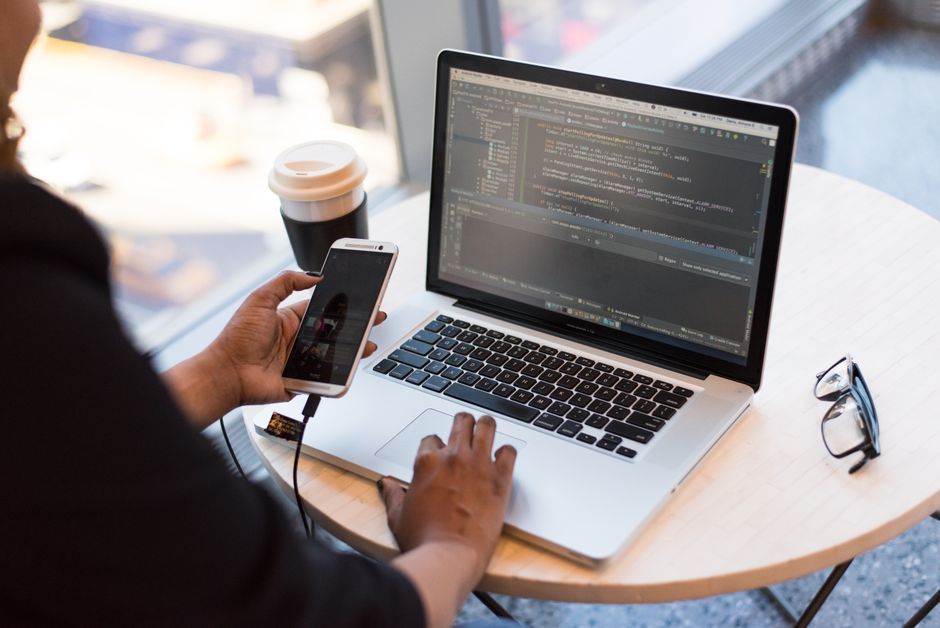
Stock photo for illustration only, not from the actual event
Under the hood, the overlay utilizes a View.OnTouchListener to track drag gestures. The system calculates the delta from the initial touch position and updates WindowManager.LayoutParams on every ACTION_MOVE event.
To ensure short touches without movement still register as standard taps (such as expanding, collapsing, confirming, or rejecting), the application distinguishes interactions by checking displacement values.
As for data storage, the overlay position is stored in SessionMemory alongside behavioral patterns. Because position is merely a UI preference rather than sensitive data, storing it locally is secure and straightforward.
Furthermore, the development team accounted for potential screen resolution changes caused by device rotation or switching devices, which could otherwise push saved coordinates off-screen. A clamping mechanism is implemented during the restore process:
fun loadOverlayPosition ( displayMetrics : DisplayMetrics ): OverlayPosition {
 val x = prefs . getInt ( "overlay_x" , DEFAULT_X )
 val y = prefs . getInt ( "overlay_y" , DEFAULT_Y )
 val clampedX = x . coerceIn ( 0 , displayMetrics . widthPixels - OVERLAY_WIDTH_PX )
 val clampedY = y . coerceIn ( 0 , displayMetrics . heightPixels - OVERLAY_HEIGHT_PX )
 return OverlayPosition ( clampedX , clampedY )
}
Implementing persistent window positions for floating overlays significantly enhances user experience (UX) by preventing persistent UI obstruction. Utilizing OnTouchListener and WindowManager on Android provides a robust and responsive framework for handling custom touch-dragging behaviors smoothly.
Looking ahead, Part 18 will cover auto-collapse functionality, allowing the overlay to shrink into a dot when users actively engage with other applications, and expand automatically when steps complete or confirmations are required.
Source: Dev.to
Found something wrong in this article? Report an issue with this article
Comments
Leave a Comment