

Difference Between Factory Reset and Flashing Firmware
Discover the core differences between a standard factory reset and flashing stock firmware on Samsung Galaxy phones, and when to use each.

Stock photo for illustration only, not from the actual event
- A factory reset erases user data while keeping the existing operating system intact.
- Flashing stock firmware completely overwrites system software, bootloader, and drivers.
- Factory resets solve app or setting issues quickly without needing a computer.
- Flashing is required for boot loops, custom ROM removal, and region changes.
When a Samsung Galaxy phone starts acting up, users generally face two heavy-duty solutions: performing a factory reset or flashing stock firmware. Although both leave the device looking fresh out of the box, they operate at entirely different levels. Picking the wrong option either wastes an afternoon or leaves the core problem completely untouched.
A factory reset acts like emptying a house without touching its walls. Your apps, photos, accounts, settings, and files are wiped out, but the underlying Android and One UI software remain exactly as they were. This makes it the ideal fix for issues caused by user modifications, misbehaving apps, or full storage, taking only minutes without requiring a computer.
Understanding how your phone stores data helps diagnose issues faster. A factory reset exclusively operates on the data layer, leaving core system files completely untouched. In contrast, flashing interacts directly with the system partitions, which explains why it requires specialized tools and precise firmware matching.
Flashing stock firmware is an entirely different procedure that overwrites the system software with a fresh copy directly from Samsung. The Android version, One UI interface, modem, bootloader, and drivers are all replaced. If the system code itself is corrupted, modified, or built for an incorrect region, flashing becomes the only viable solution.
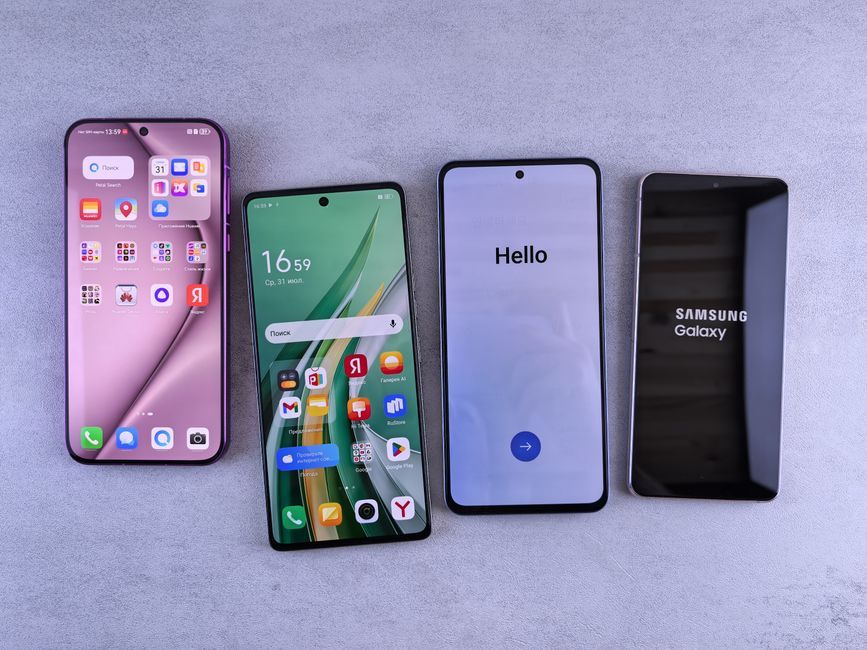
Stock photo for illustration only, not from the actual event
This process is necessary for devices stuck in a boot loop, running unwanted custom ROMs, or operating on mismatched regional firmware. However, flashing requires a computer, a USB cable, the Odin tool, and the exact firmware file matching your specific device model and region, carrying a risk of bricking the device if interrupted.
"A reset cleans the phone, and a flash rebuilds it. Use the reset for everyday trouble and for handing a phone over. Use the flash when the software itself needs replacing."
SamFware
The golden rule is straightforward: if the issue would still persist on a brand-new phone of the same model, it is a software problem requiring a flash. If the trouble stems from something you installed or changed, a factory reset will likely suffice. Always back up your important data before proceeding with either method.
Source: Dev.to
Found something wrong in this article? Report an issue with this article
Comments
Leave a Comment