

Turn an old Android phone into a screen-off security camera (no cloud, LAN-only)
Give your forgotten smartphone a second life as a local, cloud-free home security camera using screen-off recording and LAN streaming.
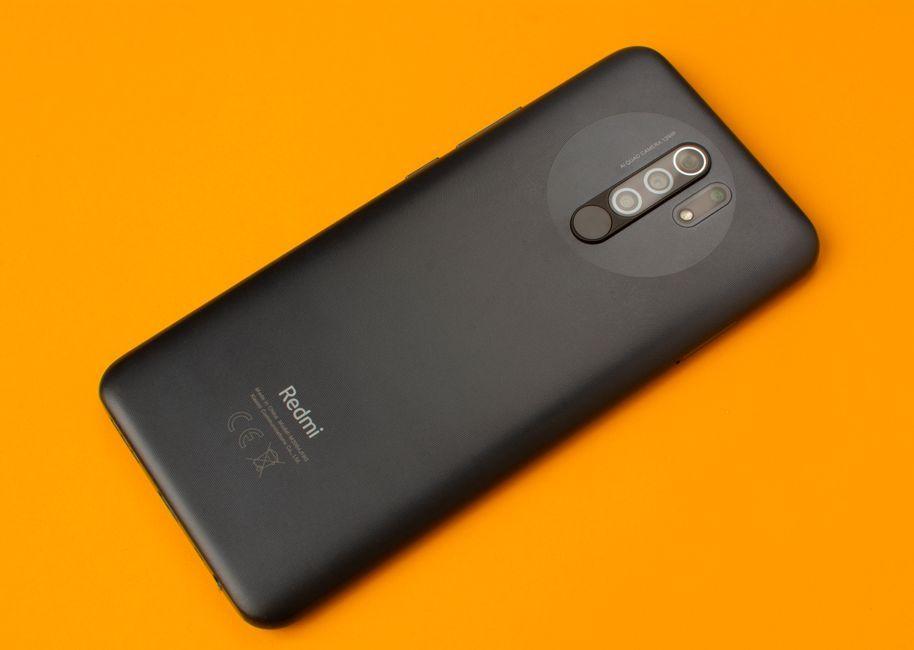
Stock photo for illustration only, not from the actual event
- Repurpose old Android hardware into a functional security camera without buying new gadgets.
- Utilize screen-off recording to save power and eliminate glowing lights in dark rooms.
- Stream live feeds strictly over your local area network (LAN) to avoid cloud subscriptions.
- Manage device heat and disable aggressive battery optimization for stable recording.
Old Android phones tend to accumulate inside desk drawers. Instead of letting them die a slow death, you can point an idle device toward a doorway, a driveway, or a pet's favorite corner to capture footage. This straightforward, cloud-free approach comes with clear reasoning behind every design choice.
A device that is three years old still packs a capable camera sensor, Wi-Fi connectivity, and a functional battery. The primary hurdles are typically the display—which drains power and advertises that recording is active—and cloud services that demand monthly fees while storing your footage on a remote server. Eliminating these two factors instantly turns an old handset into a practical local camera.
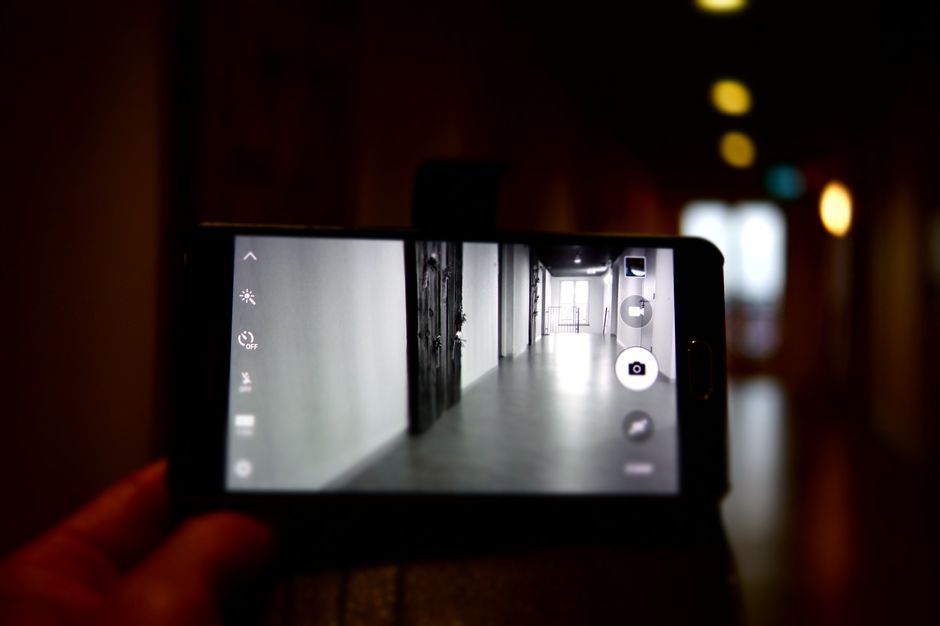
Stock photo for illustration only, not from the actual event
The feature that makes this workflow practical is screen-off recording. The camera continues to capture footage while the display remains completely dark, allowing the phone to sip power rather than drain it rapidly, all without glowing in a dark room. On Android, you can achieve this via background-camera recorder apps or through OEM camera app settings that offer a dedicated screen-off toggle.
Operating a security setup strictly over a local area network (LAN) prioritizes user privacy by keeping all video data inside your home infrastructure. This eliminates the vulnerability of public cloud servers, though it limits remote viewing to your home network unless you configure a secure personal VPN.
If reviewing footage at a later time is all you need, saving clips directly to the phone's internal storage is sufficient. For live monitoring, look for applications that stream exclusively across your LAN so video traffic never leaves your home network. This keeps latency low and subscriptions completely out of the equation.
Stock photo for illustration only, not from the actual event
Heat represents the ultimate threat to a phone recording continuously while connected to a charger. Ensure proper airflow around the device and avoid placing it inside sealed enclosures exposed to direct sunlight. Additionally, verify that your recording app continues to run when the screen sleeps, as certain phones aggressively terminate background tasks, requiring you to exclude the app from battery optimization settings.
The application built specifically for this workflow is Background Camera RemoteStream. It supports screen-off recording and live viewing over local networks with zero cloud accounts and no per-camera fees. If you happen to have a spare Android phone lying around, this is a 60-second project that easily beats purchasing another dedicated gadget.
Source: Dev.to
Found something wrong in this article? Report an issue with this article
Comments
Leave a Comment