

Spider-Man AI Prompt Guide: Transform Into a Superhero in 3 Steps
Discover viral Spider-Man AI prompt templates and practical tools to generate your own superhero portrait in under a minute.
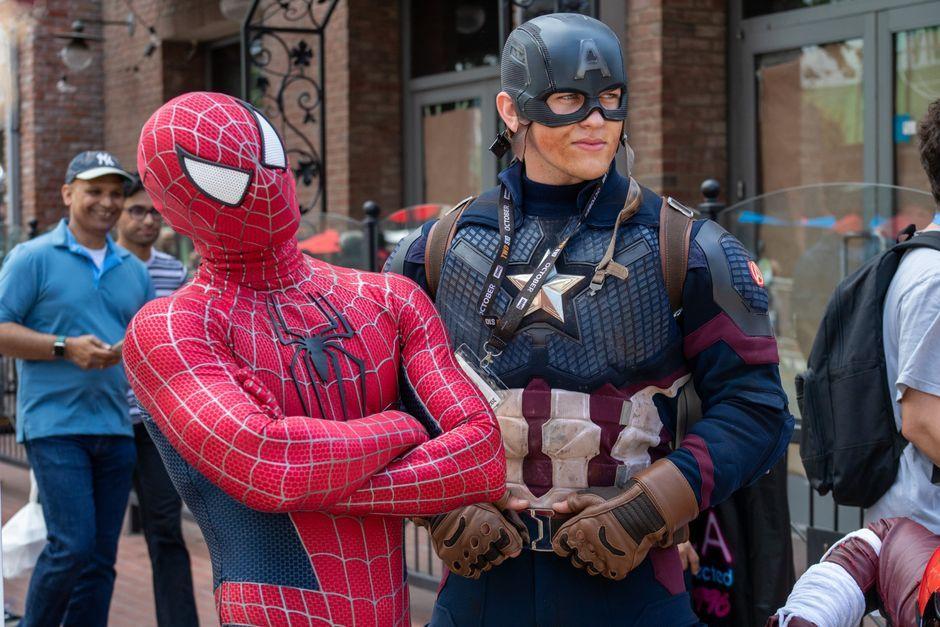
Stock photo for illustration only, not from the actual event
- Spider-Man AI image trends are taking over social media among celebrities.
- Compatible with Midjourney, Bing Image Creator, Gemini, and ChatGPT.
- Article provides ready-to-use English prompt templates for immediate copying.
- Step-by-step guidance included for beginners looking to start generating images.
Social media feeds are currently flooded as numerous celebrities, public figures, and influencers share their personal portraits transformed into Spider-Man using artificial intelligence technology, sparking a massive viral trend.
This surge in popularity stems from the iconic global status of Spider-Man, featuring distinct red and blue spandex suits, iconic masks, and towering urban cityscapes. Combined with the recent theatrical release of Spider-Man: Brand New Day or Spider-Man 4, many enthusiasts are leveraging generative AI tools like Midjourney, Bing Image Creator, Gemini, and ChatGPT to produce cinematic-grade personalized portraits.
Stock photo for illustration only, not from the actual event
You can directly copy and paste the English prompt templates below into your preferred AI image generator:
- Cinematic Action Prompt: Create an ultra-photorealistic cinematic portrait of an Asian woman (100% faithful to the original photograph, no alterations, no mask). She has fair, snow-white (porcelain skin), a sweet face, and a dewy, radiant complexion like a Hollywood actress...
- Mirror Selfie Prompt: A realistic mirror selfie of a young woman wearing a tight Spider-Man suit (red and blue with black web pattern and spider emblem on the chest). she is holding a smartphone in front of her face...
- Street Fashion Prompt: This ultra-photorealistic 8K photograph features a young woman, shot from a high-angle angle. Both are looking up at the camera with relaxed and friendly expressions...
Modern AI portrait generation relies heavily on highly descriptive prompts. Users must specify precise details regarding clothing, lighting, and camera angles to ensure the system renders results closely matching realistic photography. Different tools like Midjourney or DALL-E 3 interpret instructions differently based on their underlying platform algorithms.
Beginners wanting to join the trend can follow these basic steps:
- Bing Image Creator / Microsoft Copilot: Free to use by logging in with a Microsoft Account.
- Gemini / ChatGPT (DALL-E 3): Available for Pro or Plus package subscribers.
- Midjourney: Tailored for users seeking professional-grade output quality.
Simply copy your preferred prompt style into the text box. If you wish to alter details such as outfit colors, gender, or extra elements, adjust the specific keywords within the prompt accordingly.
Source: Thairath Lifestyle
Found something wrong in this article? Report an issue with this article
Comments
Leave a Comment