

Wacom’s Movinkpad 11 Review: A Fun Mid-Priced Entry Point for Digital Artists
An overview of the Wacom Movinkpad 11, an 11.45-inch Android tablet built to help creators bring their visions to life.

Stock photo for illustration only, not from the actual event
- Wacom Movinkpad 11 is the first entry-level tablet in the company's Movinkpad series.
- Features an 11.45-inch screen, 8GB of memory, and 128GB of storage.
- Weighs just 1.3 pounds, battery-free design with a USB charger, and includes Pro Pen 3.
- Comes with free Wacom Canvas software and supports Clip Studio Paint.
Since the rise of the internet, a dedicated community has focused on creating art through computing. Wacom, a Japanese company established in 1983 and recognized as one of the world's oldest graphics tablet producers, has spent recent years refining the Movinkpad series—specialized Android tablets that allow creators to generate digital art with a simple button click or stylus swipe. Although the company later released the higher-end Movinkpad Pro 14 last fall for 899 dollars with upgraded features like an OLED screen, starting with the earliest iteration offers a unique look at the product line.
For those outside the digital art community, the appeal of using these devices instead of traditional paper and pencil might not be immediately obvious. Proponents argue that digital art provides a distinct creative experience impossible to replicate elsewhere, utilized by graphic designers, cartoonists, animators, and video game designers alike. Some traditional artists use tablets for sketching and conceptualization before transferring work to paper, while others do the exact reverse. Having the right tablet helps bridge the gap toward realizing creative visions.
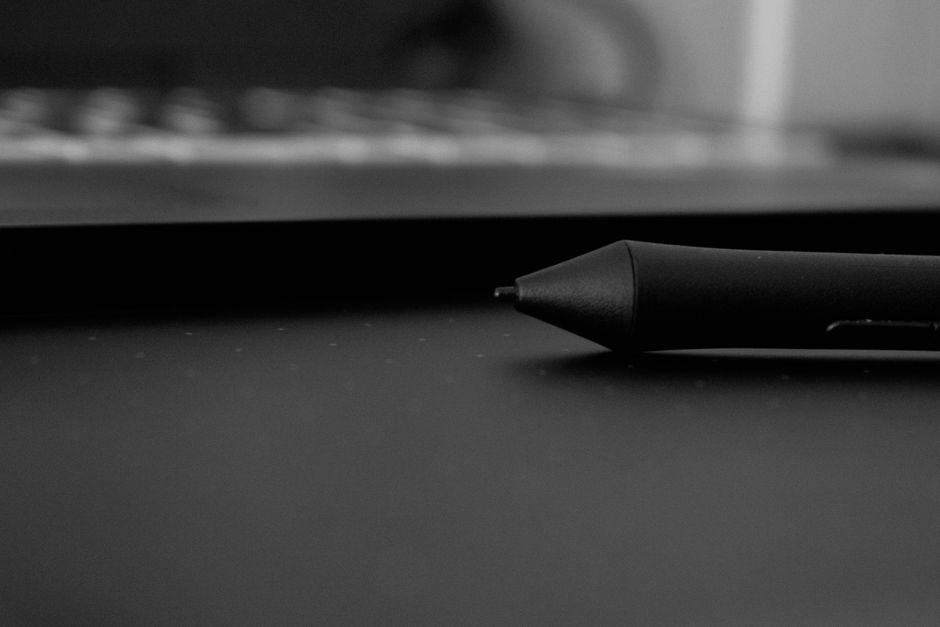
The Movinkpad 11 is built with an 11.45-inch display, 8 gigabytes of memory, and 128 gigabytes of storage capacity. It features a battery-free design powered by a USB charger and weighs a mere 1.3 pounds, making it lightweight and portable for users on the move. It also ships with the Pro Pen 3, a 6.3-inch stylus featuring three customizable side buttons that users can program to fit their specific workflow preferences.
Stock photo for illustration only, not from the actual event
Users can easily swap out and customize stylus nibs, with Wacom offering 15-dollar replacement packs in various qualities. The stylus feels lightweight and comparable to handling a fine-tipped felt pen. Because it runs on Android, the Movinkpad integrates smoothly with Google accounts, simplifying the process of managing and syncing creative assets.
Integrating the Android operating system into a dedicated creative tablet gives creators direct access to a vast mobile software ecosystem without needing a permanent tether to a desktop computer, highlighting a shift toward flexible, standalone art creation tools.
The tablet includes Wacom Canvas, a free software offering fundamental tools to get digital sketches started immediately. For advanced capabilities, users can license Clip Studio Paint, a paid application featuring extensive customization options where nib functionalities can be adjusted between pens, paintbrushes, and sketching pencils.
Facing competition from alternatives like the iPad and its Apple Pencil, Wacom leverages its long-standing hardware expertise to deliver a focused and refined artistic solution. Whether digital art is a primary passion or a casual weekend hobby, the Movinkpad 11 provides an engaging platform for creative experimentation.
Source: TechCrunch
Found something wrong in this article? Report an issue with this article
Comments
Leave a Comment