

The Fastest Way I Found to Build a Solid UI Without a Designer
A practical guide to transforming product requirements into robust user interfaces quickly by leveraging existing design systems.
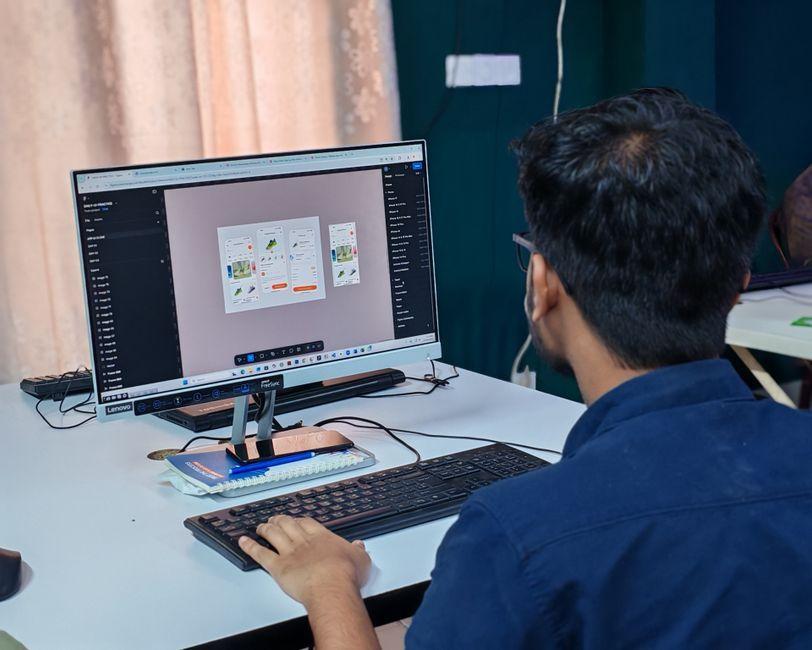
Stock photo for illustration only, not from the actual event
- Using an established design system accelerates development and raises interface baseline quality.
- Familiar application patterns like those in messaging apps help users navigate without a steep learning curve.
- Constraining AI code generators with a design system prevents inconsistent screen designs.
- Design systems make collaboration with part-time or limited-time designers significantly more efficient.
Building new products or redesigning existing ones without a full-time designer—or working with designers who can only dedicate limited time—brings a recurring challenge. The central question is always how to turn product requirements into a solid interface as quickly as possible, ensuring it looks professional, works across screen sizes, and remains consistent as the product scales.
Over time, various approaches can be tested, such as exploring layouts in Figma, tweaking code directly, borrowing design concepts, or prompting AI models like Claude and Codex. While these methods offer assistance, they often result in multiple directions with little certainty. The most reliable and fast approach is to start with an existing, mature design system and adapt it to the specific product.
Just as backend engineers rarely build a database from scratch and instead opt for proven systems like PostgreSQL or MySQL, frontend development benefits immensely from utilizing established design foundations. This approach eliminates common consistency and readability issues while letting developers focus on core product workflows.
Adopting an existing design system does not strip a product of its unique brand identity. Successful applications in the same category often share foundational structures—such as messaging layouts in WhatsApp or Telegram—because users already understand those interaction models. Changing familiar patterns merely for the sake of difference usually harms usability, leaving room for brand expression elsewhere.
One product team experienced this shift firsthand. Initially operating without a design system, their interface development slowed down and bugs accumulated as the app grew. After adopting Untitled UI and collaborating with a designer who had limited hours, the team successfully redesigned and implemented the entire application interface in just two weeks.

Stock photo for illustration only, not from the actual event
For those looking at tools, options like HeroUI and Untitled UI offer free component sets as well as paid comprehensive collections with application examples. If budget is a constraint, open-source alternatives like Astryx under the MIT license provide themes and templates, though being in beta requires careful evaluation before production use.
Furthermore, relying on AI models to generate screens from scratch often leads to poor visual hierarchy, broken responsive behavior, and accessibility issues. Providing AI tools with a defined language and design system documentation—such as a dedicated DESIGN.md file—allows the agent to arrange interfaces using established components rather than inventing foundations on its own.
Source: Dev.to
Found something wrong in this article? Report an issue with this article
Comments
Leave a Comment