

How to Find the Beat of a Song (BPM and Key Guide)
A complete guide on finding song tempos and keys using manual counting, DAW alignment, and automatic detectors.

Stock photo for illustration only, not from the actual event
- Count song pulses for 15 seconds and multiply by four for a quick BPM estimate.
- A 140 BPM trap record can feel like 70 BPM depending on the count.
- Dropping audio into a DAW grid helps spot timing drifts and structural details.
- Tools like KeyFinder automate key and BPM detection for faster workflow.
Finding the tempo and speed of a song begins by simply playing the audio and counting the pulse for 15 seconds, then multiplying that figure by four. For instance, counting 35 beats results in a tempo of roughly 140 BPM. This serves as the fastest manual approach to locating a beat, but it is also where confusion typically arises. A trap record operating at 140 BPM can easily feel like 70 BPM, a drumless intro can completely mask the pulse, and a sample might drift over time. Furthermore, knowing the tempo still does not reveal the musical key required for bass lines, vocal tuning, remixes, or harmonic mixing.
This comprehensive guide details the manual method, the digital audio workstation technique, and a rapid analysis workflow designed to keep sessions moving without guesswork. While people use the term beat to describe various concepts, producers and musicians requiring tempo and key data for audio production will find these methods essential.
To determine tempo manually, find the strongest repeating pulse. In most hip-hop and trap records, this means starting with the snare or clap, counting along for 15 seconds, and multiplying by four. Twenty beats yield 80 BPM, thirty beats equal 120 BPM, and thirty-five beats total 140 BPM. A single beat can technically be represented at two mathematically correct tempos. A dark trap track might read as either 70 BPM or 140 BPM depending on whether one counts the slower backbeat or the faster production grid. Neither number is inherently wrong, so producers should choose the grid that simplifies drum placement while DJs select values matching their library.
Stock photo for illustration only, not from the actual event
Most digital audio workstations, DJ applications, and metronome utilities feature a tap tempo function. Users can play the loudest section and tap once per beat for at least eight bars. Consistent tapping minimizes the impact of a single bad hit on the overall average. Tap tempo performs exceptionally well when drums are clear, the track maintains a stable grid, and a fast estimate is all that is required. However, it becomes unreliable when a live drummer pushes and pulls the timing, the track shifts tempo, or the introduction lacks a distinct rhythmic anchor.
Understanding tempo and musical key serves as the foundation for modern music production. Selecting the right combination of manual verification and software detection empowers producers to make precise decisions, saving valuable studio time when managing extensive audio libraries or collaborating across multiple tracks.
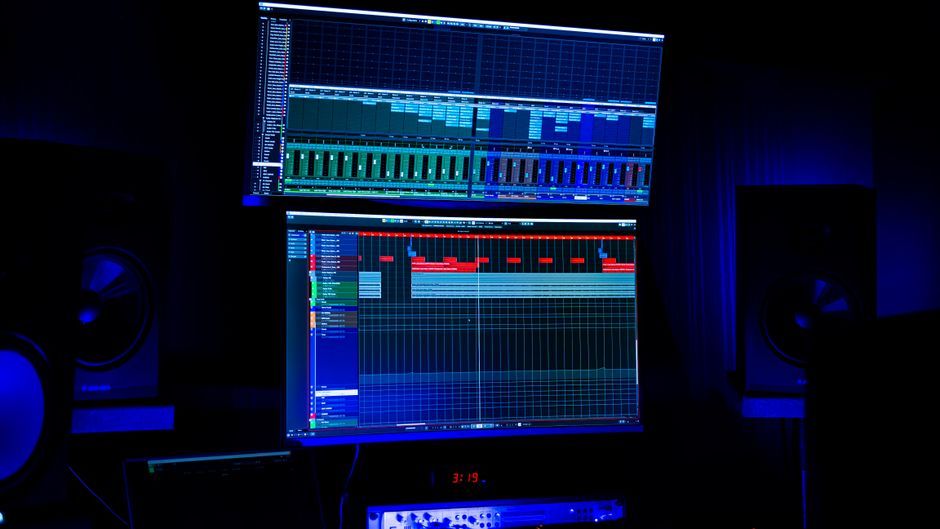
Another approach involves dragging the song into a DAW and aligning a clear downbeat with the project grid. Moving forward sixteen bars reveals whether transients slowly drift away, allowing engineers to adjust the project tempo until both ends match. Although slower, this method exposes details automatic detectors often miss, such as micro-timing variations or loose sample alignments. If you are preparing a remix or recording over an existing track, this serves as the definitive final check for structural integrity.
When handling audio files directly, a key and BPM detector eliminates most setup friction. Dropping a sample into an analyzer allows the software to estimate tempo, musical key, major or minor scale, and Camelot code instantly. KeyFinder operates as a free tool designed for this exact purpose, supporting file analysis, live system input, batch processing, and functioning as a macOS app or plugin. Automated detection remains the fastest way to organize beat folders, prepare DJ libraries, or verify a reference track during a mix.
Source: Dev.to
Found something wrong in this article? Report an issue with this article
Comments
Leave a Comment