

Wi-Fi Router Management: Restricting Access to 3 Devices
How a Wi-Fi 7 router console is restricted to a PC, laptop, and mobile phone using IP address whitelisting and static IPs.

Stock photo for illustration only, not from the actual event
- Restricted router management console access to exactly three devices
- Utilizes device IP addresses as an access filter or whitelist
- Configured static IPs to prevent dynamic address changes
- Operates on a Wi-Fi 7 dual-band router supporting 2.4 GHz and 5 GHz
Securing a network router often involves tightening access controls to the management console. In this particular setup, the router has been specifically configured to allow only three devices to log into its web-based user interface (Web UI): a personal computer, a laptop, and a mobile phone.
The underlying mechanism for this restriction relies on using the devices' IP addresses as an access filter, essentially creating a strict "white list" of permitted devices and IP addresses. This ensures that any unrecognized connection attempts are blocked from reaching the router's configuration panel.
Implementing an IP whitelist for a router's Web UI is a robust security measure against unauthorized local network access. Even if an unauthorized user connects to the Wi-Fi network, they cannot access the administrative settings without their device's IP matching the pre-approved list.
However, this method introduces a technical challenge regarding dynamic IP assignment.
Normally, a router's DHCP server automatically assigns dynamic IP addresses that can change whenever a device disconnects and reconnects to the network. If an allowed device's IP address changes, it will be locked out of the management console because the new IP will no longer match the stored whitelist entry.
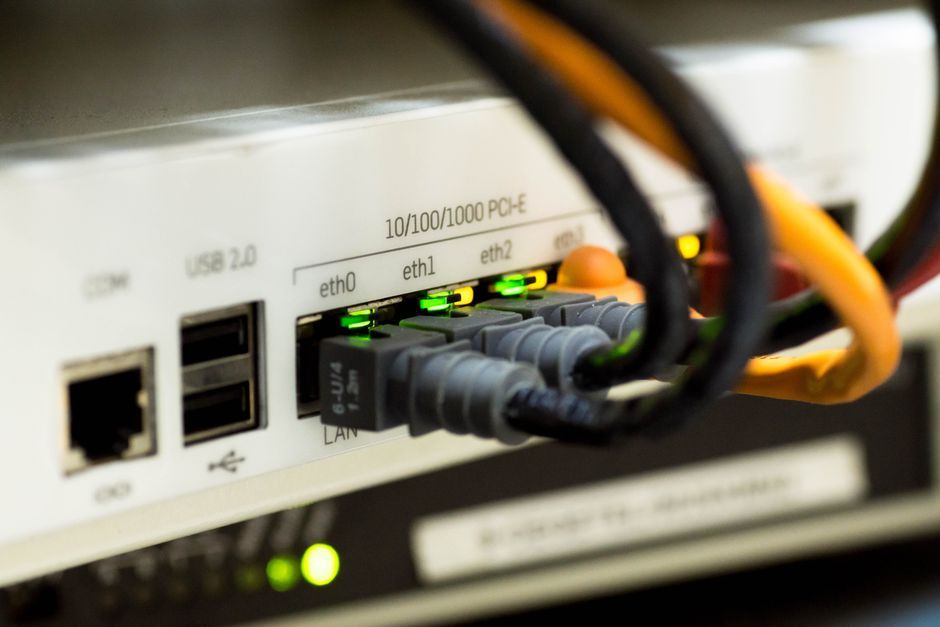
Stock photo for illustration only, not from the actual event
To overcome this limitation, the router was configured to assign static IP addresses to the three designated devices. This ensures that the PC, laptop, and mobile phone always retain the exact same whitelisted IP addresses every single time they join the network.
Alongside these strict access rules, the hardware utilized is a modern Wi-Fi 7 dual-band router supporting both 2.4 GHz and 5 GHz bands, delivering high-speed wireless connectivity while maintaining a secure administrative environment.
Source: Dev.to
Found something wrong in this article? Report an issue with this article
Comments
Leave a Comment