

Seven Emergency Features to Enable on Your Google Pixel
Discover essential safety features on Google Pixel phones, from Safety Check to Satellite SOS, designed to keep you safe in emergencies.
Stock photo for illustration only, not from the actual event
- The Personal Safety app comes pre-installed on Pixel 4a and later models.
- Safety Check prompts you to confirm safety and alerts contacts with location.
- Satellite SOS is available on Pixel 9 and newer models excluding Pixel 9a.
If you find yourself in an emergency situation, your Google Pixel can serve as a vital tool to gather information and receive necessary assistance. While certain safety features are enabled by default, most of them require manual setup before a crisis occurs.
It is worth noting that emergency settings vary across different Android devices. Many safety features reside within the Personal Safety app, which is automatically installed on all Pixel phones starting from the 4a model. Other Android users can download a version via the Google Play Store, though it may appear simply as Safety and offer different functionalities.
Stock photo for illustration only, not from the actual event
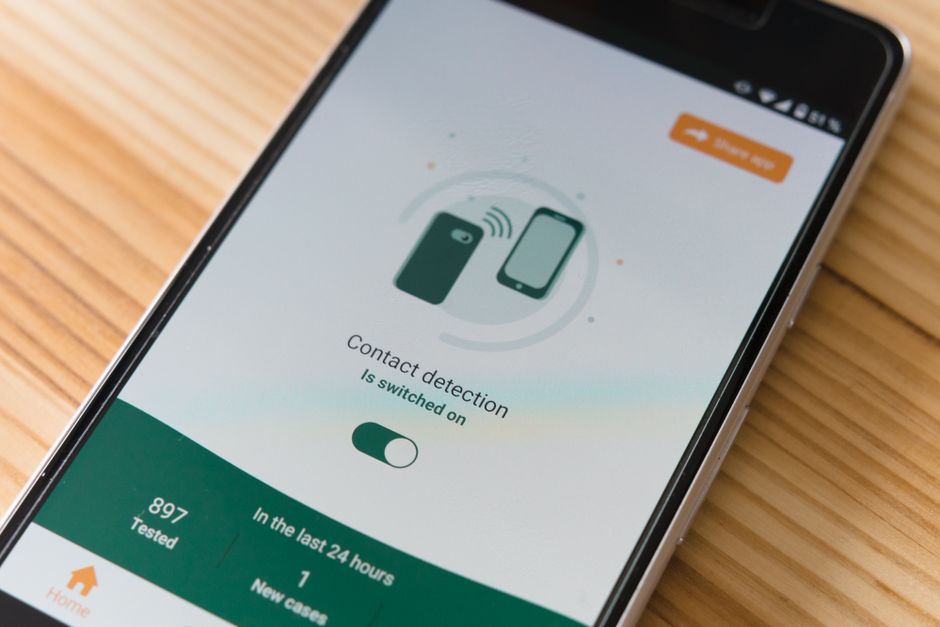
If you are venturing out alone and want to ensure someone knows your whereabouts, Safety Check can prompt you to confirm you are okay and notify emergency contacts with your location link if you fail to respond. This proves especially useful during high-risk activities such as running at night, attending a party, or taking a rideshare.
Setting up smartphone safety features in advance is crucial in modern daily life, as emergencies happen without warning. Pre-configuring emergency contacts and familiarizing yourself with these tools significantly reduces response time and enhances safety outcomes.
To use this, open Personal Safety, navigate to Safety Check, select the reason and duration, and tap Next. Choose your designated emergency contacts and hit Start. When the prompt appears, select between I'm OK. Don't Share, Start sharing now, or Call 911.
Alongside making medical information and contacts accessible while locked, you can add a lock screen message visible to anyone handling your device. This works well for listing a secondary contact if the phone is lost, or for highlighting critical health alerts like severe allergies or underlying conditions for first responders.
Stock photo for illustration only, not from the actual event
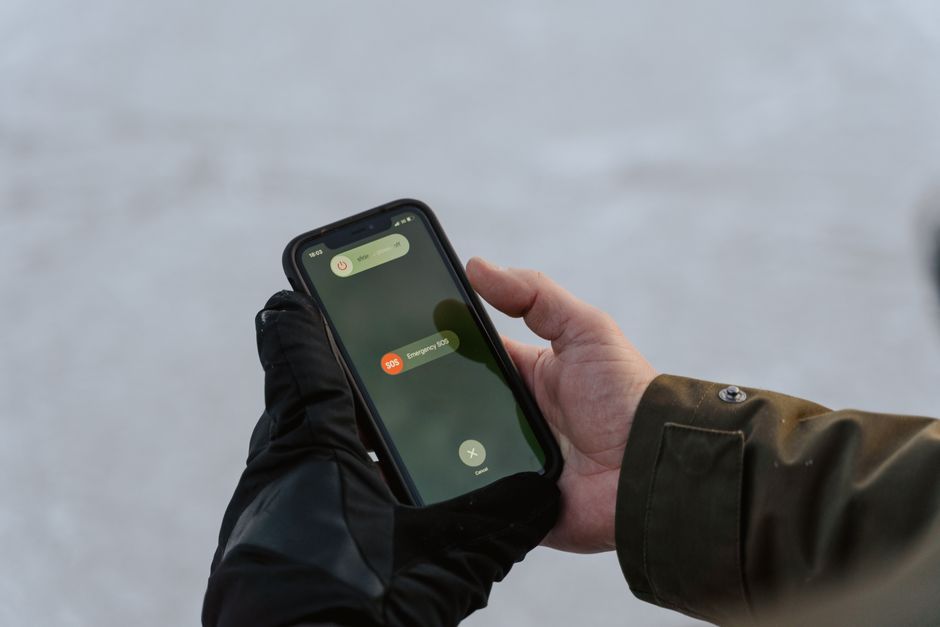
Much like iOS, Android allows satellite connectivity for emergency services when cellular data or Wi-Fi is unavailable. This function is supported on the Pixel 9 and later models (excluding Pixel 9a) using Google Messages as the default app. When dialing emergency services out of service, a Satellite SOS button will appear allowing you to connect with first responders via satellite prompts.
Source: Lifehacker
Found something wrong in this article? Report an issue with this article
Comments
Leave a Comment