

A Step-by-Step Guide to Using Poetry for Python
Learn how to use Poetry, an opinionated package management tool for Python projects, covering dependency management, environments, and running scripts.

Stock photo for illustration only, not from the actual event
- Poetry is an opinionated package management system for Python.
- It helps manage dependencies, isolate environments, and resolve conflicts.
- Use the poetry new command to initialize a structured project.
- Execute scripts smoothly using the poetry run command.
Poetry serves as an opinionated package management system designed specifically for Python projects. It streamlines development workflows, and installation can be initiated using the pip install poetry command.
Creating a new project starts by navigating to the desired directory in your terminal and executing poetry new my_project. This action generates a directory structure containing a pyproject.toml file alongside a src folder featuring __init__.py and main.py files.
Using a dedicated package manager like Poetry eliminates common version conflict headaches in Python development. By enforcing isolated virtual environments, developers can ensure that projects rely only on explicitly defined dependencies, improving reproducibility.
Dependency management within Poetry is handled through intuitive commands:
- Add a Dependency: poetry add requests
- List Installed Dependencies: poetry show
- Update a Dependency: poetry update requests
- Remove a Dependency: poetry remove requests
Managing virtual environments is equally straightforward. Running poetry shell activates the project's dedicated environment, while typing exit closes the active shell session.
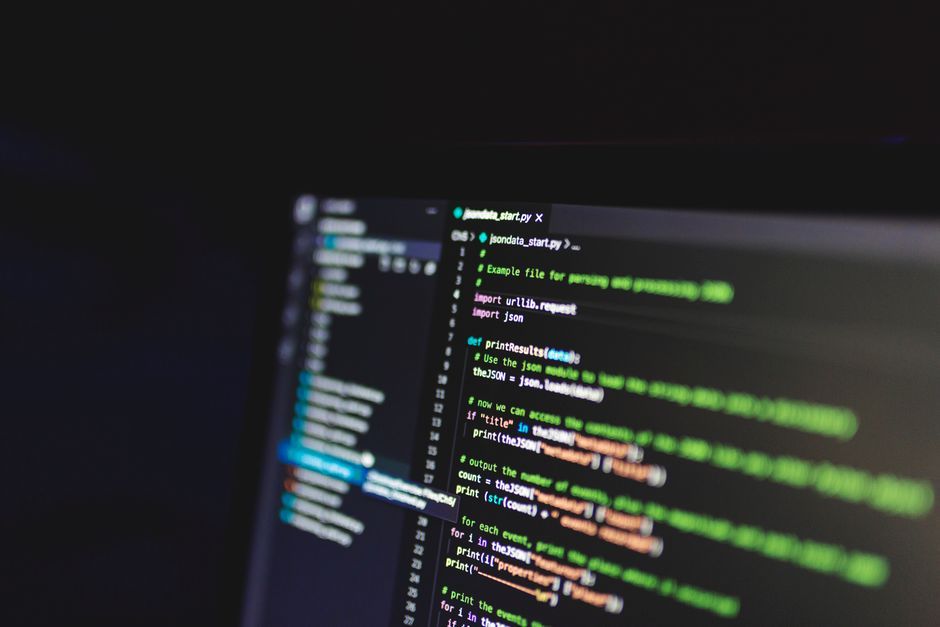
Stock photo for illustration only, not from the actual event
Running scripts inside the Poetry-managed environment is executed via the poetry run command, such as poetry run python src/my_project/main.py, which ensures execution happens using the correct virtual environment Python interpreter.
Ultimately, Poetry stands out as a robust tool that simplifies project maintenance, environment isolation, and dependency resolution for modern Python developers.
Source: Dev.to
Found something wrong in this article? Report an issue with this article
Comments
Leave a Comment