

How to Check Your LINE ID Easily on Mobile Phones
Step-by-step guide on how to check your LINE ID on mobile apps, along with important tips on privacy settings and public sharing risks.

Stock photo for illustration only, not from the actual event
- LINE ID is a unique identifier on LINE that allows others to find and add you easily.
- LINE IDs are not generated automatically and must be set up manually by users.
- You can check your existing LINE ID directly through the profile settings in the app.
- Once created, a LINE ID cannot be changed or deleted, requiring careful verification.
A LINE ID is a unique code used to identify users on the LINE service. Once a LINE ID is established, other users can utilize this code to search for and add you as a friend even if they do not have your phone number, making it a crucial tool for connectivity on the platform.
However, a LINE ID is not automatically created upon account registration; users must set it up themselves. Even without a LINE ID, individuals can still use the app normally, though having one greatly simplifies the process for friends trying to connect.
Many people often confuse the LINE ID with a profile name. In reality, they serve different purposes: the profile name is what others see on your account, whereas the LINE ID functions as a specific alphanumeric code designed for searching and adding contacts.
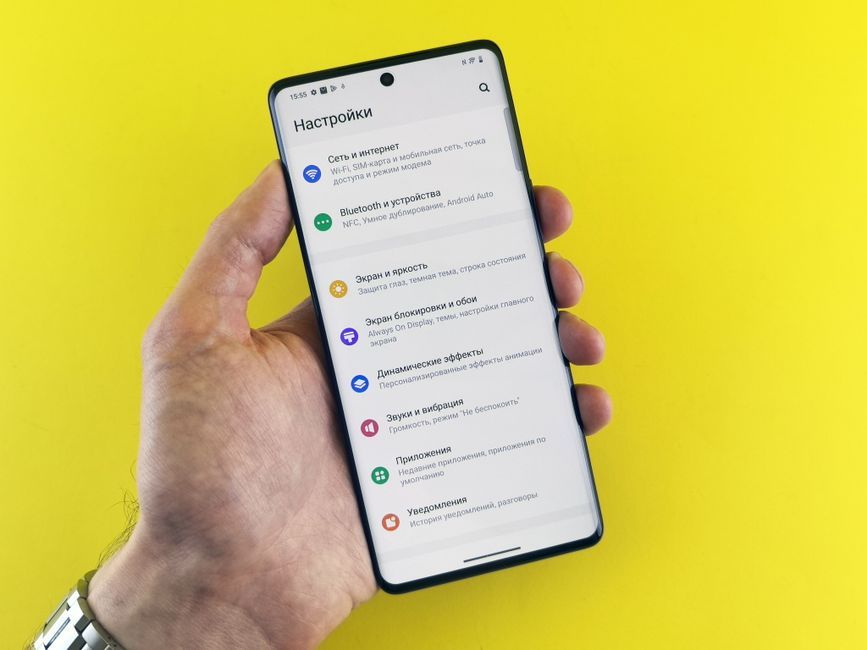
Stock photo for illustration only, not from the actual event
For those who cannot remember their LINE ID, verification can be conducted directly through the mobile application by following these steps:
- Open the LINE application on your mobile device.
- Navigate to the settings or profile section.
- Check the designated LINE ID field provided by the system.
Additionally, users retain the ability to control their privacy by choosing whether or not to allow others to add them as friends via LINE ID searches.
A critical limitation of setting a LINE ID is that once the name is finalized, it cannot be altered or deleted. Therefore, careful consideration is required before confirmation. Furthermore, exposing your LINE ID in public domains can introduce security risks, such as strangers or scammers initiating unwanted contacts and fraudulent messages.
If the inspection reveals no existing LINE ID, there is no need for concern since the platform does not mandate one for every account. Users can operate normally and set up a new ID whenever desired.
Source: Thairath Lifestyle
Found something wrong in this article? Report an issue with this article
Comments
Leave a Comment