

5 Techniques to Unlock Your Xteink E-Reader and Get More Value Out of It
A deep dive into customizing Xteink's compact e-reader, from file conversion and fixing font issues to installing firmware and Calibre plugins.

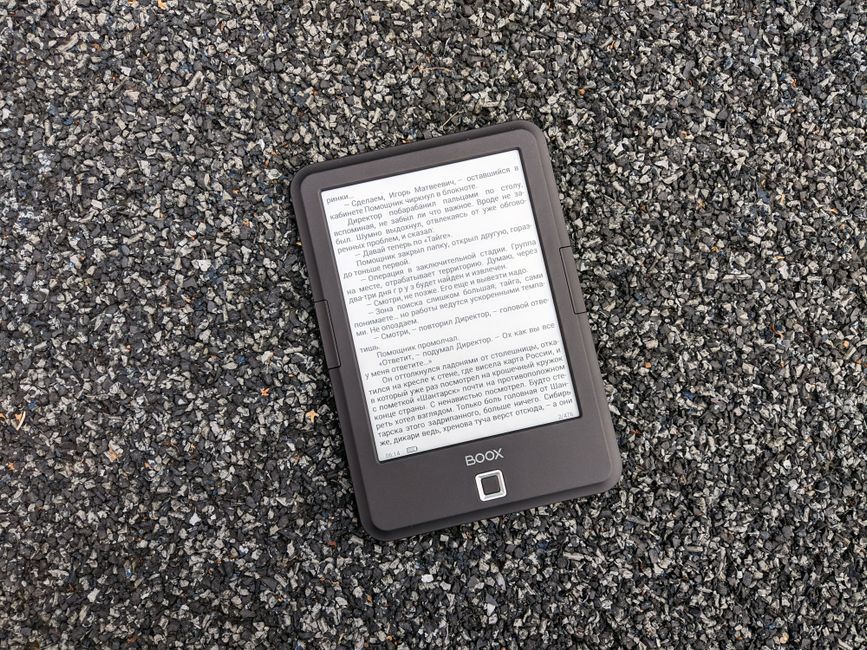
Stock photo for illustration only, not from the actual event
- Convert EPUB files to XTC to preserve formatting and images
- Upgrade to CrossPoint firmware or use alternative options like CrossInk and Biscuit
- Use Calibre plugins to manage and transfer books to the device via Wi-Fi
- Sync your reading progress to other devices using KOReader or the Readest app
For those who love reading digital books outside of the Amazon ecosystem, compact e-readers from Chinese tech company Xteink—such as the X3, X4, or X4 Pro—offer a portable option that delivers a distraction-free reading experience. However, these devices often come with an operating system that is difficult to use and suffer from text formatting issues right out of the box, such as the inability to display bold or italic text, as well as awkward spacing between paragraphs.
The first solution is to convert book files from EPUB into a proprietary format called XTC using a web-based conversion tool. These XTC files are converted into a series of bitmap images to preserve formatting, images, and styled headings, in exchange for a larger file size of 50 megabytes or more, compared to standard EPUB files that are only about 2 megabytes. This technique allows users to customize fonts, page layouts, and text alignment as desired before downloading the file to the device.
Converting files into a bitmap or XTC format is a temporary workaround for devices with limited software. Rendering text as images ensures a consistent document layout across all screens, but it also causes users to lose the ability to highlight text or dynamically adjust font sizes in the way that native text files allow.
Another way to elevate the user experience is to upgrade to CrossPoint, which makes menus and options easier to use while supporting custom margins and line spacing. There are also alternative firmwares, or "forks," developed from CrossPoint where you can download .bin files from GitHub. These include CrossInk for adding reading statistics, CrossWordle for a Wordle-style game, CPR-vCodex for tracking in-depth statistics, CrossPet for adding a virtual pet, and Biscuit, which transforms the e-reader into a multi-purpose device with applications like a calculator, password manager, or Tetris game.
File management on a computer can be handled through Calibre, where a group of developers has created plugins specifically designed to optimize EPUB files for use with CrossPoint. There are also plugins available to send books directly to the device instantly—simply connect your Xteink device to the same Wi-Fi network as your computer, then select the File transfer menu and choose Connect to Calibre library.
When you are indoors and want to read on a larger screen, you can sync your reading progress to other devices by using KOReader, an open-source application for E-ink displays that supports automatic syncing with Kobo devices, installation on Android tablets like the Boox Palma, or by using the Readest app on an iPhone, which also features a plugin supporting KOReader sync.
Source: Lifehacker
Found something wrong in this article? Report an issue with this article
Comments
Leave a Comment