

Testing Agora Flexible Classroom for Virtual Learning
A step-by-step walkthrough to set up Agora Flexible Classroom desktop build in an afternoon, covering SDK features, roles, and real use cases.
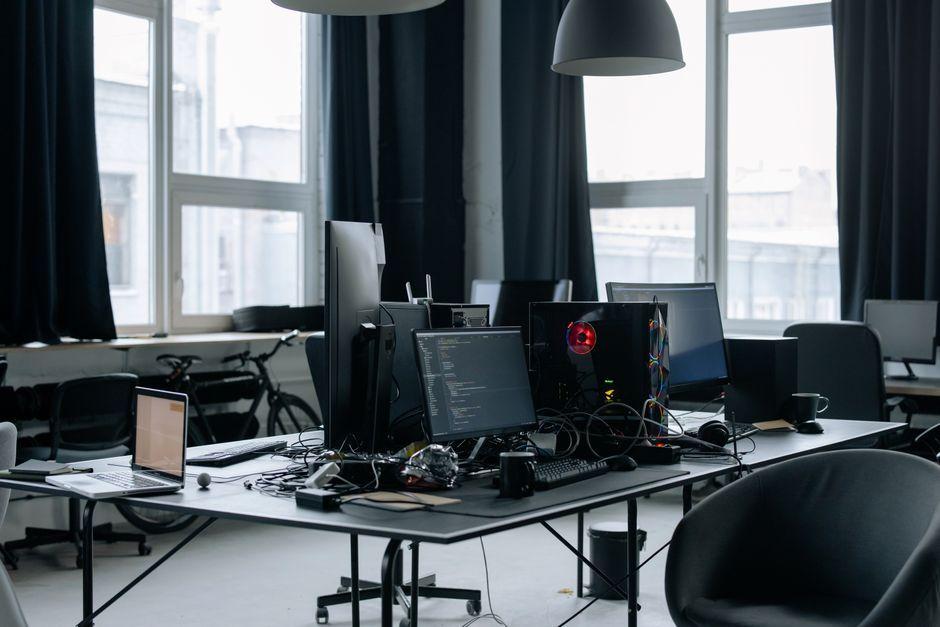
Stock photo for illustration only, not from the actual event
- Ed-tech teams often find basic video calls fall short of actual classroom needs.
- Agora Flexible Classroom provides a pre-built Electron UI for Windows and macOS.
- Local setup takes an afternoon using Node.js 16, Git, Yarn, and Agora console keys.
- Features range from interactive whiteboards and breakout rooms to proctoring exams.
Every ed-tech team hits the same wall eventually: your video call works fine for a meeting, but a classroom needs more. A teacher who can promote a student's mic, a whiteboard that stays in sync for forty kids, breakout rooms that don't fall over. Building that stack from raw WebRTC is a semester-long project by itself. So instead of building it, I set out to stand up Agora's Flexible Classroom desktop build and see how far a .env file and an afternoon could actually get me.
It got me further than expected. This is the walkthrough I wish I'd had going in: what Flexible Classroom actually is, the exact steps that got it running locally, and where this kind of setup earns its keep in the real world.
Flexible Classroom isn't a video-call widget you drop into a page. It's a pre-built classroom UI, with layouts, roles, and interaction patterns already assembled, sitting on top of Agora's real-time engine. Under the hood you get low-latency video and audio over Agora's SD-RTN, a real-time messaging channel for state sync, and an interactive whiteboard, all wrapped in scenarios docs call small classes, 1-on-1, and lecture halls. This particular repo builds it as an Electron desktop client rather than a browser tab: same engine, packaged as a native app for Windows and macOS.

Stock photo for illustration only, not from the actual event
Adopting a pre-built solution like Agora Flexible Classroom significantly reduces the architectural overhead of managing real-time media transport and synchronization state, allowing developers to focus on core educational features and user experience rather than reinventing foundational infrastructure.
Before touching a terminal, it's worth knowing what you're getting for that .env file. Flexible Classroom ships as a set of pre-built scenes bundled into four feature groups:
- 1-on-1 tutoring up to small classes of about 50 students
- Lecture halls for large cohorts using the same SDK with different scene configs
None of what's above is hard-wired into the layout. Every component, whiteboard included, is its own bundle in the SDK's plugin gallery loaded per scene, enabling feature tiers such as:
- Whiteboard
- Chatroom
- Vote / polling
- Answer / quiz
- Countdown counter
- Watermark
- Stream-media
- Webview embed
There is also a genuinely separate package called agora-proctor-sdk which packages into its own standalone desktop client, turning a room into an invigilated exam session rather than a standard lesson.
The prerequisite steps to get it running locally include:
- Setting up prerequisites: Git, Node.js 16 (18+ is not supported yet), and Yarn, along with an Agora account with Flexible Classroom enabled and open firewall ports.
- Cloning the desktop repo and pinning release/2.9.0.
- Pulling submodules for the classroom UI, whiteboard bindings, and Electron shell via Yarn.
- Configuring your App ID and certificate from the Agora Console.
- Proving the build with two roles (Teacher and Student) in separate windows to verify video and live whiteboard sync.
- Optionally packing it as a native desktop client for macOS or Windows.
Source: Dev.to
Found something wrong in this article? Report an issue with this article
Comments
Leave a Comment