

vivo X500 Series & originOS 7: Run 5 Apps at Once
vivo introduces originOS 7 on Android 17 for the vivo X500 Series, featuring Origin Workbench for 5 simultaneous apps and jelly-like UI effects.

Stock photo for illustration only, not from the actual event
- vivo X500 Series debuts originOS 7 running on top of Android 17
- Features Origin Workbench allowing up to 5 apps to run simultaneously
- Enhances fluidity with jelly effects and over 200 Fluid Motion animations
- Supports cross-platform connections with Apple devices and iCloud access
vivo has officially announced the rollout of its new software interface, originOS 7, built on top of the Android 17 operating system. The newly unveiled vivo X500 Series—comprising the vivo X500, vivo X500 Pro, and vivo X500 Pro Max—will be the very first devices to experience this fresh interface out of the box. Users in Thailand participating in the Preview Program will also get the opportunity to test out this new software version.
During the official launch event held in Shanghai, China, the standout highlight of originOS 7 was introduced as Origin Workbench. This capability allows users to run up to five applications simultaneously on a single screen, divided into one primary app and four secondary floating windows, marking a major milestone in mobile multitasking.
vivo's development of originOS 7 highlights the continuous push to bridge the gap between mobile and desktop multitasking. By combining multiple floating windows with an overhauled graphics engine, the company aims to deliver a desktop-like workflow for users who demand high productivity on the go.
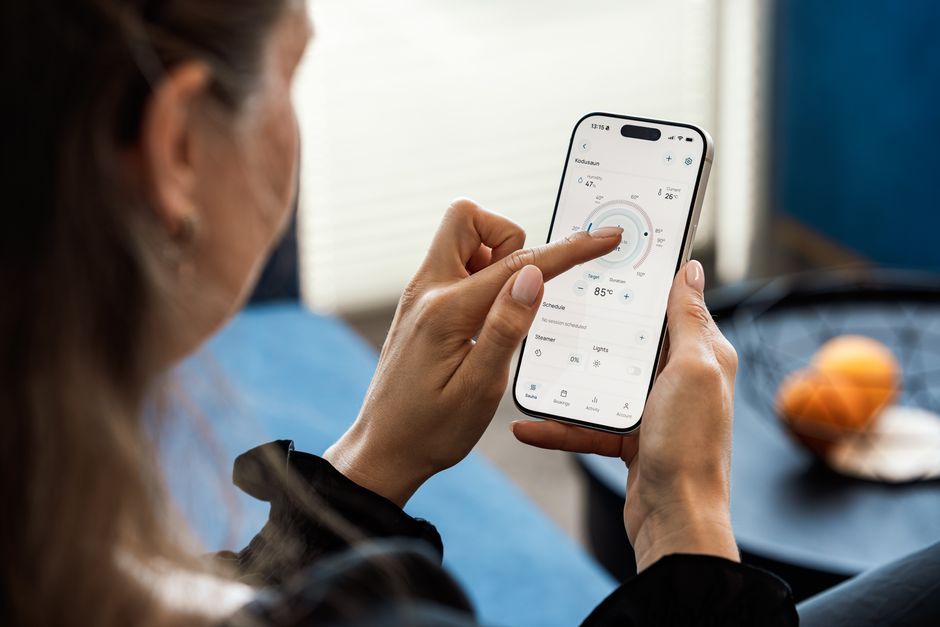
Stock photo for illustration only, not from the actual event
A vivo product executive shared on stage that because Chinese smartphone users affectionately refer to originOS as the orange operating system, the company nicknamed this release orange jelly. The update heavily focuses on visual fluidity, introducing a function that transforms user photos into liquid-like textures. When the device is tapped or shaken, the image ripples, depresses, and bounces back like jelly, working alongside the internal gyroscope to cast realistic light and shadow on the wallpaper based on the device's tilt.
Additionally, the interface features Fluid Motion, which allows screen elements to stretch, bounce, and morph according to finger velocity. For instance, sliders in the gallery app behave like translucent jelly bars whose colors shift with the background, while the magnifying glass refracts text like a water droplet. vivo stated at the Shanghai launch that these animations span over 200 usage scenarios, with general fluidity responses improved in more than 200 areas.
In terms of system performance, originOS 7 is powered by a new version of the Origin Smooth Engine, which completely redesigns graphic processing, memory management, and task scheduling. vivo reported that app launch speeds are increased by 10 percent, internal page switching is 11 percent faster, and image rendering efficiency is boosted by 14.4 percent compared to the previous version.
"This version focuses on theme fluidity, featuring a function that transforms user photos into liquid-like textures. When the device is tapped or shaken, the image ripples, depresses, and bounces back like jelly."
vivo X500 Series Product Executive
Furthermore, originOS 7 expands connectivity with Apple ecosystems. Users can receive Apple Watch notifications, sync fitness data directly to the Origin Health app, monitor AirPods battery levels through Origin Island, and utilize Spatial Audio. Additionally, the vivo File Manager can access files stored on iCloud directly, while the vivo Office Kit continues to provide seamless connection capabilities with iPads, Macs, and Windows computers.
For personalization, vivo has integrated Pet Pals, featuring virtual pets that react to physical device movements while indicating charging status and music playback. At the Shanghai launch, vivo announced six free AI pet themes, alongside a paid service that allows users to upload photos of their own pets for AI-generated 3D models. The update also includes StickIt for creating collages from photos and Live Photos across the lock screen, home screen, and Always-On Display.
Source: Thairath Lifestyle
Found something wrong in this article? Report an issue with this article
Comments
Leave a Comment