

The Silent iOS 17 Crash Hiding in @Dependency and withTaskGroup
Swift developers using Point-Free's swift-dependencies can trigger elusive runtime crashes exclusively on iOS 17 inside task groups.

Stock photo for illustration only, not from the actual event
- A subtle bug in iOS 17 triggers crashes when accessing @Dependency inside withTaskGroup.
- Swift's concurrency runtime explicitly forbids task-local bindings within active task groups.
- The identical codebase runs without issues on iOS 18 while failing fatally on iOS 17.
- The fix requires resolving every dependency before entering the task group scope.
Software engineers utilizing Point-Free's swift-dependencies library within Swift Concurrency might encounter a frustrating trap affecting strictly iOS 17 users. This issue remains completely hidden during development, compiling cleanly with zero warnings and leaving testing pipelines unaware if devices are already running newer OS versions.
Debugging the stack trace points directly deep into Swift's concurrency runtime under swift_task_reportIllegalTaskLocalBindingWithinWithTaskGroup. The codebase itself does not interact with task-local values explicitly, yet reading a @Dependency property inside a withThrowingTaskGroup or capturing it inside an addTask closure triggers the fatal error.
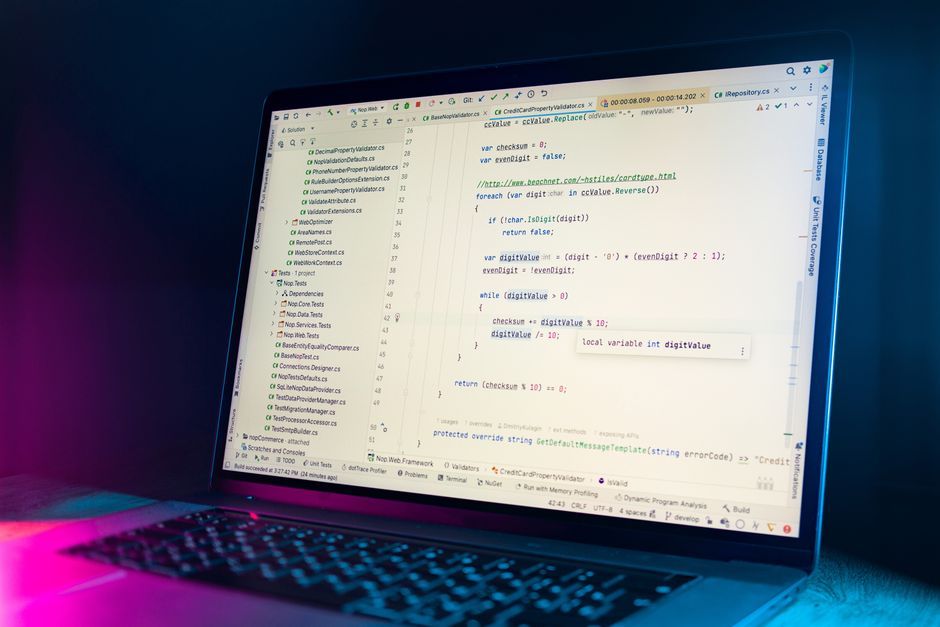
Stock photo for illustration only, not from the actual event
Under the hood, swift-dependencies builds its dependency injection mechanism directly on top of Swift's task-local values. Although a property declaration looks like a straightforward stored property, accessing it executes property wrapper resolution from the current task-local context to support scoped overrides.
Structured concurrency enforces strict rules regarding task-local values. Child tasks inherit existing task-local values upon creation, and allowing new bindings while a task group spawns children introduces ambiguous inheritance, which the runtime explicitly blocks.
The behavioral discrepancy between iOS 17 and iOS 18 highlights how tightly coupled property wrappers can be to underlying runtime constraints. Because developers often test primarily on the latest operating system, subtle assumptions made by third-party concurrency libraries can introduce deterministic failures for legacy users that static analysis tools fail to catch.
To completely avoid this crash, developers should adopt the habit of resolving all required dependencies prior to entering any task group. Running quick codebase searches using terminal commands like grep to identify files containing both task groups and dependency property wrappers is an effective way to audit existing projects.
Source: Dev.to
Found something wrong in this article? Report an issue with this article
Comments
Leave a Comment