

GitHub pull_request_target updates impact top repositories
GitHub is rolling out two dated changes to pull_request_target on July 20 and November 2, 2026, affecting public repositories worldwide.

Stock photo for illustration only, not from the actual event
- GitHub is modifying how the pull_request_target trigger works this year.
- Two key changes take effect on July 20, 2026, and November 2, 2026.
- A free checker named prt-check scanned the top 1,000 most-starred repositories.
- Developers must follow three provided fix options outlined in the README.
GitHub is updating the behavior of pull_request_target this year. Two dated changes impact every public repository utilizing the trigger, prompting developers to build a small free checker tool, prt-check, using an AI engineering system (HAL) to scan the 1,000 most-starred repositories on GitHub.
The scan was conducted on September 26, 2026, which was 37 days prior to GitHub's default block date of November 2, 2026. This report focuses strictly on aggregate numbers and does not name any specific repositories.
The two specific modifications include:
- Starting July 20, 2026, actions/checkout refuses to check out fork pull request code in pull_request_target and workflow_run workflows unless opted in.
- Beginning November 2, 2026, GitHub blocks pull_request_target on public repositories lacking an enabling Actions policy.
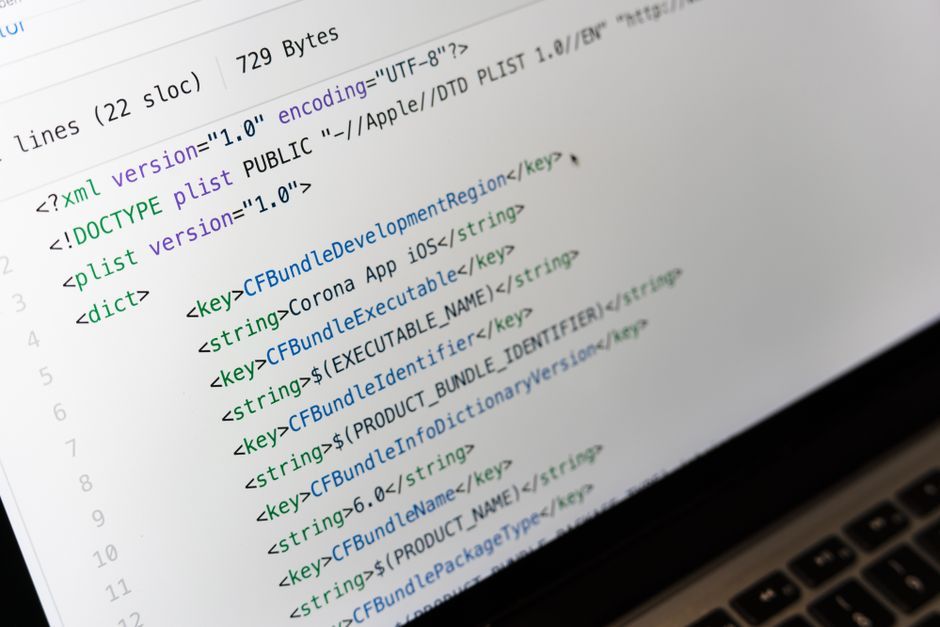
Stock photo for illustration only, not from the actual event
This security policy update addressing pull_request_target is a crucial step in mitigating remote code execution (RCE) vulnerabilities that frequently target prominent open-source projects. By requiring explicit opt-ins and proper policy configurations, GitHub aims to prevent external untrusted code from easily exploiting high-privilege repository secrets.
Developers can run prt-check on their repositories either via an Action or locally with python prt_check.py, and subsequently implement one of the three fixes detailed in the README: switch to pull_request, split into pull_request plus workflow_run, or retain the trigger with a designated Actions policy.
Source: Dev.to
Found something wrong in this article? Report an issue with this article
Comments
Leave a Comment