

Optimizing Zpool Scrub Performance in Home Servers
Explore how home server upgrades with 22-core Xeon CPUs and DDR4 memory achieve 3.7 GB/s zpool scrub speeds, while uncovering hidden hardware and thermal risks.
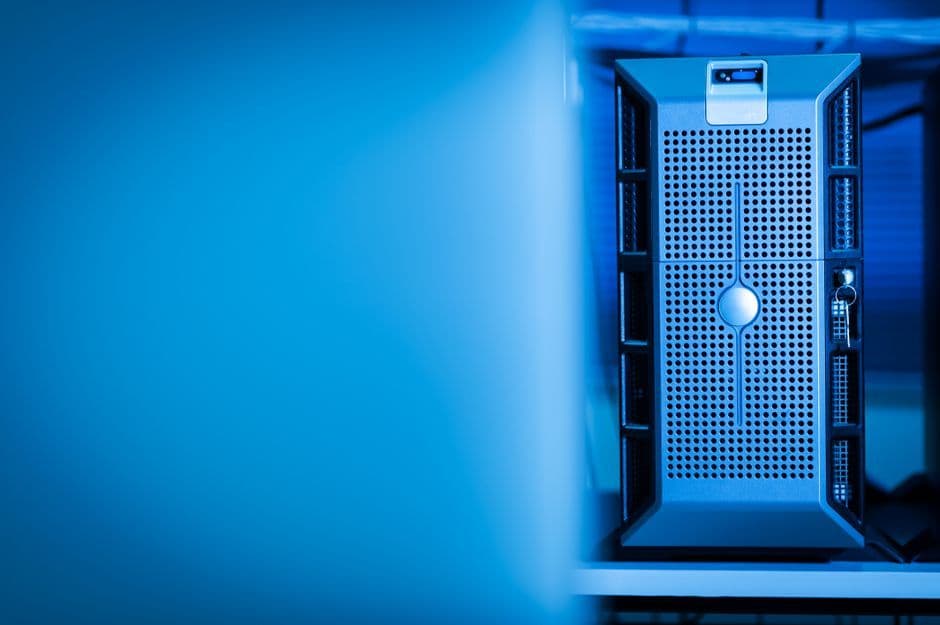
Stock photo for illustration only, not from the actual event
- Zpool scrubbing systematically verifies and repairs silent errors in storage data.
- Hardware upgrades generate thermal loads that can expose latent HDD sector errors.
- Double-conversion UPS units protect write integrity against sudden voltage drops.
Maintaining a home server through zpool scrubbing is a fundamental operational task that preserves data integrity by systematically validating stored information against metadata checksums. Think of this process as a comprehensive diagnostic check for storage arrays, designed to uncover and rectify silent errors before they escalate into irreversible data loss. This maintenance is especially critical during or immediately following hardware upgrades, as new components can introduce latent flaws or aggravate existing vulnerabilities within the system.
During a scrub operation, the system sequentially reads every data block in the zpool, compares its contents against the metadata checksum, and flags any discrepancies. If a block fails verification, the server attempts to repair it using redundant data from mirrored or RAID arrays. This procedure demands significant processing power, as demonstrated by scrub speeds reaching 3.7 GB/s on an upgraded system equipped with a 22-core Xeon CPU and DDR4 memory. Enhanced processing capabilities accelerate completion times, minimizing the window of vulnerability to undetected data errors.
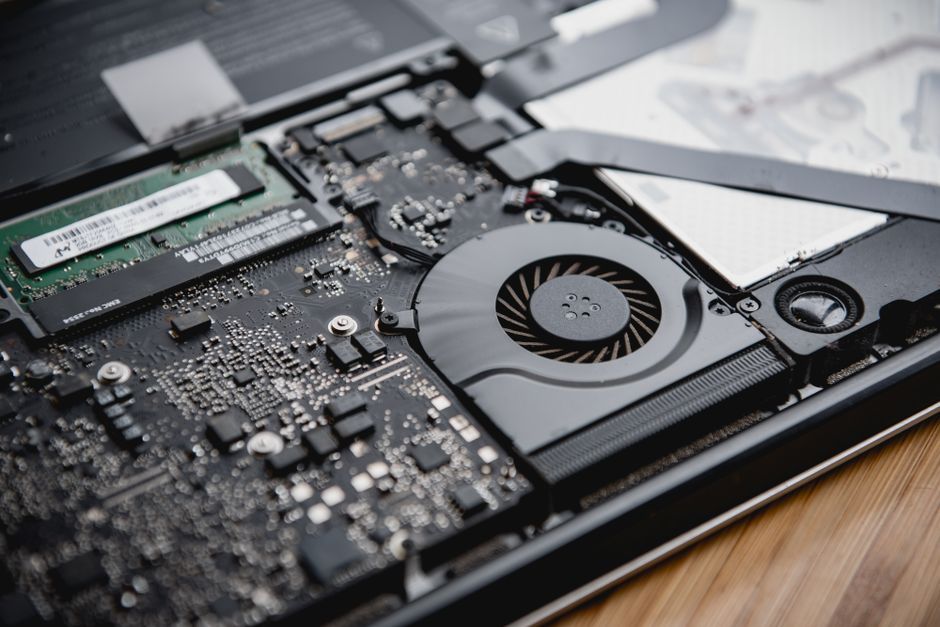
Stock photo for illustration only, not from the actual event
Hardware enhancements, such as migrating from DDR3 to DDR4 memory, fundamentally alter a system's thermal and electrical characteristics. For instance, the 22-core Xeon CPU emits substantially more heat than its predecessor, speeding up wear and tear on nearby components like hard disk drives. Even without swapping out disks, this elevated thermal stress can trigger thermal expansion in disk platters or read/write heads, leading to mechanical misalignment and latent sector errors. Running a scrub post-upgrade is vital for catching these issues early.
Within complex storage layouts—such as a setup featuring two zpools, a mirrored pair, and three SSDs—scrubbing exposes critical vulnerabilities. For example, if a single disk in a mirrored configuration develops read errors, the system reconstructs the data from its mirror. However, a simultaneous failure across both disks in a degraded mirror can cause permanent data loss. Although solid-state drives lack mechanical parts, they remain susceptible to cell wear and controller failures that scrubbing operations help bring to light.
Zpool scrubbing goes far beyond routine maintenance, acting as a vital diagnostic mechanism that reveals hidden risks tied to hardware upgrades and environmental factors. By understanding the physical processes at play, home server enthusiasts can proactively manage risks and ensure robust long-term system reliability.
The double-conversion UPS integrated into the hardware setup plays a pivotal role in maintaining scrub integrity by regulating voltage and frequency, thereby preventing power anomalies that could corrupt write operations. For example, a sudden voltage sag from 120V down to 60V during a scrub could abruptly halt the server and leave the zpool in an inconsistent state. Furthermore, environmental elements like dust accumulation can break down insulation in high-voltage parts or clog disk vents, resulting in overheating and latent sector errors.
Source: Dev.to
Found something wrong in this article? Report an issue with this article
Comments
Leave a Comment