

What I cut from my MVP to ship it in weeks
Learn what features a developer cut from their MVP, including admin panels and checkout, to ship a product in just a few weeks.

Stock photo for illustration only, not from the actual event
- Removed admin panel and team invites, handling them manually instead.
- Skipped online checkout by sending invoices via email to early users.
- Kept core workflows, error logging, user issue reporting, and backups.
- Regretted cutting basic analytics and search features in the initial version.
The initial version of a software product usually comes with a feature list that demands months of work. However, a developer from the Dev.to community managed to ship a working product in just a few weeks by aggressively cutting features they thought were necessary, revealing what was removed and what they later regretted.
The original plan included an admin panel, team invites, and three permission levels. Since the first users were a handful of acquaintances, the developer simply created logins manually and maintained a spreadsheet for access control, which went completely unnoticed by anyone.

Stock photo for illustration only, not from the actual event
Furthermore, every drafted setting was merely a way to avoid making decisions. Sensible defaults were chosen and hardcoded instead, and a feature was only built after two users requested the exact same change.
Building an MVP or Minimum Viable Product is a crucial software engineering strategy focused on launching the simplest working version to test the market and gather user feedback quickly. Stripping away non-essential features drastically cuts time and cost, proving that many backend operations can be managed manually during the early stages.
Online checkout was also omitted from the build. The earliest users wanting to pay received an invoice via email; although it felt slightly awkward, this method identified serious users much faster than a standard pricing page would have.
Email and in-app notifications were initially dropped in favor of manual updates sent by the developer over the first few weeks, which resulted in direct conversations with every single user—turning out to be the most valuable part of the process.
Nevertheless, critical workflows safeguarding user data and system visibility were strictly preserved:
- The core workflow users came for, executed properly
- Error logging mechanisms
- A dedicated way for users to report broken features
- Reliable data backup systems
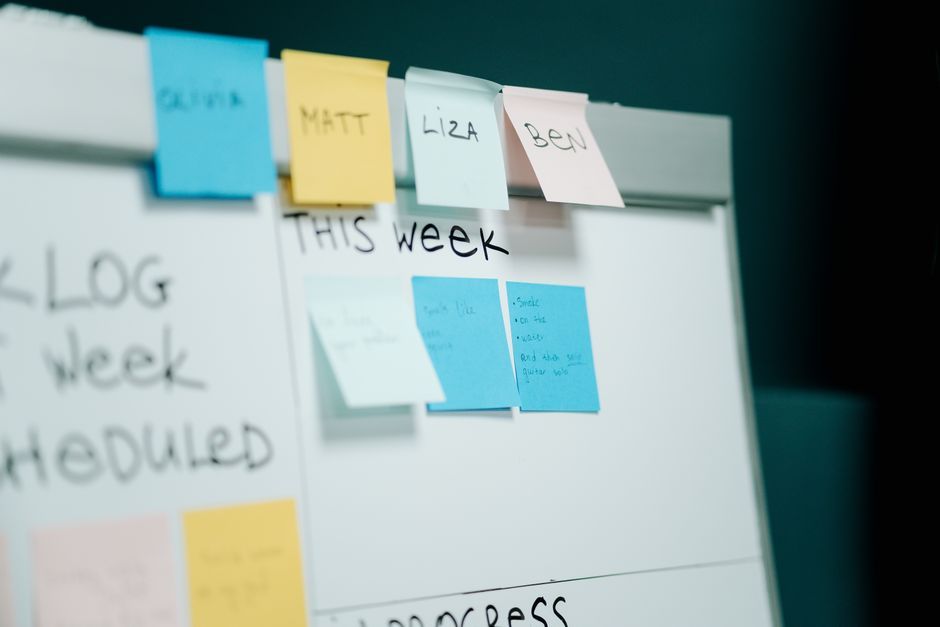
Stock photo for illustration only, not from the actual event
Despite these smart cuts, certain omissions led to later regrets. Basic analytics was skipped to save a single day, leading to weeks of guesswork regarding user screen engagement. Similarly, a basic search feature was omitted assuming minimal data volume, but heavy users required it within the first month.
"If I could do it by hand for the first group of users, it stayed out of the code. If skipping it could lose data or hide errors, it stayed in."
Rishita Sharma
The ultimate rule derived from this shipping experience is straightforward: if a task could be done manually for the initial user group, it stayed out of the codebase, but if skipping it risked data loss or masked errors, it remained inside.
Source: Dev.to
Found something wrong in this article? Report an issue with this article
Comments
Leave a Comment