

Why Does Your Phone Get Hot? 5 Causes and How to Cool It Down
Discover 5 main reasons behind overheating smartphones and why gaming while charging risks damaging your battery.

Stock photo for illustration only, not from the actual event
- Phone overheating stems from 5 main issues including heavy apps, charging while playing, sunlight, and thick cases
- The optimal operating temperature range for smartphones is 0 to 35 degrees Celsius
- Exceeding 45 degrees Celsius continuously risks fast battery degradation and CPU throttling
- Never put an overheated smartphone into a refrigerator or freezer as condensation will short-circuit internal circuits
Dealing with a smartphone that gets hot to the touch is something every iOS and Android user has experienced. Even though modern devices feature advanced cooling systems, user habits, weather conditions, and hardware factors still trap heat inside. Here are 5 primary culprits behind the issue.
First, running apps that demand heavy graphic processing, such as 3D games, shooting 4K videos, or editing clips for extended periods, pushes the processor to maximum capacity and builds up heat at the back of the device. Second, charging a Lithium-ion battery naturally generates chemical heat. Using fast charging technology while playing games simultaneously doubles this heat generation since the battery is forced to take in and output power at the same time.
Environmental temperatures also play a huge role. Browsing your phone outdoors under direct sunlight or leaving it on a car dashboard parked in the sun absorbs external heat directly into the chipset. Additionally, background apps like GPS, cloud syncing, or hidden OS updates can heat up the device even when idle. Finally, phone case materials like thick rubber, leather, or tightly sealed plastic act like a sweater, trapping heat inside instead of letting it dissipate naturally.
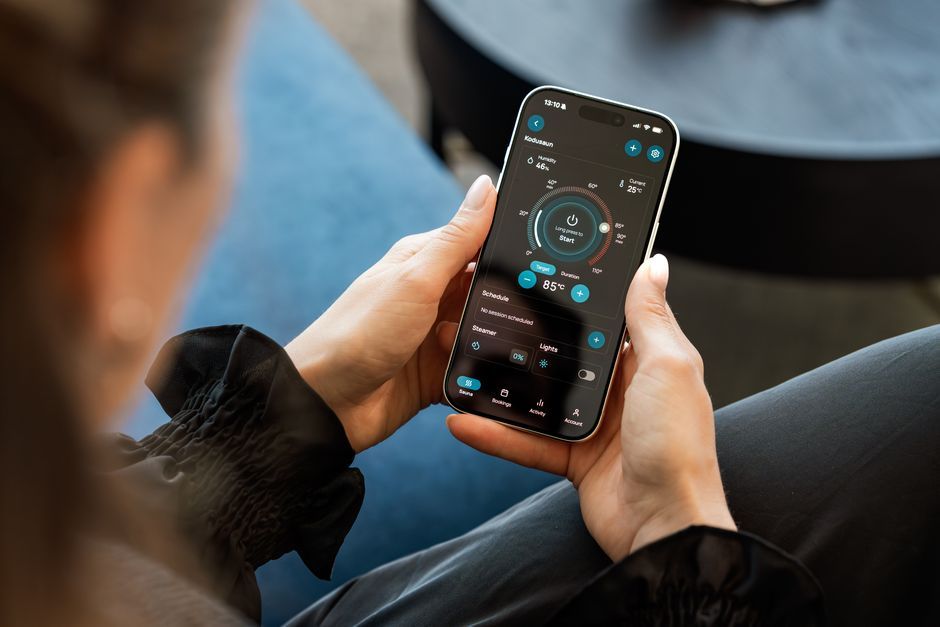
Stock photo for illustration only, not from the actual event
Understanding smartphone thermal mechanics helps prevent long-term hardware damage. Because modern chipsets and batteries pack high power density inside ultra-slim chassis, cooling capacity remains restricted. When heat accumulates, safety protocols force the device to throttle performance, and ignoring these signs over time will noticeably shorten the lifespan of your electronic device.
Technical data from manufacturers indicates that the ideal working temperature spans between 0 and 35 degrees Celsius. Leaving the device to overheat above 45 degrees Celsius for prolonged periods leads to several impacts:
- Faster battery degradation, causing rapid capacity loss
- CPU thermal throttling, forcing the system to slow down and lag
- Automatic screen brightness reduction to assist with cooling
- Internal circuit hazards, which can potentially cause battery swelling or damage power management chips
If your phone feels abnormally scorching, follow proper cooling procedures by removing the case immediately to improve airflow. Move the device to a shaded or air-conditioned room away from direct sunlight, stop usage and disconnect the charging cable for 10 to 15 minutes. Close all apps and turn on Flight Mode to halt background processes. Crucially, never place the phone in a refrigerator or freezer, as sudden temperature drops will create moisture and internal water droplets that short-circuit the circuit board.
Knowing the root causes and proper responses empowers users to adjust their habits, avoid heavy usage under the sun, refrain from playing while charging, and select well-ventilated cases to extend smartphone and battery longevity safely.
Source: Thairath Lifestyle
Found something wrong in this article? Report an issue with this article
Comments
Leave a Comment