

Accessible VIN Input Labels, Errors, and Screen Reader Patterns
Practical HTML and TypeScript patterns for building accessible VIN lookup fields that support screen readers and keyboard users effectively.

Stock photo for illustration only, not from the actual event
- Use real labels instead of relying solely on placeholders
- Apply aria-invalid with descriptive text when validation fails
- Announce loading states politely for assistive technologies
A vehicle identification number form that only looks polished in a mouse-driven browser remains unfinished. Screen reader users, keyboard-only users, and individuals who zoom text all require the same clarity provided to sighted clickers: a genuine label, a predictable error message, and spoken confirmation once decoding finishes. This article reviews practical HTML and TypeScript patterns for a free VIN lookup field to help prevent silent failures that frequently affect these user groups
Stock photo for illustration only, not from the actual event
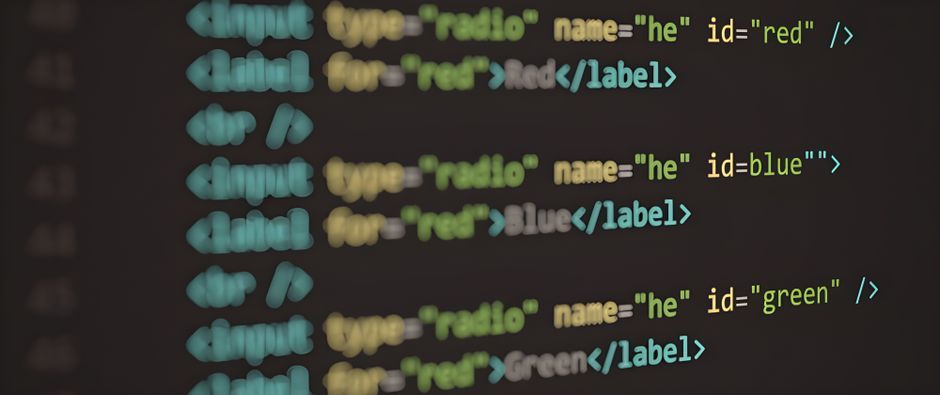
Placeholders disappear upon typing and remain easy to miss, so developers should implement a visible <label for="..."> or wrap the input, keeping placeholder text strictly as a visual example.
Relying solely on red borders fails color-blind users and often fails screen readers when text updates are omitted. When validation fails, developers must set aria-invalid="true", reveal the alert node, and explain the reason in clear text. While requests process, sighted users observe a spinner animation, whereas assistive tech users require the same state announced via a polite live region to prevent guesswork.
If a user activates decode and validation fails, focus should shift back to the input or the error summary. Conversely, upon successful decoding, focus must move to the results heading so the subsequent Tab cycle lands directly on the data rather than looping on the button. These details sound straightforward until design systems ship styled spans

Stock photo for illustration only, not from the actual event
Accessible VIN entry relies on labeled inputs, textual errors utilizing aria-invalid, polite status announcements during decoding, and focus management that follows the user's task. The TypeScript footprint remains minimal: validate to a string message, mirror that message into the DOM, and announce phase changes before polishing spinner animations.
Prioritizing accessibility in specialized input forms like VIN lookups demonstrates a commitment to inclusive web development. Proper focus management and ARIA attribute implementations bridge the gap for assistive technology users, ensuring that critical utility forms remain fully functional across all input methods and user capabilities.
Source: Dev.to
Found something wrong in this article? Report an issue with this article
Comments
Leave a Comment