

How to Use Your iPhone as an ID and Passport in Wallet
Sixteen U.S. states now officially allow IDs in iPhone Wallet, while Florida and Rhode Island have independently rejected the feature.

Stock photo for illustration only, not from the actual event
- Sixteen U.S. states and one territory now officially support IDs in iPhone Wallet.
- Florida and Rhode Island officials have officially rejected digital IDs for their states.
- Digital IDs can be used at TSA checkpoints at participating airports and select age-restricted venues.
- Adding a passport requires an iPhone 11 or later running iOS 26.1 or later.
When this feature was first reviewed back in 2022, only two states permitted users to store their identification cards within the iPhone Wallet application. Fast forward to October 2026, and that figure has grown to officially encompass 16 states and one territory.
Although several states originally pledged to adopt the feature on a loose timeline, they have yet to implement support after four years. The landscape shifted recently when 9to5Mac reported that officials from Florida and Rhode Island independently decided to reject digital IDs for their respective states outright.
Florida Governor Ron DeSantis shared his dismissal of the initiative on X, while Walter Craddock, Chair of the AAMVA International Board of Directors, noted on a podcast that widespread adoption should not be expected anytime soon.
Storing official identification and passports on smartphones represents a major milestone in digital security and personal convenience. However, local regulatory hurdles and varying state-level perspectives on privacy continue to create friction for nationwide implementation.
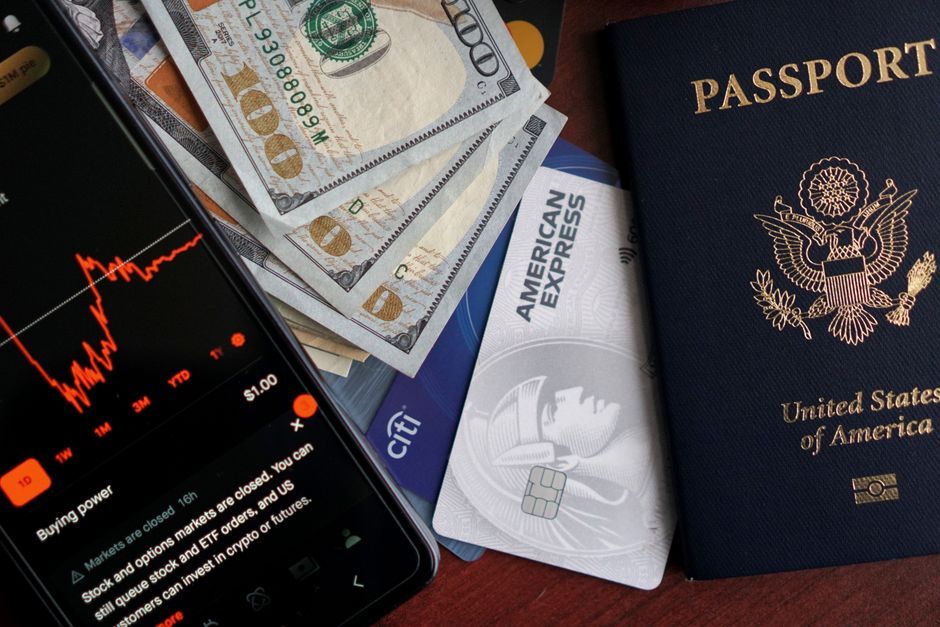
Stock photo for illustration only, not from the actual event
Users should note that handing an iPhone to a law enforcement officer during a routine traffic stop is not currently supported, as the use cases remain specific and limited. At present, the primary accepted locations include select airports in partnership with the TSA, as well as participating businesses for age verification purposes.
The supporting airports include the following locations:
- Baltimore/Washington International Thurgood Marshall Airport (BWI)
- Cincinnati/Northern Kentucky Airport (CVG)
- Daniel K. Inouye International Airport (HNL)
- Hartsfield-Jackson Atlanta International Airport (ATL)
- John Glenn Columbus International Airport (CMH)
- Luis Muñoz Marín International Airport (SJU)
- Ronald Reagan Washington National Airport (DCA)
- Phoenix Sky Harbor International Airport (PHX)
- San Francisco International Airport (SFO)
- Bozeman Yellowstone International Airport (BZN)
- Billings Logan International Airport (BIL)
For users wishing to add a passport to the Wallet app, Apple requires an iPhone 11 or newer running iOS 26.1 or later, or an Apple Watch Series 6 or newer with watchOS 26.1 or later. The process requires scanning the physical ID using the iPhone camera, completing a facial scan for verification, and submitting the details to the state. Residents of North Dakota are also required to pay a 5-dollar fee to utilize this specific passport feature.
Source: Lifehacker
Found something wrong in this article? Report an issue with this article
Comments
Leave a Comment