

A Setup Checklist for Voicemail Greetings on Support Lines
A practical checklist for setting up or cleaning up voicemail greetings on small support and sales lines, covering scripts, file naming, and testing.

Stock photo for illustration only, not from the actual event
- Include essential facts callers need within the first 20 seconds of the greeting.
- Keep three core scripts: open hours, after hours, and holiday greetings.
- Use a clean naming convention for audio files with dates, such as support-open-hours-2026-10.wav.
- Ensure VoIP and PBX compatibility by using WAV or MP3, mono, and 8 kHz or 16 kHz sample rates.
If your team runs a support or sales phone line, the voicemail greeting is often the first touchpoint customers experience. Yet, many teams record it once and forget about it for years. Here is a useful checklist for small teams looking to set up or clean up their phone greetings.
Before recording, make sure to list the key facts a caller requires within the first 20 seconds. Anything beyond that essential list can usually be trimmed to keep the message concise and clear.
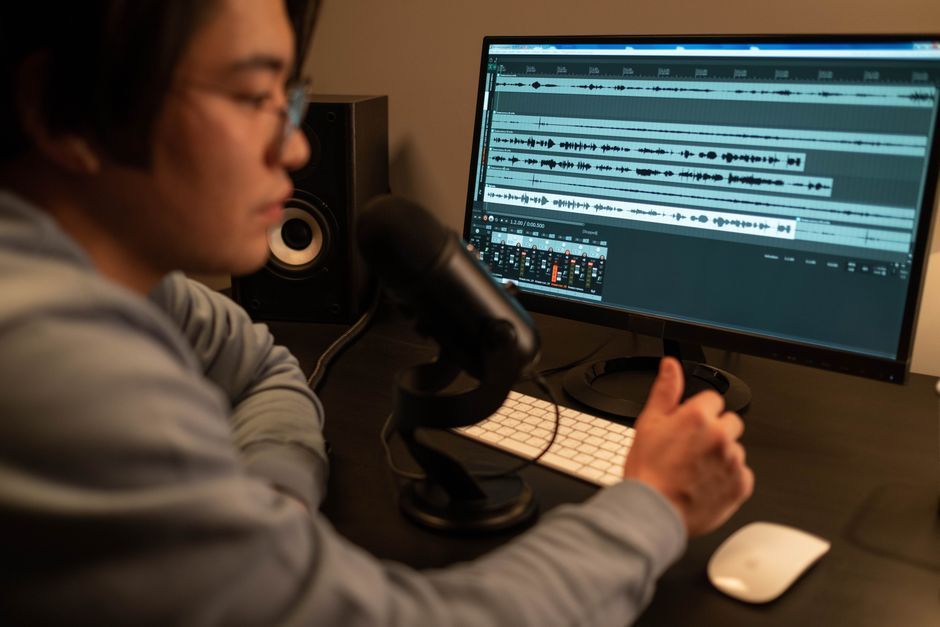
Stock photo for illustration only, not from the actual event
A single greeting trying to cover every scenario becomes long and vague. Most small teams only need three distinct versions:
- Open hours greeting
- After hours greeting
- Holiday greeting
Writing these three scripts in a shared document allows anyone on the team to keep them updated. Furthermore, phone systems often bury uploaded greetings inside menus, so a simple naming pattern saves considerable time later, such as support-open-hours-2026-10.wav, support-after-hours-2026-10.wav, and support-holiday-2026-12.wav. The date in the file name indicates at a glance when the greeting was last refreshed.
Structuring and maintaining voicemail greetings is vital for small support operations. Because phone greetings act as the frontline of customer communication, clear file naming conventions and quarterly reviews ensure that clients never receive outdated information, directly improving support reliability and customer trust.
Many VoIP and PBX systems are strict regarding audio formats. Common requirements include WAV or MP3, mono, and a sample rate of 8 kHz or 16 kHz. If an upload sounds muffled or gets rejected, converting it beforehand using tools like ffmpeg resolves the issue.
Always test the line as a customer would by calling from a personal phone outside the office network. Listen for three main criteria: the volume matches a normal call, the opening words are not clipped, and the callback promise is realistic.
You do not need an expensive studio setup. A quiet room and a phone held about a hand's width away work well, and text-to-speech tools can also convert scripts into clean audio files if needed.
Source: Dev.to
Found something wrong in this article? Report an issue with this article
Comments
Leave a Comment