

10 Essential Hacks Every Samsung Galaxy User Should Know
Unlock the full potential of your Samsung Galaxy smartphone with these powerful features and hidden customization options.
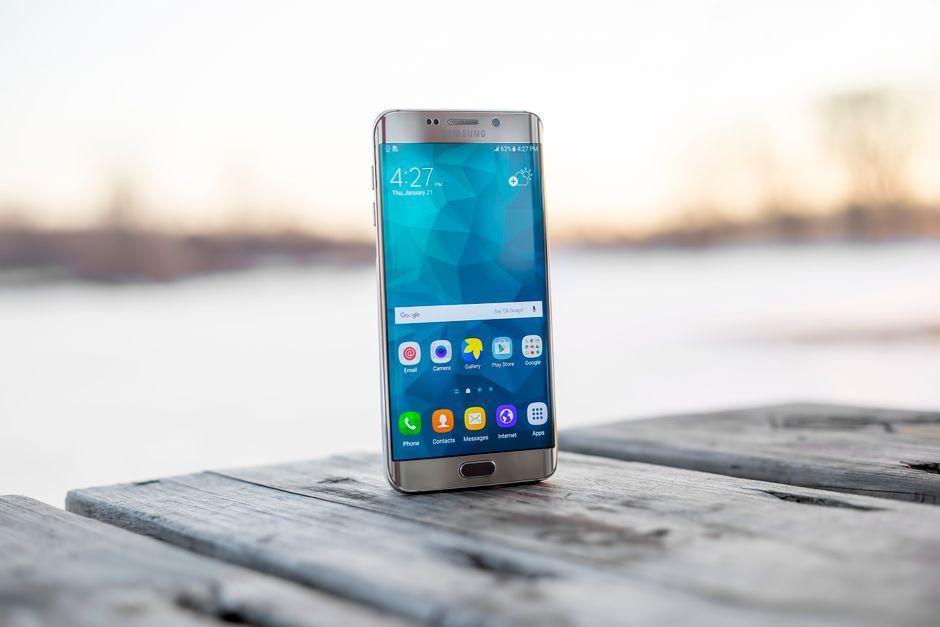
Stock photo for illustration only, not from the actual event
- Samsung leads the global Android market share ahead of competitors.
- Galaxy devices offer exclusive features not found on standard Android.
- Enhances automation, display customization, and daily usability.
If you own an Android smartphone, chances are high that it is a Samsung Galaxy handset, as Samsung maintains a comfortable lead in global market share over brands like Google and Xiaomi. Owning a Galaxy device grants you access to a curated selection of features and settings built directly on top of Google's mobile operating system. To help you get the most out of your hardware, here are some of the best ways to enhance your Samsung Galaxy experience.
Why perform manual adjustments when your phone can handle them for you? Routines is a built-in Galaxy utility designed to wait for specific triggers before executing actions, such as enabling Do Not Disturb mode the moment you arrive at the office and turning it off when you leave. You can access this by navigating to Settings, selecting Modes and Routines, and switching over to the Routines tab to set up custom automations based on time, location, Wi-Fi networks, or connected accessories.
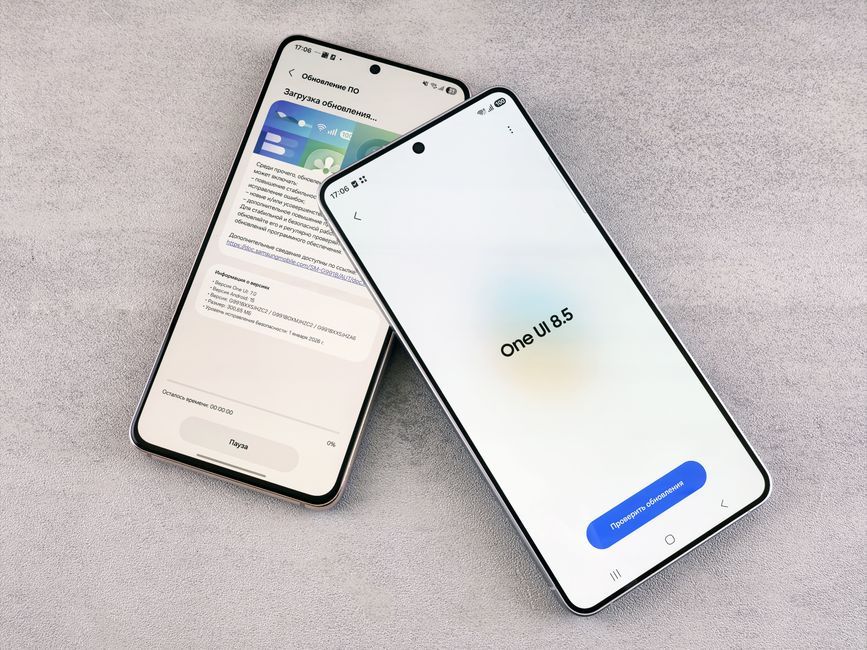
Stock photo for illustration only, not from the actual event
Mobile automation features like Samsung's Routines bridge the gap between hardware sensors and daily habits, significantly reducing repetitive manual inputs. Leveraging context-aware triggers allows your device to adapt dynamically to your work, travel, and rest schedules.
Another underutilized capability is the Edge Panel. Beyond functioning simply as an app launcher, it allows you to pin your favorite contacts for instant access. Simply go to Settings, choose Display, tap Edge Panels, ensure the People panel is active, and use the edit options to prioritize your most frequent communications.
Samsung Galaxy devices also let you transform your photos into dynamic wallpapers driven by AI, adjusting automatically to real-time weather and time-of-day conditions, such as overlaying raindrops during a nighttime storm. This can be configured via Settings > Wallpaper and style > Change wallpapers > Create with AI > Weather. Furthermore, you can boost video brightness and vibrancy for streaming content via Advanced features > Video brightness.
For incoming alerts, you can move beyond standard audio cues by enabling custom lighting effects through Settings > Notifications > Notification pop-up style > Add lighting effect, even color-coding them by specific contact names. Additionally, you can remap the Side button double-press to launch the camera or flashlight instantly, and activate One-handed mode via Advanced features when you only have one hand free.
Source: Lifehacker
Found something wrong in this article? Report an issue with this article
Comments
Leave a Comment